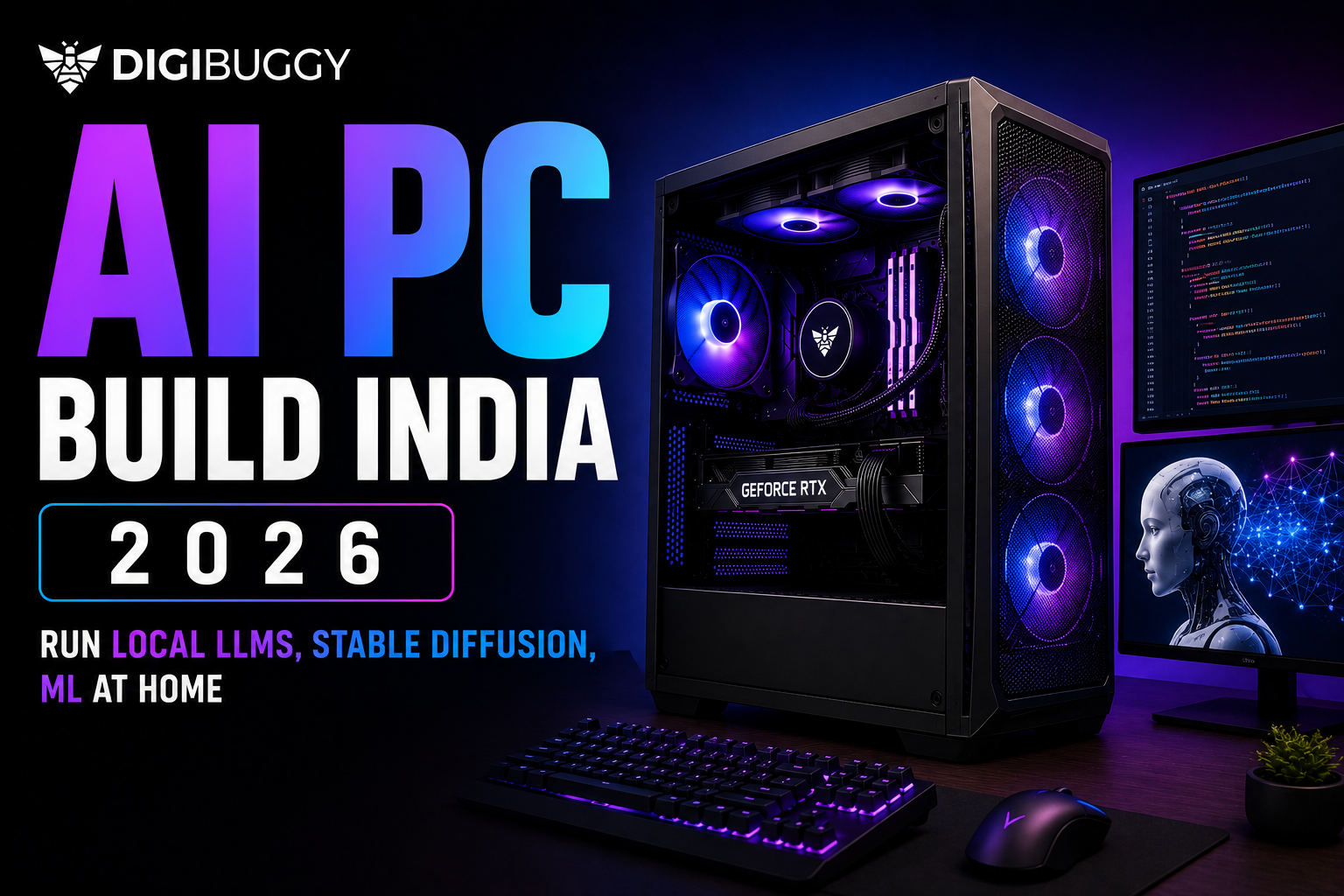
In 2026 you can run Stable Diffusion, local LLMs and ML workloads from your home PC in India without cloud subscriptions. A realistic entry level AI setup starts at Rs 1.5 lakh with an RTX 5070. Serious local LLM workflows need Rs 2.5 lakh to Rs 4 lakh with an RTX 5080 or RTX 5090. Here is exactly what hardware you need based on your workload.
What Is an AI Workstation PC in 2026?
An AI workstation PC is built for high performance and is specifically designed for artificial intelligence jobs, including
- Local LLMs
- Stable diffusion
- Machine learning
- AI image generation
- AI coding help
- Data science
- Model training
- Inference workloads
AI workstations focus more on the following than a gaming PC:
- GPU VRAM
- CPU multicore performance
- More RAM
- Storage Speed
- Cooling performance
Modern AI jobs are very hardware heavy, especially when utilizing a local model, as opposed to a cloud model.
To illustrate, if you had a local coding LLM that required a high amount of VRAM and used Stable Diffusion at very high resolution, then this would consume a huge amount of VRAM compared to a normal gaming job.
Why Are More People Building Local LLM PCs in India?
Due to the increasing price, limitations, and privacy dependency of cloud AI subscriptions in India, many Indian users are using local PCs to build LLMS (local language models).
There are many advantages of running AI locally.
The following advantages can be seen when running AI locally:
- No monthly subscription cost
- Better privacy
- Offline capabilities
- Quicker experimentation
- Unconstrained workflows
- Lower long-term costs
More people in the following areas are opting for local AI solutions:
- Developers
- Students
- AI engineers
- YouTube creators
- Researchers
- Designers
- Start-up founders
Example: An Indian developer is testing local code assistant models on his RTX 5090 workstation instead of incurring a monthly recurring cost to access cloud API services.
What Is the Best AI PC Build in India for 2026?
The best AI PC build in India ultimately depends on which models and workloads you wish to use it for. Some users utilize Stable Diffusion for image generation only, whereas others operate local LLMs, RAG pipelines, AI code generators, text-to-speech models, machine learning datasets, and fine-tuning workloads.
The primary concern regarding the right AI PC build is the graphics card. VRAM is paramount to the following:
- Model size
- Speed of inference
- Speed of generating images
- Handling the context window size
As an example: Low VRAM graphics cards may cause large local LLM's (language models) to partly offload to system RAM, severely impacting performance and usability.
Here’s a practical AI workstation tier guide:
|
Workload
|
Recommended GPU
|
RAM
|
Approx Budget
|
|
Stable Diffusion Beginner
|
RTX 5070
|
32GB
|
₹1.5L-₹2L
|
|
Local LLM + AI Tools
|
RTX 5080
|
64GB
|
₹2.5L-4L
|
|
Heavy ML + Fine-Tuning
|
RTX 5090
|
128 GB
|
₹5L+
|
Digibuggy builds AI-ready workstations in India from Rs 1.5 lakh, assembled and stress tested. Configure your AI workstation here" with a link to the configure page.
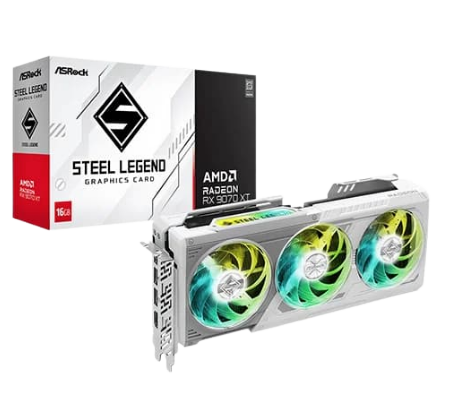
Which GPU is best for local LLM PCs in India?
Your computer's Graphics Processing Unit (GPU) is one of the most important pieces of hardware if you're building an AI PC in India. NVIDIA is currently the market leader when it comes to running AI workloads due to their CUDA programming language support, which has been heavily optimized by most AI frameworks and libraries.
The best option for Indian users starting from 2026 would be the following:
- RTX 5070 (Ideal for beginner-level AI setup)
- RTX 5080 (Suitable for those requiring more serious local AI workflow)
- RTX 5090 (Recommended for advanced users and larger-scale models)
Here’s the practical comparison:
|
GPU
|
Best For
|
VRAM
|
|
RTX 5070
|
Stable Diffusion + beginner LLMs
|
16GB
|
|
RTX 5080
|
Serious AI workflows
|
20GB
|
|
RTX 5090
|
Large local LLMs + ML training
|
32GB
|
|
RTX Pro GPUs
|
Enterprise AI
|
Higher reliability
|
In AI-related workloads, VRAM is a much bigger factor than the amount of raw gaming FPS.
Unfortunately, some beginner users make mistakes when buying their GPUs by focusing on:
- RGB
- Gaming benchmarks
- Aesthetic appearance
Instead of focusing on how much VRAM the graphics card has available.
As a result, if you require 24GB of VRAM in your local LLM, you will have significant difficulties if you try to use a lower-end graphics card, even if it provides good gaming performance.
How Much VRAM Do You Need for Stable Diffusion and Local LLMs?
In 2026, 16GB of VRAM will be the realistic lower limit for serious experimentation with AI. More heavyweight models and advanced workflows will benefit abundantly from 20GB - 32GB of GPUs.
Here’s a simplified VRAM guide:
|
VRAM
|
Best Use Case
|
|
8GB
|
Basic AI testing
|
|
12GB
|
Small local models
|
|
16GB
|
Stable Diffusion + medium LLMs
|
|
20GB-24GB
|
Advanced AI workflows
|
|
32GB+
|
Large LLMs + fine-tuning
|
All image generation using Stable Diffusion, video generation using Stable Diffusion, and large context-window LLMs use a lot of GPU memory.
An example of this would be running image generations at a higher resolution, using ControlNet workflows, or running multiple LoRAs simultaneously, all of which can quickly exceed the limits of 16GB of VRAM.
Which CPU is best for AI workstations in India?
Ryzen 9 processors are currently the best-priced, multicore-performing, and long-lasting processor options for AI workstation builds in India.
Below are examples of CPU workloads associated with AI:
- Data Preprocessing
- Data Set Management
- Multitasking
- VM/Container Management
- Orchestrating Inference
Here’s a practical comparison:
|
CPU
|
Best For
|
|
Ryzen 7
|
Entry-level AI builds
|
|
Ryzen 9
|
Serious AI + multitasking
|
|
Threadripper
|
Heavy enterprise workflows
|
|
Intel Core Ultra
|
Hybrid creator + AI usage
|
Currently, the majority of local AI workloads are GPU-centric; however, if you have a CPU that cannot keep up with the performance requirements required to handle data or multitask, your performance will degrade.
As a result, when running local AI applications with video editing, writing code, and managing Docker containers simultaneously on Ryzen 9-level CPUs, you will see a performance gain.
How Much RAM Do You Need for an ML Workstation in India?
As of 2026, 32 GB is the minimum recommended amount of Random Access Memory (RAM) for building an AI workstation. Workflows that involve serious machine learning (ML) and large local language model (LLM) processing will typically require 64 GB or more.
The following operations may be affected by memory capacity:
- Loading models
- Multitasking
- Local database integration
- Vector searches
- Smoothness of workflows
Here’s the practical breakdown:
|
Workload
|
Recommended RAM
|
|
Beginner Stable Diffusion
|
32GB
|
|
Local LLM workflows
|
64GB
|
|
Heavy ML training
|
128GB+
|
Resource shortages typically lead to:
- Crashes
- Swapping between devices
- Slow inference times
- Instability of workflows
For instance, the resource consumption associated with using Stable Diffusion along with Chrome, Microsoft Visual Studio Code, Docker, an array of local vector databases, etc., can result in significant amounts of RAM being consumed in a very short time
What storage setup is best for AI PCs?
An AI workflow creates a significant amount of data from the model, checkpoints, datasets, embeddings, and generated media in a very short time.
Recommended setup:
|
Storage Purpose
|
Recommended Drive
|
|
Windows + Software
|
1TB Gen4 NVMe
|
|
AI Models
|
2TB NVMe SSD
|
|
Datasets
|
4TB SSD/HDD
|
|
Backup Storage
|
NAS or HDD
|
An optimal storage configuration should typically include multiple SSD drives in an AI workstation. The advantages of using fast storage are many. They include
- Model loading time
- Dataset management
- Caching
- Project organization
As an example, depending on the number of checkpoints and datasets you have on your local machine, AI image generators can quickly fill up a large number of terabytes of space on your hard drive over time.
Can You Run Stable Diffusion Locally in India Without Cloud Services?
Yes, running Stable Diffusion on the latest NVIDIA GPU makes it possible to run it locally very well.
Running Stable Diffusion Locally has the following benefits:
- Total Privacy
- Unlimited Generation
- No API Limits
- Faster Experimenting than running through API
- Ability to use the tool offline
Some of the most popular local AI tools are:
- AUTOMATIC1111
- ComfyUI
- InvokeAI
- Fooocus
Using local workflows is especially beneficial for:
- Designers
- Content Creators
- AI Artists
- Agencies
Example: A creator who produces thumbnails daily will be able to use the Stable Diffusion service as an alternative to paying cloud service fees, creating significant savings on their total expenses in the long run.
What Local LLMs Can You Run on a Home AI Workstation?
There are many powerful local models that can be run on modern AI home workstations.
There are a variety of popular local LLM categories:
- Coding Assistants
- Chat Models
- Research Models
- Voice Models
- Image Models
Some common local setups include:
- Llama
- DeepSeek
- Mistral
- Qwen
- Phi
- Mixtral
The size and performance of the models are primarily dependent on:
- VRAM
- RAM
- Quantization
- Storage Speed
For instance, a setup using a Ryzen 9 + RTX 5090 can support very advanced quantized local coding models and thus be suitable for use in software development workflows.
Is It Better to Build an AI Workstation or Use Cloud AI Services?
When utilizing AI consistently for an extended period of time, building a local workstation typically provides a cost-effective and flexible alternative to continually paying for use of a cloud-based service.
Cloud-based platforms for AI are beneficial when:
- Using AI sporadically
- Performing large-scale distributed training
- Temporarily increasing capacity
However, local workstations provide advantages such as the following:
- Ownership of equipment
- Private use
- Unlimited access
- No monthly subscription anxiety
Here’s the practical comparison:
|
Local AI Workstation
|
Cloud AI
|
|
One-time investment
|
Monthly recurring cost
|
|
Full privacy
|
Cloud dependency
|
|
Unlimited experimentation
|
Usage limits
|
|
Offline access
|
Internet required
|
For example, if you are an entrepreneur who has recently started using AI on a daily basis to create prototypes for your startup, then you could potentially save thousands of dollars over the life of your business by investing in a local workstation versus renting time on a cloud-based AI platform.
What cooling and PSU setup is best for AI PCs?
Hardware is stressed continuously for long periods of time with AI workloads. Beginning users do not have an understanding of exactly how much higher-quality cooling systems and power supply units (PSUs) matter when executing AI workloads compared to other hardware configurations.
Cooling Setup to Consider:
- High-airflow cabinet
- 360mm Liquid cooling System
- High-quality thermal paste
- Multiple intake fans
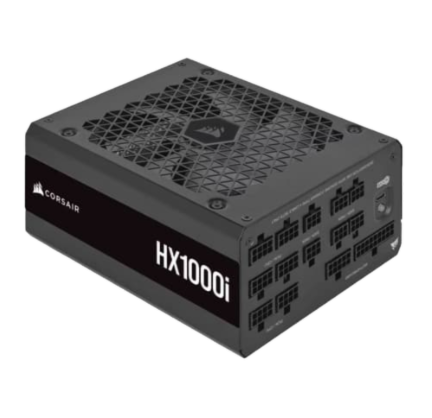
Powering Supply Unit (PSU):
- A minimum 1000 watt Gold-rated PSU for RTX 5090 Builds
- Quality thermals greatly help to accelerate inference speeds, improve rendering performance, and increase GPU lifetimes.
Example of Impact of Poor Thermal Systems: If you are generating local AI overnight using poor thermal systems, the extreme temperatures will likely cause significant throttling and instability issues.
Can One AI Workstation Handle Gaming, Editing, and ML Together?
Building a workstation for AI today can also serve as a gaming PC, an editing PC, a rendering workstation, and/or a streaming setup.
Balanced high-performance systems have excellent multitasking capabilities.
Recommended balanced setup:
|
Component
|
Recommended Specs
|
|
CPU
|
Ryzen 9 9950X
|
|
GPU
|
RTX 5080 / 5090
|
|
RAM
|
64GB DDR5
|
|
Storage
|
2TB-4TB NVMe
|
|
PSU
|
1000W Gold
|
Examples of who can use this type of build include creators, developers, streamers, and AI fans.
Example: A YouTuber can game, edit videos, generate AI thumbnails, and run local coding assistants on the same machine.
What Mistakes Should You Avoid While Building an AI Workstation?
The following are the most common AI workstation mistakes:
- Purchasing low VRAM GPUs.
- Underestimating VRAM requirements.
- Using low-quality cooling.
- Failing to recognize the importance of a power supply.
- Spending excessive amounts of money on aesthetics.
Here are the most common issues:
|
Mistake
|
Why It’s Bad
|
|
8GB VRAM GPU
|
Limits local AI heavily
|
|
16GB RAM only
|
Workflow instability
|
|
Weak PSU
|
Power risks
|
|
Poor airflow
|
Thermal throttling
|
|
RGB-over-performance focus
|
Wasted budget
|
When it comes to workload processing, AI workloads value performance and stability first, not how it looks.
Example: A super flashy RGB build with little or no VRAM will become outdated quickly with AI usage.
Recommended Digibuggy AI Workstation Builds
Digibuggy is specialized in building rigs:
- AI workstation builds
- creator PCs
- local LLM systems
- NAS-based AI storage solutions
Popular AI-focused configurations include:
|
Build Type
|
Best For
|
|
Entry AI Workstation
|
Stable Diffusion beginners
|
|
Creator + AI Hybrid
|
Editing + local AI
|
|
Advanced AI Workstation
|
Local LLMs + ML
|
|
Enterprise AI System
|
Heavy AI workloads
|
To configure your build, visit https://digibuggy.com/product/configure
Frequently asked questions (FAQs)
Are there any limitations to using LLMs on my home computer?
Yes. Any PC with a modern NVIDIA GPU and enough VRAM can run local LLMs. RTX 5070 with 16GB VRAM handles medium models like Llama 3.1 8B comfortably. The RTX 5090 with 32GB VRAM handles large models and fine-tuning.
Which graphics card would be optimal for using Stable Diffusion in India?
You will find that the current best price-performance ratios with regard to both VRAM capacity and CUDA core count are the NVIDIA RTX 5080 as well as the NVIDIA RTX 5090.
How much random access memory (RAM) should I have in an artificial intelligence (AI) workstation?
32GB of RAM will suffice if you are just starting your AI work, while 64GB of RAM will be required for completing all of the workflows involved in serious AI development.
Is the RTX 5090 GPU's performance worth the expense compared to an LLM program's prices?
Far beyond the performance delivered from using your own local LLMs, your ROI will be largely dependent on how predominantly you intend to require them in conducting extensive and substantial AI operations.
Is my AI workstation capable of gaming?
Yes, an advanced AI workstation will deliver exceptional performance while gaming or developing multimedia content.
Is it less expensive to utilize AI capabilities in the cloud compared to my own personal AI workstation?
If you utilize heavy amounts of AI capabilities in the cloud long-term, then yes. However, if you currently seek substantial long-term abilities in using LLMs, then the long-term expense difference of continued allocation to an AI workstation can be more valuable than utilizing AI capabilities through cloud computing.
What type of CPU provides the maximum performance for ML workstations in India?
AMD Ryzen 9 processors currently offer you the best value in terms of overall multicore speed, cost efficiency, and upgrade paths into subsequent processor technology generations years down the road.
Conclusion: Is Building an AI Workstation Worth It in India in 2026?
Definitely, building an AI workstation locally will become one of the best investments developers, creators, and AI hobbyists in India can make, as the cost of powerful AI tools and subscription-based platforms is rising with every passing month.
A well-constructed AI PC will:
- Provide access to local LLMs.
- Allow for unlimited generation of Stable Diffusion images.
- Speed up experimentation.
- Provide better privacy.
- Reduce long-term costs significantly.
- Support an immense amount of multitasking.
Focus on the following:
- VRAM for the GPU.
- RAM size
- Cooling capability.
- Storage Options.
- Ability to upgrade.
These should focus more on function than on gaming-related aesthetics. If your goal is to build a local LLM PC or a Stable Diffusion workstation, or use one as a workstation, then check out Digibuggy's AI-based custom workstation ecosystem to find the proper hardware for today's workloads and to build a workstation you will be happy to have for years to come.