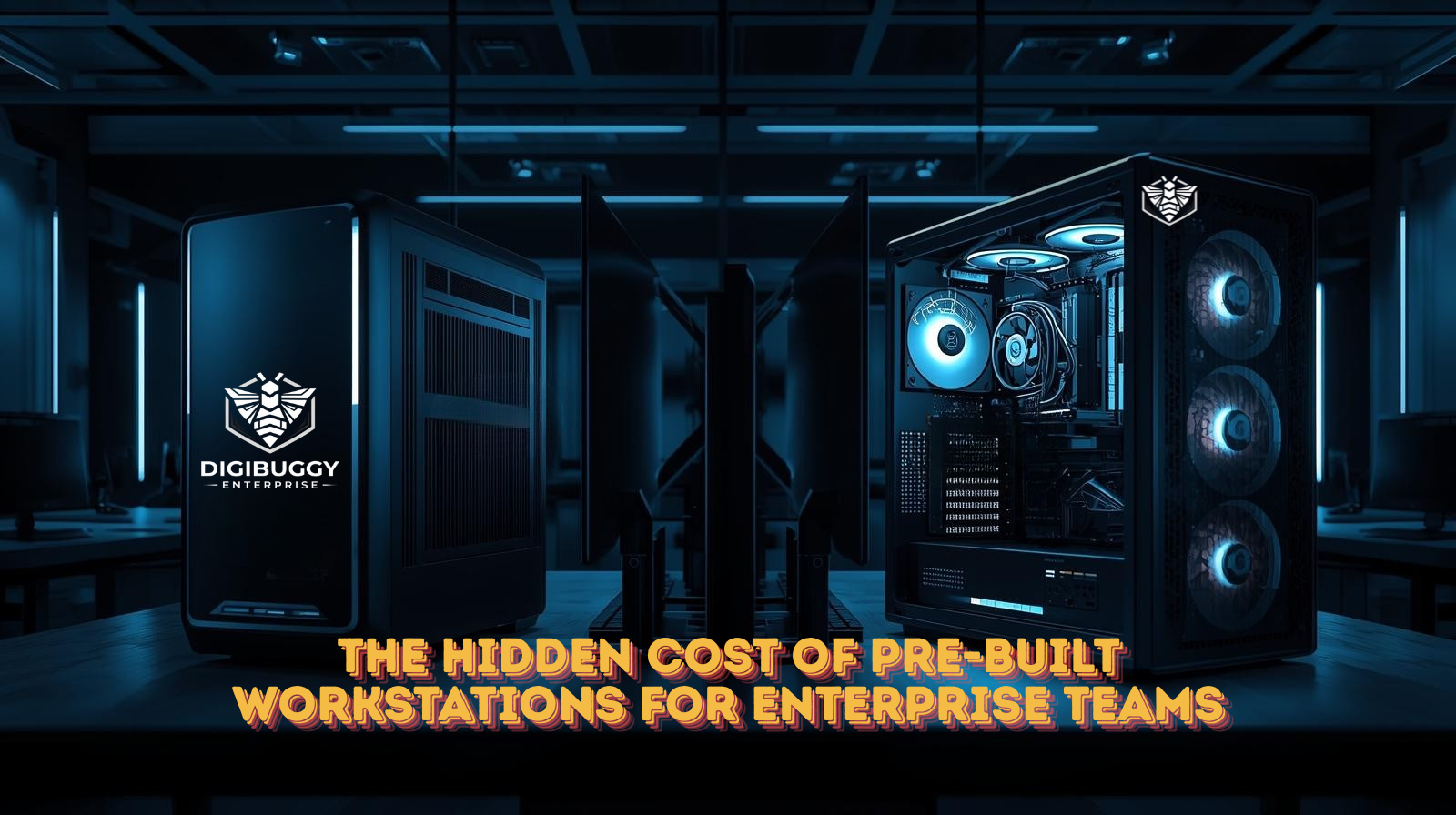
For many enterprise teams, pre-built workstations seem like the safest decision.
They are readily available, branded, standardized, and easy to procure at scale. On paper, they promise reliability and performance with minimal effort from internal teams.
But over time, many organizations begin to notice a pattern.
Despite premium pricing, performance feels inconsistent. Upgrades become complicated. Downtime increases. And systems that were meant to simplify operations quietly start becoming constraints.
The real cost of pre-built workstations is rarely visible upfront. It reveals itself gradually, through inefficiencies that compound as teams scale.
Why Pre-Built Workstations Appeal to Enterprises
Pre-built systems are attractive for understandable reasons:
- Faster procurement cycles
- Predictable SKUs for IT teams
- Brand-backed warranties
- Minimal decision-making at purchase time
For general office use, this approach often works well.
However, enterprise teams running creative, technical, production, or performance-critical workloads operate under very different conditions.
And that is where pre-built systems begin to show their limitations.
The Biggest Limitation: Generic Design for Specialized Workloads
Pre-built workstations are designed for broad compatibility, not specific workflows.
They aim to serve many use cases with a single configuration logic.
Enterprise teams, on the other hand, work with:
- Heavy project files
- Multi-software pipelines
- Long-hour sustained workloads
- Tight delivery timelines
- Performance-sensitive environments
When systems are not designed around these realities, bottlenecks are inevitable.
Locked Configurations and Limited Flexibility
One of the most common enterprise frustrations with pre-built workstations is lack of flexibility.
This includes:
- Locked BIOS or firmware settings
- Limited motherboard feature access
- Non-standard power supplies
- Restricted thermal headroom
- OEM-specific components that limit upgrades
As workloads evolve, these constraints make it harder to adapt systems without replacing them entirely.
What initially looked like a stable long-term investment often becomes a short-lived solution.
The Performance Stability Problem
Enterprise performance is not about short bursts of speed.
It is about consistent output over long hours.
Pre-built systems are typically optimized for:
- Compliance testing
- Short benchmark validation
- Average use cases
They are rarely tuned for:
- Long render sessions
- Continuous data processing
- Live production environments
- Extended multi-application use
As a result, teams experience:
- Thermal throttling
- Inconsistent clock speeds
- Unexpected slowdowns
- Higher crash probability under load
These issues cost more than time. They disrupt workflows and erode team confidence in their tools.
The Upgrade Trap Enterprises Don’t See Coming
Another hidden cost of pre-built workstations is the upgrade trap.
As requirements increase:
- GPU upgrades may be limited by power delivery
- RAM expansion may be restricted by board compatibility
- Storage expansion may be capped by proprietary layouts
- Cooling upgrades may not be possible at all
Instead of incremental upgrades, enterprises are forced into full replacements.
This dramatically increases total cost of ownership.
Custom-Built Systems: Not Just About Power, But Control
Custom-built enterprise workstations are often misunderstood as being only about higher performance.
In reality, their biggest advantage is control.
Control over:
- Component selection
- Thermal design
- Power headroom
- Scalability planning
- Long-term maintenance
At Digibuggy, enterprise systems are designed using a consultation-first, engineering-led approach, where real workloads guide every decision.
Rather than pushing fixed configurations, the focus is on price-to-performance, reliability, and future scalability.
You can explore how this consultation-driven process works here
Why Consultation Changes the Outcome
Many enterprise performance issues are avoidable.
They stem from decisions made without enough context.
A proper consultation helps:
- Identify real bottlenecks
- Avoid unnecessary spend on unused performance
- Design systems for sustained workloads
- Reduce downtime risk
- Extend system lifecycle
This is where Digibuggy’s experience becomes relevant.
With 25+ years of PC building experience and over 45,000 systems built, the focus is not on selling components, but on designing systems that teams can depend on long-term.
Learn more about Digibuggy’s approach here
Beyond Hardware: Support, Transparency, and Process
Enterprise teams do not just buy machines.
|They invest in operational continuity.
Digibuggy supports this through:
- Online consultations for teams across India
- Pan-India shipping and enterprise fulfillment
- An offline experience zone for hands-on validation
- Transparent build processes
- Guided system design backed by real-world experience
You can also see real builds, insights, and behind-the-scenes processes on Digibuggy’s Instagram
Making a Smarter Enterprise Decision
Pre-built workstations are not inherently bad.
But they are often not designed for specialized enterprise workflows.
Before approving your next procurement cycle, it helps to step back and ask:
- Do these systems truly match how our teams work?
- Can they scale without full replacement?
- Are we optimizing for convenience or long-term value?
The right decision is rarely about choosing between brands.
It is about choosing the right approach.
If clarity is needed before committing, a consultation-led discussion can help teams make informed, pressure-free decisions that save time and cost over the long run.
Frequently Asked Questions
1. Why are pre-built workstations often unsuitable for enterprise workloads?
Pre-built workstations are designed for generic use cases and mass compatibility. Enterprise workloads involving heavy files, long-hour usage, and specialized software often require custom system design to ensure stability, scalability, and consistent performance under sustained load.
2. Are custom-built workstations more reliable than pre-built systems?
Custom-built workstations can be more reliable when they are designed with proper consultation and engineering focus. By aligning components with real workloads and ensuring adequate cooling, power delivery, and upgrade paths, custom systems often deliver better long-term reliability for enterprise teams.
3. What hidden costs do enterprises face with pre-built workstations?
Hidden costs include limited upgrade options, increased downtime, early system replacement, performance throttling under sustained use, and reduced productivity. Over time, these costs can exceed the initial savings or convenience of buying pre-built systems.
4. How does consultation help in enterprise workstation planning?
Consultation helps enterprises understand their real performance needs, avoid overspending, and design systems that align with workflows. An expert-led consultation ensures that workstations are built for long-term value, stability, and scalability rather than just headline specifications.