Assembled Desktop Computer in India (2026): Prices, Configurations & What You Get at Every Budget
Buying a desktop in India today is less about picking a model and more about choosing the right configuration.
Users in 2026 are comparing systems based on performance, reliability and upgrade potential, especially for gaming, editing and professional work. This is where assembled desktop computers stand out. They allow you to match components to your exact use case instead of adjusting your needs around a fixed system.
There’s also a clear shift in where most buyers begin.
While entry systems exist below this range, most users now start exploring assembled desktops from around ₹70,000 and above, where systems begin to handle modern gaming and workloads properly.
This guide breaks down what you can expect at each price point and how performance scales as you move up.
₹80,000 – ₹1,00,000
Entry Gaming and Practical Builds
This is the starting point for users looking at assembled gaming PCs in India with a dedicated graphics card.
Typical Configuration:
- Ryzen 5 5500 / Intel Core i5 12400F
- RX 6600 / RTX 5050
- 16GB DDR4 RAM
- 500GB–1TB SSD
- 550W PSU
What You Get:
- 1080p gaming on medium to high settings
- High FPS in esports titles
- Smooth everyday performance for work and study
- Basic editing and creative tasks
This range works well for users entering PC gaming or moving from older systems.
For those comparing options, it’s worth looking at different assembled PC builds in this range to find the right balance between GPU and CPU rather than focusing on a single spec.
₹1,00,000 – ₹1,40,000
Mid-Range Builds (Performance Sweet Spot)
This is where assembled desktops start delivering strong all-round performance.
Typical Configuration:
- Ryzen 5 7600 / Intel Core i5 13400F
- RTX 5060 / RX 7600
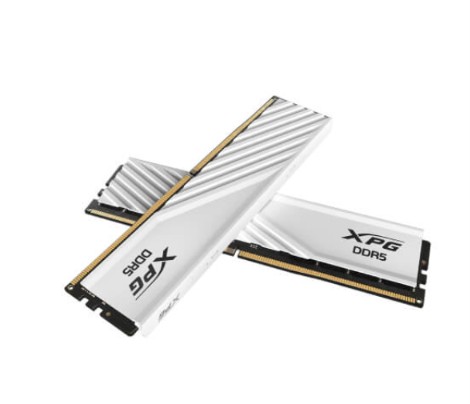
- 16GB DDR5 RAM
- 1TB NVMe SSD
- 650W PSU
What You Get:
- 1080p ultra and 1440p high gaming
- Higher and more stable frame rates
- Smooth multitasking across apps
- Faster performance in editing and rendering
This range is often the most practical choice for users who want a system that performs well across gaming and productivity without needing upgrades soon.
If you're planning a mid-range gaming PC build in India, this is where most configurations offer the best balance.
₹1,40,000-₹1,80,000
High-Performance Builds
At this level, the improvement is not just higher FPS but more consistent performance under load.
Typical Configuration:
- Ryzen 5 7600 / Ryzen 7 7700 / Intel Core i5 14400F
- RTX 5060 Ti / RX 7700 XT
- 32GB DDR5 RAM
- 1TB NVMe SSD
- 650–750W PSU
What You Get:
- 1440p gaming on high to ultra settings
- Smoother gameplay in demanding titles
- Better multitasking with heavier workloads
- Faster rendering and export times
These builds are suited for users who want stronger performance headroom for gaming and creative work.
When comparing systems here, it helps to look at complete assembled desktop configurations rather than individual parts to understand overall value.
Visit Digibuggy for such components!
https://digibuggy.com/product/MSI-RTX-5060-Ti-Inspire-2X-OC-8GB-GDDR7-Graphics-Card
https://digibuggy.com/product/MSI-RTX-5060-Shadow-2X-OC-8GB-GDDR7-Graphics-Card
₹1,80,000+
Premium Builds for Advanced Usage
This category focuses on long-term performance and demanding workloads.
Typical Configuration:
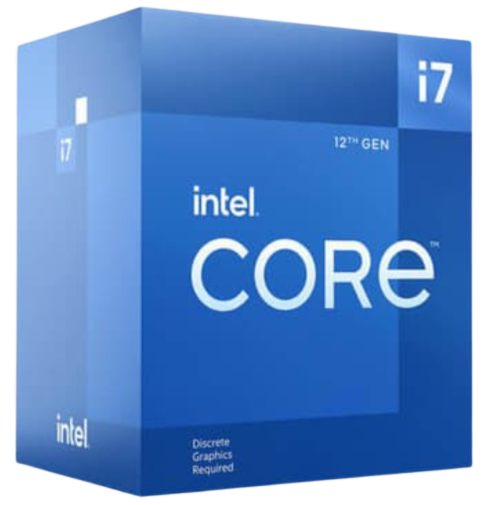
- Ryzen 7 / Intel Core i7 or high-end i5
- RTX 5070 or higher
- 32GB DDR5 RAM
- 1TB–2TB NVMe SSD
- 750–850W PSU
What You Get:
- 1440p ultra gaming with high refresh rates
- Strong performance in modern AAA titles
- Smooth 4K editing and heavy workloads
- Better overall responsiveness across tasks
These systems are typically chosen by users who want a setup that remains capable for several years.
For buyers considering a high-end gaming PC or workstation build, this range offers the most flexibility going forward.
If you want a reliable custom PC configurator, then there is no place better to visit than Digibuggy’s PC configurator
https://digibuggy.com/product/configure
How to Choose the Right Configuration
Choosing the right assembled desktop comes down to how you plan to use it.
For Gaming
Focus on a strong GPU paired with a capable CPU to avoid bottlenecks
For Editing and Creative Work
Higher RAM and a stronger processor will improve timelines and rendering
For Mixed Use
A balanced build in the ₹90K–₹1.1L range works well for most users
If you're unsure, comparing assembled desktop PCs based on your primary usage is usually more effective than comparing specs alone.
What to Check Before You Buy
Even within the same budget, configurations can vary.
- Balanced CPU and GPU pairing
- Reliable power supply
- Dual-channel RAM setup
- NVMe SSD instead of SATA
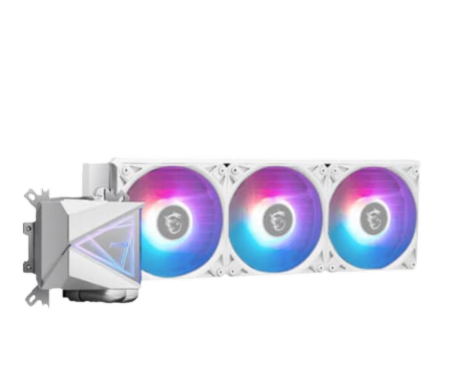
- Cabinet airflow and cooling support
Small differences here can have a noticeable impact on performance and long-term reliability.
Assembled Desktop PCs and Other Options
Different types of systems serve different needs.
- Assembled desktops offer flexibility and upgrade options
- Prebuilt desktops provide ready-to-use convenience
- Laptops focus on portability
Most users choose based on how they plan to use the system day to day.
So the Answer to Your Question?
Assembled desktop computers in India offer a wide range of options across budgets.
From entry-level gaming setups to high-performance builds, the difference comes down to how well the system is configured for your needs.
A higher budget helps, but the real advantage comes from choosing the right combination of components.
FAQs — Assembled Desktop PC Blog
1. What is the ideal budget for an assembled desktop in India (2026)?
For most users, ₹1–1.3 lakh is the sweet spot, offering strong performance for gaming, work, and creative tasks.
2. Is an assembled PC better than a prebuilt desktop?
Yes, assembled PCs offer better customization, upgrade options, and often better value for the same price.
3. Can I build a good gaming PC under ₹1 lakh?
Yes, you can get a solid 1080p and even entry-level 1440p gaming experience with a well-balanced build.
4. How long will an assembled PC last without upgrades?
A mid-range system typically lasts 3–4 years comfortably, while higher-end builds can last even longer.
5. What should I prioritize in an assembled desktop?
Focus on a balanced configuration — CPU, GPU, RAM, and storage should all match your use case instead of overspending on one part.
Visit our website for any such PC Problems and build your Dream PC