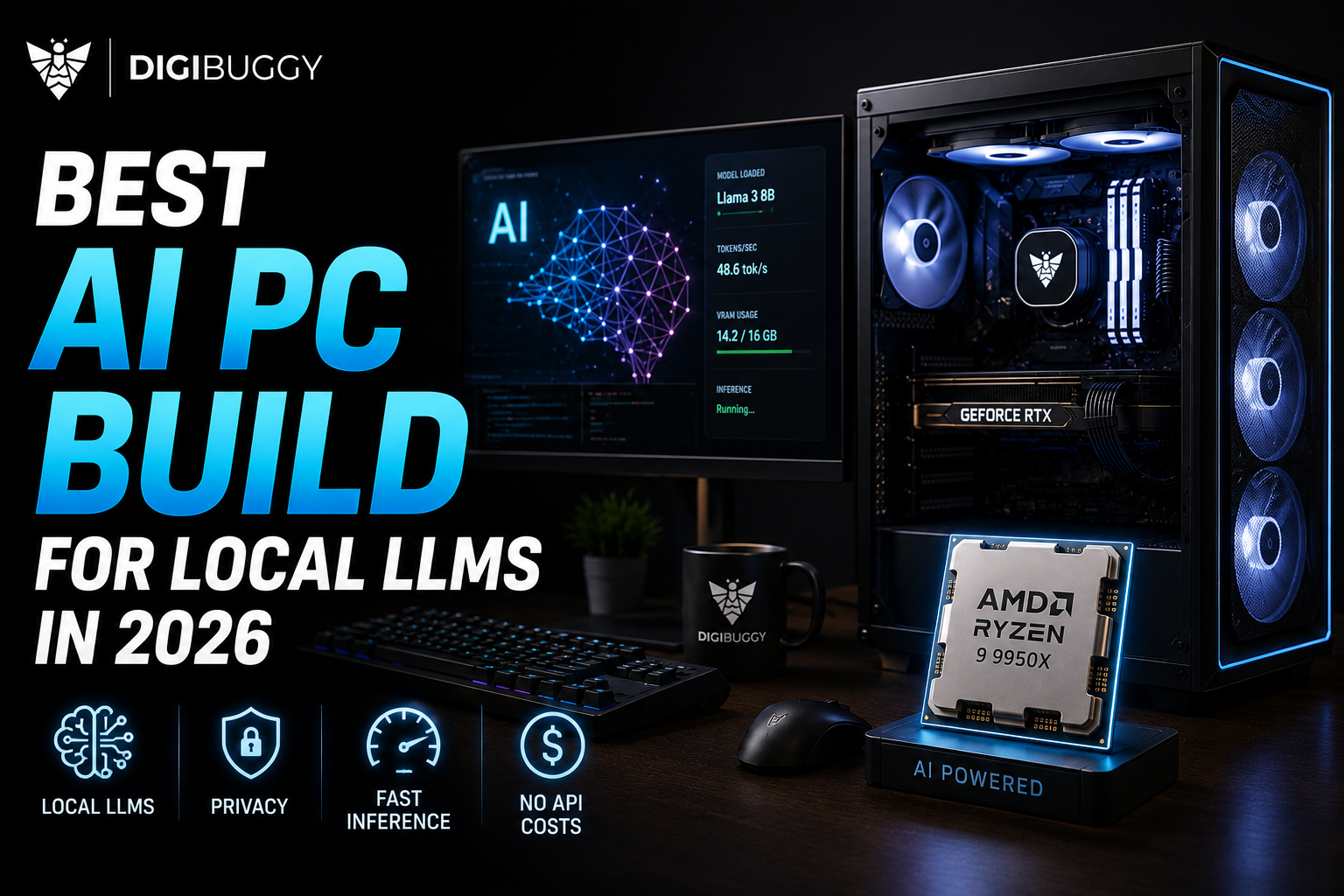
Running AI models on your own computer locally is no longer a novelty but rather a practical reality.
Whether you're running Ollama or LM Studio with Llama or Qwen, coding models, image generation models, or your own AI, you'll benefit from faster inference, better privacy, and no monthly API costs.
However, building a PC for local AI is very different from building a PC for gaming.
What determines a PC's capacity to run AI is not how much GPU power it has,but how much VRAM it provides.
In this guide we'll show you how to build an AI PC from a budget to a full-fledged local AI workstation.
When building a PC for local LLMs, you will want to prioritize components in the following order:
VRAM → System RAM → GPU performance → CPU → Storage
In short, your GPU needs enough memory to run your model; its raw power will dictate how fast it can run it, and your system memory will determine how much you can do alongside your model. Here is what you should look for:
VRAM - Having more VRAM is critical if you want to use bigger local LLMs. 8GB VRAM is considered the minimum, while anything above 12-16GB is significantly more flexible and allows you to use the largest models. 24GB+ VRAM is great for the biggest LLMs, but is often unnessarily expensive.
System RAM - System RAM is important for everything except the most barebones PC for local AI experiments. If building a proper PC for local AI, we recommend going with at least 32GB and preferably 64GB of system RAM.
Storage - AI models are often extremely large, which is why we recommend at least a 1TB NVMe SSD for your local AI PC to avoid regularly deleting models to make space.
For a budget build that is more focused on learning about local AI, a modern 6-core CPU, a GPU with 8GB VRAM, 32GB of system RAM and a 1TB NVMe SSD will allow you to run small local LLMs and experiment with AI coding and image generation.
This budget is also viable if you want a PC for both gaming and AI. It just won’t be especially good at either.It is a good choice for students, people just getting into local AI and for those who want to experiment.
With a bigger budget of ₹1 Lakh , we can get a GPU with 12GB VRAM, 32GB system memory and a 1TB (or preferably 2TB) NVMe SSD. All of this will give you significantly more flexibility and allow you to run a wider variety of local LLMs and AI applications.
If you just want to experiment with smaller local LLMs, bigger quantized models and some coding assistants, this PC for local AI will also be sufficient for gaming.
It is a great choice if you want a PC that can handle gaming, content creation, office work and AI.
If you are serious about local AI, investing in a budget of ₹1.5 Lakh is a great idea. This should allow you to get a GPU with 16GB VRAM and a PC with 64GB system memory, 2TB NVMe storage and a modern Ryzen 7 or Core i7 class CPU.
All of this will give you significantly more headroom when running local LLMs, coding assistants, RAG applications, image generation and development software. It should also allow you to experiment with offloading some tasks to your CPU.
This is a great PC for developers, creators and serious local AI enthusiasts.
For a budget of ₹2 Lakh you can start building a proper local AI workstation. At this point we recommend looking at GPUs with 16GB-24GB of VRAM, 64GB system memory, 2TB NVMe storage and an 850W+ PSU (the higher the better for higher VRAM GPUs).
Having more VRAM at this point can make your local AI PC significantly more useful, especially if you want to experiment with bigger quantized models, AI image and video generation and development software.
If you want to use AI as a regular part of your work and not just as a novelty experiment, this is a great budget to aim for.
For bigger budgets over ₹3 Lakh the sky is the limit. We recommend going for GPUs with 24GB+ of VRAM, 64-128GB system memory, multiple NVMe drives and enough PSU and cooling headroom to experiment with multi-GPU setups.
This is where you can start to make a PC that is dedicated to local large language models, AI development, model experimentation and other serious applications.
The usefulness of multi-GPU setups for local LLMs depends on specific use cases, but they are often not worth the investment unless you know how a specific model you want to use utilizes multiple GPUs.
https://digibuggy.com/products/details/data-drone-threadripper-5975wx-rtx-a5000-x2-workstation-pc
The amount of VRAM you need depends on which local LLM you want to use.
In practice, the amount of VRAM needed varies greatly depending on how the model is quantized and how big the context is. Local LLMs with bigger context sizes will also require more VRAM. Furthermore, you may need more system memory if you want to run some tasks offloaded to your CPU.
When it comes to local AI, there are two GPU manufactures to consider: NVIDIA and AMD. When it comes to local AI, we generally recommend going with NVIDIA, due to better and more consistent software support. That being said, AMD GPUs can often be viable for AI tasks, depending on which software you want to use.
If you are building a PC for local AI and don’t want to spend your evenings searching for which AI applications are compatible with your GPU, NVIDIA is generally the more reliable option.
Absolutely. In some cases, a gaming PC can be a good basis for a local AI PC. The most important consideration is to get a high-VRAM GPU and avoid getting an absolutely top-tier CPU and low VRAM GPU just to boost your frame rates in games. You will want to prioritize getting a PC that can run bigger local LLMs and AI coding assistants.
You can then use the same PC for:
All of this in one PC. Because why not?
Do you not know what GPU with how much VRAM you need? Or what you need to run the LLMs or AI applications you are interested in?
That is where a custom PC build can be helpful. At Digibuggy we can help configure a PC around the workloads you want to run. Whether it is local LLMs, AI applications, image generation, gaming or a mix of those.
Tell us your budget and what you want to run and we’ll help you find the right PC for that.
Build your local AI PC today with Digibuggy and get the right PC for your local AI needs.
https://digibuggy.com/product/configure
What is the best GPU for local LLMs in 2026?
It really depends on what you want to run, but for local LLMs you should generally prioritize VRAM, while also considering GPU performance and software support.
Is 32GB enough for local AI?
32GB is a good starting point for most local AI workloads, but if you want to run bigger models or actively develop AI applications, you should go with 64GB.
Is 8GB VRAM enough for Ollama?
Yes, but you will have much more flexibility with bigger VRAM.
How much does an AI PC cost in India?
You can start experimenting with local AI for around 60000-80000. If you want to get a PC for both gaming and AI, a better budget to aim for would be around 1.5-2 Lakh.
Can a gaming PC run local LLMs?
Yes, you can absolutely run local LLMs on a gaming PC. The same applies to AI code assistants and image generation. However, you should avoid getting a PC that is optimized for gaming at the expense of VRAM and system memory.
Is local AI worth it in 2026?
For developers, creators and enthusiasts local AI can be a great option due to privacy, offline accesibility, performance reliability and flexibility in experimentation.
CPU N/A
GRAPHICS CARD N/A
STORAGE Corsair NVMe MP700 Pro 1T...
RAM N/A
CPU N/A
GRAPHICS CARD N/A
STORAGE N/A
RAM N/A