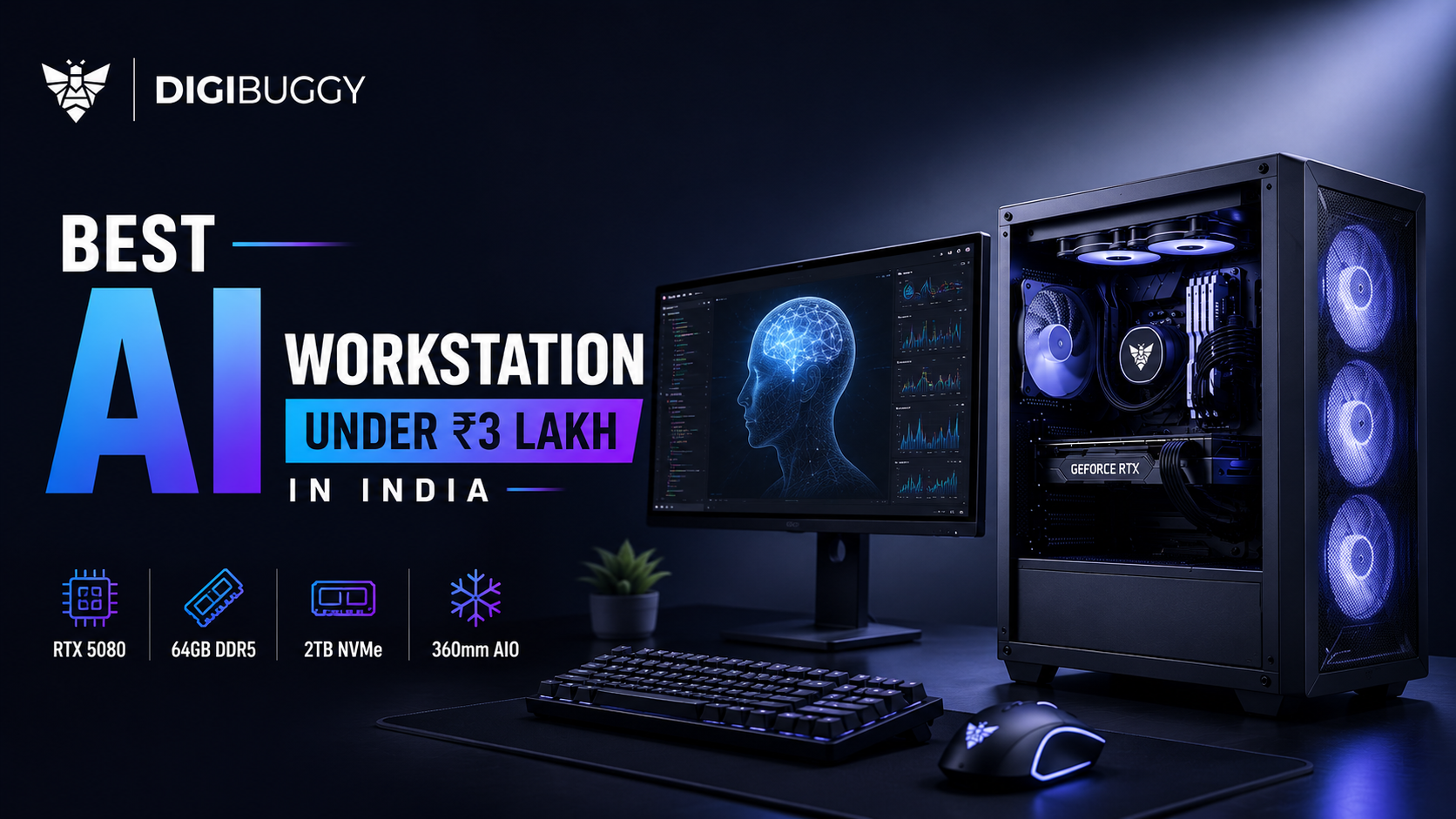
For those searching for the best AI workstation in the ₹3 lakh price range in 2026 India, your workstation must focus on the following features: VRAM, cooling, memory capacity, airflow management, and storage speed, rather than just gaming FPS alone.
For the majority of AI creators, developers, and local LLM users, an RTX 5080-based workstation with 64 GB of memory will be the best solution to balance performance, thermal stability, and continual potential for upgrades.
The downside of purchasing a gaming PC that appears powerful on paper is that it will often perform poorly when running long blocks of AI work because of poor airflow, too little VRAM, or RAM configurations that are not reliable or inadequately cooled.
This guide will show you exactly what to focus on when creating your AI workstation in the ₹3 lakh range for the following:
- Local LLMs
- Stable diffusion
- AI image generation
- AI coding copilot
- Blender AI workflows
- Unreal Engine AI tools
- AI rendering
- Creator workloads
What Is the Best AI Workstation Configuration Under ₹3 Lakh in India?
The best AI workstation under ₹3 lakh for serious AI users in India at this moment consists of:
- GPU - RTX 5080 or similar
- CPU - Ryzen 9 or Intel Ultra 9
- RAM - 64GB DDR5
- SSD - NVMe Gen4 or Gen5
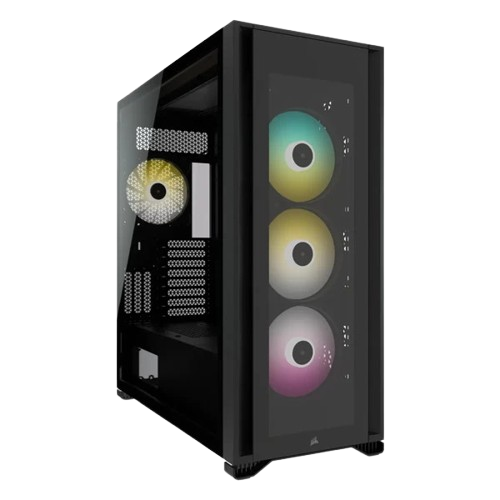
- Cabinet - High airflow design
- Cooling - 360mm liquid cooling
- Power Supply - 1000W quality
This type of machine can handle:
- Stable Diffusion workflows
- Medium local LLMs
- AI rendering
- AI-aided coding
- Video editing and AI workflows
- Unreal Engine workflows
- Blender rendering
Recommended AI Workstation Tier Under ₹3 Lakh
|
Component
|
Recommended Tier
|
|
GPU
|
RTX 5080 16GB
|
|
CPU
|
Ryzen 9 9900X/Intel Ultra 9
|
|
RAM
|
64GB DDR5
|
|
Storage
|
2TB Gen4 NVMe SSD
|
|
Cooling
|
360mm AIO
|
|
PSU
|
1000W Gold PSU
|
|
Cabinet
|
High-airflow case
|
Currently, this is the sweet spot of affordable, high-quality AI performance for Indian buyers.
Why Does VRAM Matter More Than Gaming FPS for AI PCs?
For local AI workloads, VRAM is the most important piece of hardware.
Many users make the mistake of only comparing GPUs with gaming benchmarks. In fact, AI workloads require a lot of GPU memory because local models need to have the following:
- Model weights
- Context windows
- Images generated
- Embeddings
- Inference pipelines
Having a larger amount of VRAM will allow for larger AI models, faster inference times, and better multitasking, as well as smoother stable diffusion workflows and higher-resolution images to be generated.
VRAM Requirements for AI Workloads
|
VRAM
|
Typical AI usage
|
|
8GB
|
Small AI tools
|
|
12GB
|
Basic stable diffusion
|
|
16GB
|
Mid-range local AI
|
|
24GB+
|
Large LLMs
|
|
32GB+
|
Enterprise AI workloads
|
For example:
A gaming GPU that produces high FPS will likely be a poor performer for AI workflows when compared to a GPU that is balanced but has a lot of VRAM.
That is why the RTX 5080 and RTX 5090 GPUs are the leaders in local AI workstation builds in India.
Is the RTX 5080 the Best GPU for AI Workstations Under ₹3 Lakh?
Yes. For Indian users, the RTX 5080 is currently the best choice available when it comes to AI usage and the best bang for the buck under ₹3 lakh.
Some of its top capabilities include:
- Stable diffusion
- Local AI assistants
- Image creation using AI
- AI-based rendering
- Medium-level language model training
- AI-powered editing pipelines
RTX 5080 AI Capability Breakdown
|
AI Workload
|
RTX 5080 Performance
|
|
Stable Diffusion
|
Excellent
|
|
AI Rendering
|
Excellent
|
|
Coding Copilots
|
Excellent
|
|
Mid-sized LLMs
|
Strong
|
|
Enterprise AI Models
|
Limited
|
Surely, the RTX 5090 is faster than the RTX 5080. However, a full-fledged setup of the RTX 5090 for AI will easily cost you more than ₹4-6 lakh.
Thus, the RTX 5080 is the best bang for your buck.
RTX 5080 GPU options here:
https://digibuggy.com/product/MSI-RTX-5080-Ventus-3X-OC-White-16GB-GDDR7
How Much RAM Does an AI Workstation Need in 2026?
64GB RAM is highly suggested for heavy AI workloads in 2026.
AI software often executes the following:
- Docker containers
- Developer workspaces
- Databases
- AI pipelines
- Browser programs
- Vector databases
- Graphics rendering tools at the same time
Recommended RAM for AI Workloads
|
AI usage
|
Recommended RAM
|
|
Basic AI tools
|
32GB
|
|
Stable diffusion
|
32GB-64GB
|
|
Local LLMs
|
64GB+
|
|
AI multitasking
|
96GB-128GB
|
Example:
A developer working on local coding copilots, Ollama, Stable Diffusion, and Chrome at the same time will have huge benefits with 64GB RAM compared to 32GB.
Good choices for RAM:
https://digibuggy.com/product/G.Skill-Ripjaws-S5-64GB%2832GBx2%29-6000MHz-CL36-DDR5
Why Is Cooling So Important for AI PCs?
AI applications require continuous GPU usage for hours.
The absence of a cooling system can lead to the following:
- Throttling due to excessive temperatures.
- Lower inference times.
- Crashes due to overheating.
- Noisy fans.
- Premature aging of the hardware components.
Unlike games, AI applications tend to use their GPUs constantly for hours.
Recommended Cooling Setup
|
Build Type
|
Cooling recommendation
|
|
Mid-range AI PC
|
High-airflow air cooling
|
|
RTX 5080 workstation
|
360mm AIO
|
|
RTX 5090 workstation
|
Advanced airflow + AIO
|
|
Enterprise workstation
|
Custom loop cooling
|
Example:
An airflow-optimized RTX 5080 workstation will outperform a non-airflow-optimized RTX 5090 in lengthy AI rendering tasks.
Suggested cooling system:
https://digibuggy.com/product/MSI-MPG-CORELIQUID-P13-360
What storage setup is best for AI workstations?
AI workloads exhaust storage very fast.
Big data, checkpoints, Stable Diffusion models, output images, and LLMs take up lots of storage space.
The best machine for AI workload processing should have:
- Gen4 or Gen5 NVMe SSD
- Secondary SSD Storage
- NAS backup options
- Rapid project drive
Recommended AI Storage Setup
|
Storage type
|
Best use
|
|
Gen4 NVMe SSD
|
Main AI workloads
|
|
Secondary SSD
|
Active projects
|
|
NAS storage
|
Long-term datasets
|
|
HDD storage
|
Cold backups
|
Example:
A Stable Diffusion creator producing HD images every day will consume lots of storage space in just a few months.
SSD recommendation:
https://digibuggy.com/product/Samsung-9100-PRO-4TB-NVMe-Gen5-SSD
NAS recommendation:
https://digibuggy.com/nas-products/details/synology-ds223j-2-bay-diskstation-nas
Should You Build an AI PC Yourself or Buy a Prebuilt AI Workstation?
For most people, it would be safer to purchase an AI workstation that has been built by professionals.
AI computers need a balance between the following parameters:
- Cooling
- Power supply performance
- Motherboard VRMs
- RAM performance
- Cooling flow
- GPU thermal management
- Storage management
DIY vs Premium AI Builder
|
Option
|
Best for
|
|
DIY AI build
|
Experienced enthusiasts
|
|
Premium AI builder
|
Professionals and creators
|
|
Budget AI build
|
Learning and entry setups
|
Many AI computers that have not been properly optimized will crash after several hours of running inference.
Some examples include:
- Cooling issues
- Unstable RAM tuning
- Insufficient airflow
- Subpar PSU performance
For many Indian users, professionally built AI workstations offer:
- Reliability
- Optimized thermal conditions
- Stress tests
- Warranty service
- Proper cabling
- Safe transportation
Find out more about professional AI workstations here:
https://digibuggy.com/products/details/data-drone-threadripper-5975wx-rtx-a5000-x2-workstation-pc
https://digibuggy.com/products/details/neural-navigator-threadripper-5995wx-rtx-a5000-ada-x2-workstation-pc
What Mistakes Should Buyers Avoid When Building AI PCs?
Common errors made by users when setting up AI workstations are:
|
Mistake
|
Why it’s bad
|
|
Buying GPUs only for FPS
|
Weak AI optimization
|
|
Ignoring VRAM
|
Limits model size
|
|
Weak PSU selection
|
Stability issues
|
|
Poor airflow
|
Thermal throttling
|
|
Low RAM capacity
|
Workflow bottlenecks
|
|
Overspending in RGB
|
Lower performance value
|
Excessive attention is paid to appearance while poor performance is achieved from the AI.
A well-optimized AI machine will always win against a fancy-looking one with poor thermal design.
Which AI Workstation Under ₹3 Lakh Gives the Best Overall Value?
For most AI developers of India in 2026:
- RTX 5080 is the optimal choice for most people
- 64 GB RAM gives the perfect sweet spot
- Airflow is more important than RGB
- Cooling performance is crucial
- Gen4 SSDs must be used
- The power supply unit cannot be compromised on
Best AI Workstation Budget Breakdown
|
Budget
|
Best AI tier
|
|
₹1L-₹1.5L
|
Entry AI workflows
|
|
₹1.5L-₹2.5L
|
Serious creator AI setups
|
|
₹2.5L-₹3L
|
Professional RTX 5080 AI workstation
|
|
₹4L+
|
Enterprise RTX 5090 systems
|
For most users, the range of ₹2.5-3 lakh seems to have optimum long-term benefits.
Why Are More Indian Buyers Building Local AI Systems?
There has been an increase in AI use in local markets within India.
What do developers, creators, agencies, studios, and businesses need?
- Local AI LLMs
- Privacy in AI
- Faster inference
- AI without internet connection
- AI rendering
- Stable Diffusion AI
- Developer tools with AI
They are driving up the need for optimized AI machines rather than just gaming computers.
Currently, Digibuggy is concentrating largely on the following:
- AI machines
- Creation PCs
- LLM systems
- Rendering builds heavy on GPU
- NAS for AI storage
- Systems with airflow
Create your own AI machine here:
https://digibuggy.com/product/configure
Conclusion
The best AI workstation for less than ₹3 lakh in India in 2026 will be the one with the most expensive GPU, which is not true at all. The best AI workstation needs to have a balance, such as the following:
- VRAM
- Thermal management
- RAM size
- Air flow
- Speed of storage devices
- Quality of power supply unit
- Future-proofing & stability
Currently, the optimal solution for most Indian creators, developers, AI fans, and professionals is to use RTX 5080-based AI workstations.
With fast-growing adoption of AI in India, AI-specific workstations start to become way more important compared to regular gaming computers aimed solely at FPS.
Frequently Asked Questions (FAQs)
Will ₹3 lakhs be enough for an efficient AI desktop in India?
Absolutely, ₹3 lakhs will be enough for an efficient AI station that will perform all tasks from stable diffusion to AI rendering and working with local LLMs.
Which GPU should one buy for AI under ₹3 lakhs?
As of now, the best GPUs for AI at this price point are the ones based on RTX 5080 architecture.
Is the RTX 5090 worth it for AI?
Yes, it is, yet mostly for those who have high demands for AI tasks like creating local LLMs, as most stations with RTX 5090 cost more than ₹4 lakhs.
How much RAM do I need for my AI computer?
32GB is the absolute minimum for AI stations, while 64GB RAM would be better for multitasking.
Can gaming PCs be used for AI models?
They can be used for this purpose, yet gaming computers may have insufficient VRAM and airflow to handle such tasks as AI rendering.
Why is the airflow in AI workstations important?
The fact is that AI tasks load a GPU constantly, and poor airflow may cause overheating and even hardware damage due to excessive heat.
Is an AMD GPU a good choice for AI tasks in 2026?
The AMD GPU technology is evolving, although NVIDIA outperforms in CUDA capabilities and compatibility with AI software.
Is DIY building recommended for an AI PC?
It's ideal for enthusiasts, while professional users might have more to gain from an optimized top-class AI PC that undergoes stress testing and thermal management.