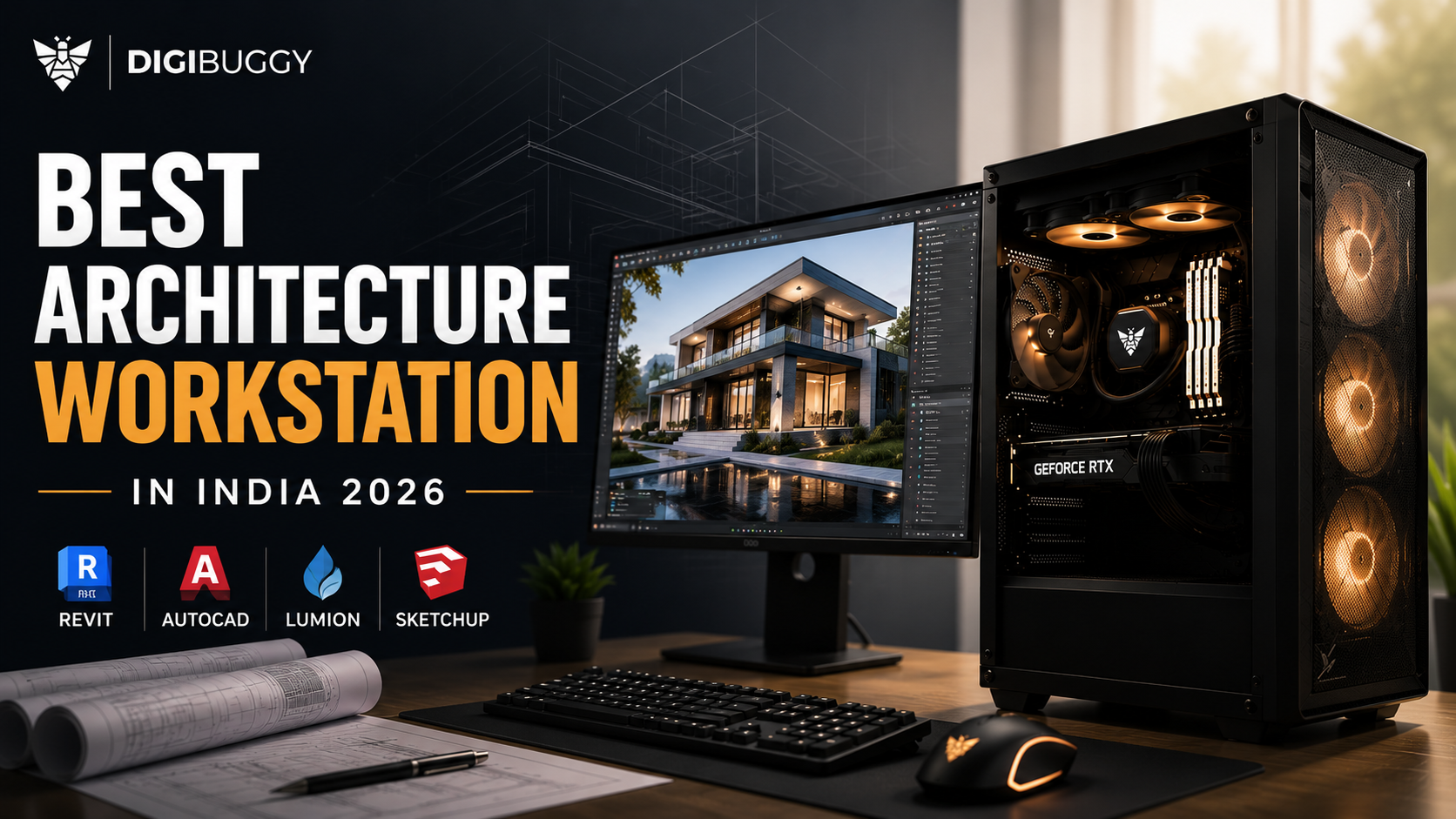
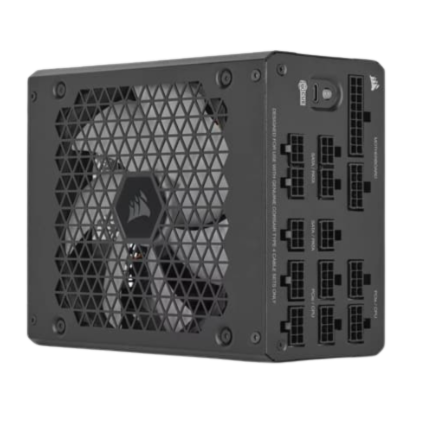
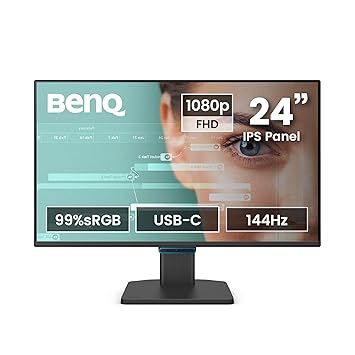
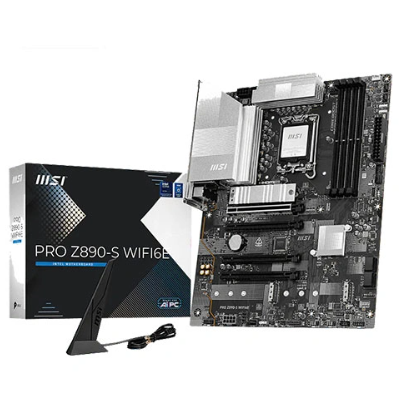
Architects in 2026 require not only a highly capable computer but also current architectural processes that include BIM modeling, real-time rendering, walkthroughs, simulations, AI-assisted designs, and large project files, which may easily crash the inefficient computer system.
If you work with Revit, AutoCAD, Sketchup, Lumion, Enscape, Twinmotion, Rhinoceros, or V-Ray software, your architecture workstation can save you many hours every week thanks to enhanced rendering and multitasking capabilities.
An affordable architecture workstation for an architect in India should cost at least ₹1.2 lakhs, whereas a workstation aimed at rendering is usually priced from ₹1.8 to ₹4 lakhs.
What Is the Best Architecture Workstation in India for 2026?
There is no one size fits all when it comes to architecture workstations.
Not all architectural software uses hardware similarly. Certain programs may run entirely on the CPU, while other programs run on the GPU and VRAM.
|
Software
|
Most important hardware
|
|
Revit
|
CPU + RAM
|
|
AutoCAD
|
CPU performance
|
|
SketchUp
|
CPU + GPU
|
|
Lumion
|
GPU + RAM
|
|
Enscape
|
GPU rendering
|
|
Twinmotion
|
GPU + VRAM
|
|
Rhino
|
CPU + GPU
|
|
V-Ray
|
GPU rendering
|
Generally speaking, a balanced system equipped with modern processors like Ryzen 7 or Intel Ultra, an RTX 5070 graphics card, 32 GB memory, and a Gen4 NVMe SSD performs best for most architects.
Example:
In this case, a designer using Revit, AutoCAD, and occasional Lumion renderings will get much better performance from the balanced system with a Ryzen 7 and RTX 5070 graphics compared to a gaming computer packed with RGBs but lacking cooling and sufficient RAM.
What Is the Minimum Good Architecture Workstation? (₹1.2L-₹1.5L)
This is where things become realistic for students, junior architects, and tiny studios to begin their professional work stations.
This is what the budget calls for:
- BIM modeling
- AutoCAD drafting
- SketchUp workflow
- Rendering
- Upgrade potential
Example Architecture Workstation Build (₹1.2L-₹1.5L)
|
Component
|
Recommended Hardware
|
|
CPU
|
Ryzen 7 7700
|
|
GPU
|
RTX 5060 Ti 16GB
|
|
RAM
|
32GB DDR5
|
|
Storage
|
1TB NVMe SSD
|
|
PSU
|
750W gold
|
|
Best for
|
Revit, AutoCAD, SketchUp, Enscape
|
What Can This Build Handle?
Indeed, this computer setup would be adequate for most architecture practitioners just getting into the field.
It easily manages:
- Medium-sized Revit files
- Drafting with AutoCAD
- Modeling in SketchUp
- Visualization with Enscape
- Basic Lumion scenes
- Workflow within Adobe Creative Cloud
For instance:
A student architect working on BIM models for residences would easily manage multiple projects using this setup.
What Is the Best Mid-Range Architecture Workstation? (₹1.8L-₹2.4L)
Right now, this is where professional architects in India find themselves perfectly happy.
At this budget level, you’ll be able to optimize:
- BIM processing power
- GPU rendering
- Handling large projects
- Future-proofing
- Rendering efficiency
Example Mid-Range Architecture Workstation
|
Component
|
Recommended Hardware
|
|
CPU
|
Ryzen 9 9900X
|
|
GPU
|
RTX 5070 Ti 16GB
|
|
RAM
|
64GB DDR5
|
|
Storage
|
2TB Gen4 NVMe SSD
|
|
PSU
|
850W Gold
|
|
Best for
|
Revit, Lumion, Twinmotion, Enscape
|
Why Does 64GB RAM Matter for Architects?
BIM modeling requires memory usage at a fast rate.
As soon as the RAM is used up:
- Revit performance will be affected
- Loading time for models is increased
- Multitasking becomes hard to achieve
- Viewport reaction times are poor
The ideal memory size for professional architectural firms in 2026 is 64GB.
Example:
A designer using Revit, Photoshop, Enscape, and browser tabs can use over 32GB RAM during the day.
https://digibuggy.com/product/G.Skill-Ripjaws-S5-64GB%2832GBx2%29-6000MHz-CL36-DDR5
What Does a High-End Architecture Workstation Cost? (₹3L-₹5L+)
Architectural firms dealing with major commercial projects will need workstation-class computers.
These computers are geared toward:
- Tall skyscraper constructions
- Big BIM projects
- Presentations using Twinmotion
- 4K and 8K renderings
- Complicated simulations
- Multi-user setups
Example Professional Architecture Workstation
|
Component
|
Recommended Hardware
|
|
CPU
|
Ryzen Threadripper PRO
|
|
GPU
|
RTX 5080 16GB or RTX 5090
|
|
RAM
|
128GB DDR5 ECC
|
|
Storage
|
4TB Gen4 SSD
|
|
PSU
|
1000W Gold
|
|
Best For
|
Enterprise architecture firms
|
Is the RTX 5080 or RTX 5090 Worth It for Architecture?
Of course, when it comes to graphics-intense tasks.
Rendering tools like Lumion, Twinmotion, Enscape, and V-Ray benefit greatly from:
- Graphics processing capabilities
- VRAM capacity
- Bandwidth memory
- Heat resistance
In cases where companies need large-scale commercial visualizations, then such GPUs can help significantly decrease rendering time.
Example:
If there is a commercial walkthrough project that takes 25 minutes with an RTX 5070 Ti, it will likely be done faster on an RTX 5090 class system.
https://digibuggy.com/product/MSI-RTX-5090-Vanguard-SOC-32GB-GDDR7-Graphics-Card
Is Revit More CPU-Dependent or GPU-Dependent?
Revit remains primarily CPU-dependent.
Single-core performance has a larger impact on everyday modeling tasks than GPU power.
Prioritize:
- Fast CPU
- RAM capacity
- SSD speed
- GPU
Example:
A Ryzen 9 workstation paired with an RTX 5070 often performs better in Revit than an RTX 5090 system paired with a weaker processor.
Is Lumion More GPU-Dependent or CPU-Dependent?
Lumion is highly dependent on GPU efficiency.
The GPU has an effect on:
- Rendering speed
- Scene complexity
- Real-time visualization
- Viewport performance
When talking about Lumion, getting a more powerful GPU would result in greater benefits compared to upgrading the CPU.
Example:
A computer equipped with an RTX 5080 would give better results in Lumion compared to going from a Ryzen 7 to a Ryzen 9.
How Much RAM Do Architects Need in 2026?
In most architectural workflows:
|
User Type
|
Recommended RAM
|
|
Students
|
32GB
|
|
Freelancers
|
32GB-64GB
|
|
Architecture Firms
|
64GB
|
|
Enterprise BIM Teams
|
128GB+
|
High-resolution BIM models, rendering software, and multitasking will take up your RAM quite fast.
What Mistakes Should Architects Avoid When Buying a Workstation?
Buyers often make the mistake of purchasing gaming computers instead of workstations.
Common Mistakes
|
Mistake
|
Why It's Bad
|
|
Buying only based on GPU
|
Creates unbalanced systems
|
|
Choosing 16GB RAM
|
Limits productivity
|
|
Ignoring cooling
|
Causes thermal throttling
|
|
Buying cheapest PSU
|
Risks long-term stability
|
|
Prioritizing RGB over hardware
|
Reduces performance value
|
Example:
A ₹2 lakh RGB-focused gaming computer can outperform an actual architectural workstation designed for better cooling and RAM in Revit and Lumion.
Where Can You Configure an Architecture Workstation in India?
In case you are looking for an architectural workstation instead of gaming hardware, you might think about the following:
https://digibuggy.com/products/details/cortex-commander-threadripper-7975wx-nvidia-quadro-rtx-a5000-x2-workstation-pc
https://digibuggy.com/products/details/quantum-queen-threadripper-7995wx-nvidia-quadro-rtx
https://digibuggy.com/products/details/neural-navigator-threadripper-5995wx-rtx-a5000-ada-x2-workstation-pc
If you want to configure your own custom architecture workstation, visit https://digibuggy.com/product/configure
Final Verdict
The requirements for architecture software are increasing steadily in 2026. Revit, AutoCAD, Lumion, Twinmotion, Enscape, and SketchUp have varying requirements from their respective workstations, and this is why balance is very important rather than investing in only the best graphics card.
For most architects in India:
- ₹1.2L to ₹1.5L is a realistic starting point
- ₹1.8L to ₹2.4L is where the magic lies
- ₹3L+ is studio-level.
The best architecture workstation is the one that caters to your specific workflow needs and not only gaming benchmarks.
Frequently Asked Questions (FAQs)
Can I use my gaming PC for architecture software?
Yes, sometimes, but not always. Workstations are focused on stability, RAM, cooling, and workflow optimization rather than gaming.
How much do I need to pay for my architecture workstation in India?
₹1.5 to ₹2.5 lakhs is a good spending limit for most professionals.
Is an RTX 5060 Ti enough for Revit?
Yes. An RTX 5060 Ti is definitely adequate for Revit and other BIM tasks.
How many GB VRAM does an architect need?
When talking about Lumion, Twinmotion, or Enscape, at least 12GB-16GB of VRAM is required.
Is 32GB of RAM adequate for architectural purposes?
Yes, for most users. However, it's better for large-scale architecture firms to consider getting 64GB RAM.
What processor can work best with Revit?
A new Ryzen 9 processor and Intel Ultra are among the best choices.
Is it good for architects to get workstation GPUs?
In most cases, an RTX GeForce is the way to go. Architects don't need workstation GPUs in almost all situations.
How much money should I invest in a workstation for architecture in 2026?
In this case, ₹1.8 to ₹2.4 lakhs could be the ideal limit.