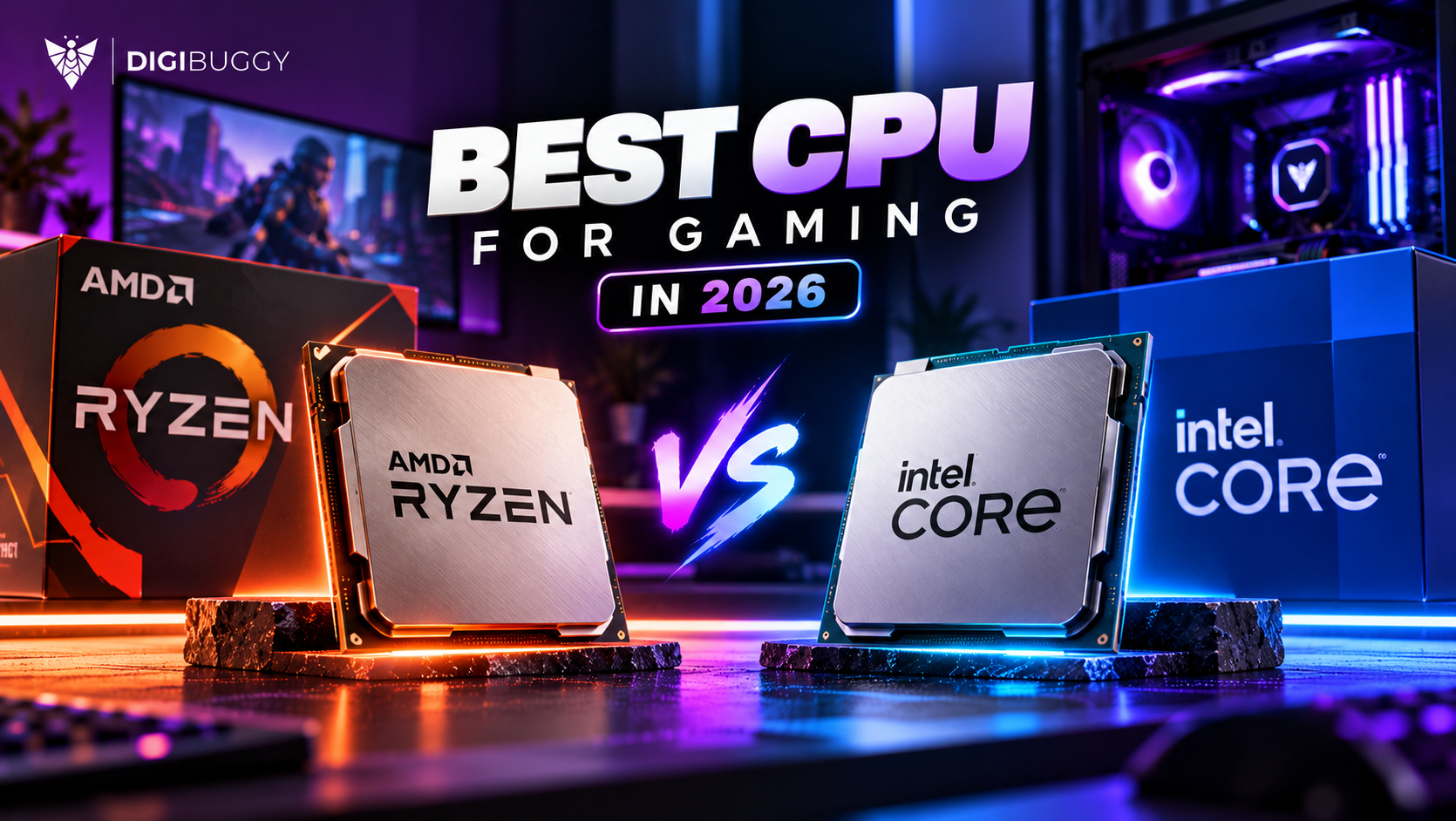
The Intel vs AMD debate has defined the PC industry for decades. But in 2026, this is no longer about picking a universal winner.
It’s about choosing the right platform for your specific workload.
Whether you are a competitive gamer, a content creator, or building a balanced high-end system the answer depends on performance goals, upgrade plans, and budget.
Let’s break it down properly.
The current desktop ecosystem is dominated by:
AMD Ryzen 7000 Series & 8000 Series (including X3D variants)
Intel Core Ultra processors
Both brands are focusing heavily on:
Hybrid architecture
Efficiency improvements
AI-ready processing
Better performance per watt
However, their execution strategy differs significantly.
AMD’s X3D processors with 3D V-Cache continue to dominate CPU-bound gaming scenarios.
Massive L3 Cache
Excellent frame-time stability
Higher average FPS in competitive esports titles
Strong performance at 1080p
If your goal is maximum frame rate in games like Valorant, CS2, or Fortnite AMD usually has the edge.
At higher resolutions:
The GPU matters more than the CPU
Performance differences become minimal
Both platforms deliver excellent results
Intel’s high-end Core Ultra processors compete aggressively with:
Strong single-thread speed
Excellent multi-core scaling
For high-resolution gaming, you can confidently build on either platform.
This is where platform differences become clearer.
Intel tends to perform better in:
Adobe Premiere Pro
After Effects
Media encoding workloads
Thanks to:
Strong multi-core scaling
Integrated media engines
Quick Sync advantages
If your workflow is Adobe-heavy, Intel often delivers smoother timelines and faster exports.
AMD shines in:
Blender
Unreal Engine
CPU-based rendering
Simulation workloads
If your work scales across multiple threads, AMD typically offers better price-per-core value.
AI acceleration is becoming standard.
Both Intel and AMD are:
Integrating AI engines
Optimizing architectures for AI workloads
Supporting local LLM testing & AI-assisted rendering
In AI-focused builds, your decision should consider:
Motherboard ecosystem
Platform longevity
Memory support
Upgrade flexibility
Not just raw CPU speed.
Value constantly shifts based on:
Market pricing
Platform upgrades
Motherboard costs
Power efficiency
AMD often offers stronger price-per-core ratios
Intel competes aggressively in mid-range tiers
Instead of choosing a brand choose the best tier within your budget.
Choose AMD if:
✔ You want maximum FPS in CPU-dependent games
✔ You prioritize multi-threaded workloads
✔ You care about long-term platform upgrades
✔ You want strong performance per watt
AMD Ryzen 7 5700X
AMD Ryzen 5 5600X
AMD Ryzen 3 4300G
Choose Intel if:
✔ You work heavily with Adobe Creative Cloud
✔ You benefit from CPU + GPU acceleration
✔ You need integrated graphics
✔ You prefer stronger single-thread responsiveness
Intel Core i7-14700K
Intel Core i5-14600K
Intel Core i3-14100
Is Intel or AMD better for gaming in 2026?
AMD is usually better for gaming in 2026, especially Ryzen X3D processors. They offer excellent gaming performance, strong 1% lows and better efficiency in many builds.
Is Intel or AMD better for video editing?
Both can be good for video editing. Intel can be strong in workflows that benefit from Quick Sync, while AMD Ryzen 9 is excellent for heavy multi-core editing, rendering and multitasking. The GPU, RAM and SSD also matter a lot.
Is AMD Ryzen X3D only for gaming?
Ryzen X3D CPUs are best known for gaming because 3D V-Cache helps many games. They can also handle creator work, but for heavy rendering or editing, Ryzen 9 non-X3D, Ryzen 9 X3D or workstation-class CPUs may be better depending on workload.
Is Intel Core Ultra good for creators?
Yes, Intel Core Ultra CPUs can be good for creators, especially in productivity and video workflows. But buyers should compare exact CPU models, software benchmarks, platform cost and cooling before deciding.
Which is better for streaming: Intel or AMD?
Both are good for streaming. If you use an NVIDIA GPU, the GPU encoder handles much of the streaming load. AMD Ryzen X3D is excellent for gaming + streaming, while Intel can also work well in creator-heavy setups.
Which is better for AI: Intel or AMD?
For AI, the GPU matters more than Intel vs AMD. Choose the CPU that supports your GPU, RAM, SSD and multitasking needs. For local LLMs and Stable Diffusion, NVIDIA GPU VRAM is usually more important.
Which has better upgrade path in 2026?
AMD usually has the better upgrade path because AM5 has strong long-term support. Intel buyers should check socket and motherboard compatibility before expecting future CPU upgrades.
Should I choose Intel or AMD for a budget gaming PC?
Choose whichever CPU platform lets you buy the better GPU without weakening PSU, RAM or SSD. At lower budgets, GPU choice usually affects gaming more than CPU brand.
Is Ryzen better than Intel for Indian buyers?
Ryzen is often better for Indian gamers and upgrade-focused buyers. Intel can still be better when pricing, motherboard bundles or specific creator software support makes more sense.
Should I wait for the next Intel or AMD CPU?
Wait only if your current PC still works and a new launch is very close. If you need the PC now, buy the best current CPU for your budget and use case. Do not delay work or gaming for uncertain future pricing.
Buy AMD if your main priority is gaming, high FPS, power efficiency and long-term upgrade path. Ryzen X3D is the strongest direction for most serious gamers in 2026.
Buy Intel if you get a strong price deal, use creator apps that benefit from Intel features, or need a productivity-focused build where the full platform cost makes sense.
For most Indian buyers, the best answer is:
|
Main Use Case |
Recommended Direction |
|
Gaming |
AMD Ryzen X3D |
|
Esports |
AMD Ryzen X3D |
|
Budget gaming |
Best CPU + GPU combo deal |
|
Video editing |
Intel Core Ultra or AMD Ryzen 9 |
|
3D/rendering |
AMD Ryzen 9 / Threadripper class |
|
Streaming |
AMD or Intel with strong GPU encoder |
|
AI/local models |
CPU is secondary; prioritise GPU and RAM |
|
Long-term upgrades |
AMD AM5 |
If you want a balanced Intel or AMD PC built for your actual games, software and budget, configure your build with Digibuggy here: https://digibuggy.com/product/configure

CPU N/A
GRAPHICS CARD N/A
STORAGE N/A
RAM N/A