Get your FIRST consultation for FREE
Build your own PC: DIY at our Experience Zone
+91 9217667394 | sales@digibuggy.com


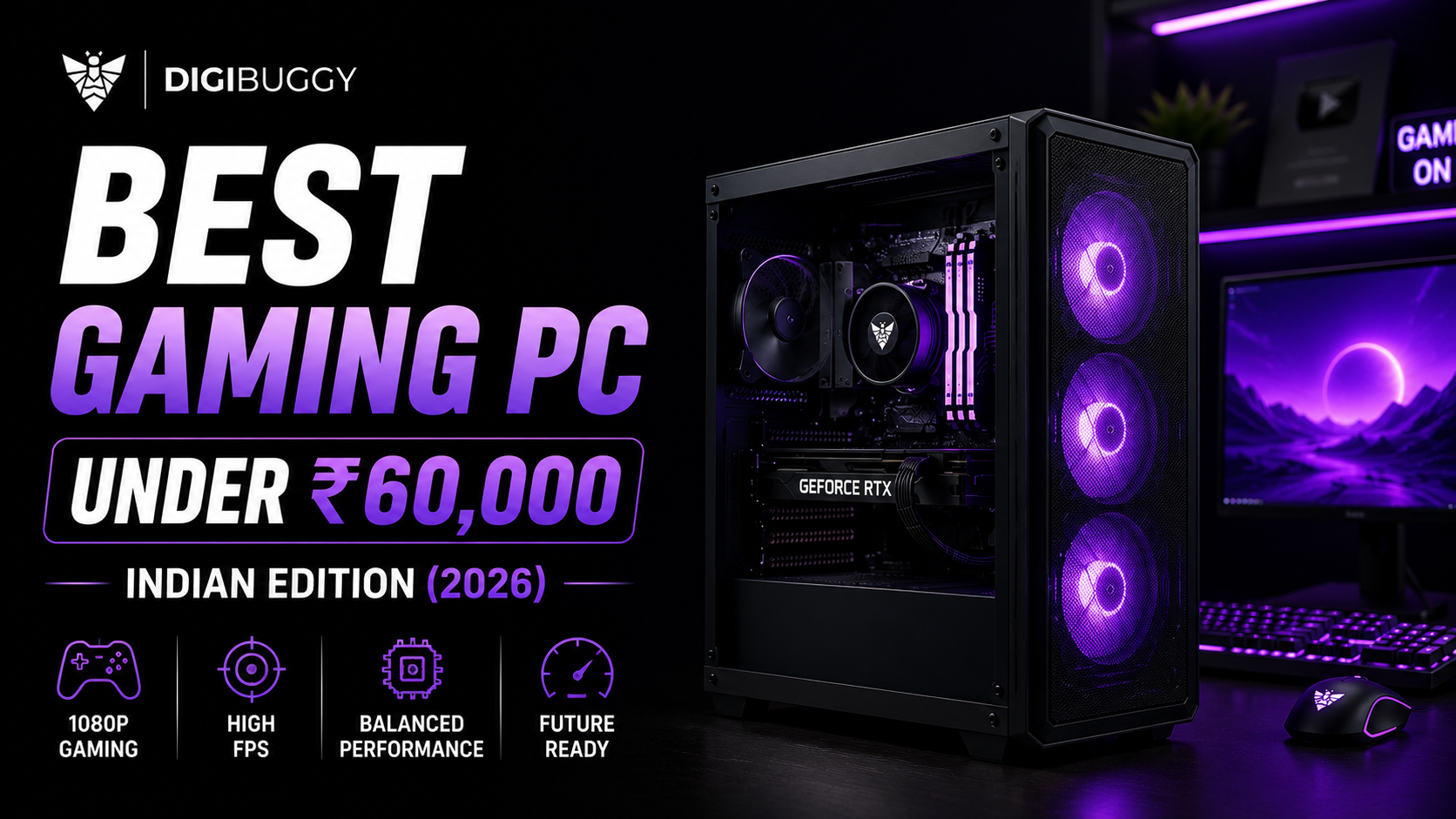
Building a gaming PC under ₹60,000 in 2025 isn’t just about specs, it’s about extracting every drop of performance per rupee. This is the point where FPS meets affordability, and where smart part choices matter more than flashy RGB.
At this budget, you can build a rig that crushes esports titles, handles AAA games at 1080p, and still leaves room for upgrades. Whether you’re a student, creator, or first-time builder, this guide covers the exact parts, FPS benchmarks, and India-specific prices to help you build smart.
And if you want to take it up a notch, Digibuggy’s DIY PC Experience lets you build your PC live with experts, get a timelapse video edit of your build, and even leave with a Polaroid memory of your first rig.
Value vs Limitations
A ₹60K PC is the sweet spot for Indian gamers, the perfect balance between power and practicality.
Who This Build Is For
Every part in this build is tested and verified in-house by Digibuggy engineers.
We prioritised:
All testing was done on Digibuggy’s demo rigs under real-world conditions (28°C ambient, Gold PSUs, standard airflow). For deeper part-level insights, visit https://digibuggy.com/blog-details/nvidia-vs-amd-gpus-in-india-2025-best-picks-by-budget-resolution
|
Component |
Model / Specification |
Why It’s Chosen |
|
Processor |
AMD Ryzen 5 5500 (6 cores, 12 threads) |
Exceptional gaming and multitasking performance at its price; reliable and efficient. |
|
Motherboard |
MSI B450M-A PRO MAX II |
Proven stability and easy BIOS updates; supports Ryzen 5000 upgrades. |
|
RAM |
G.Skill Aegis 16GB DDR4 3200MHz |
Fast, stable, and expandable to 32GB for future- proofing. |
|
Graphics Card |
Colorful iGame RTX 3060 Ultra W OC 12GB |
Delivers high FPS in 1080p and handles most AAA titles with ease. |
|
Storage |
Crucial P3 Plus 1TB NVMe Gen4 |
Lightning-fast load times; plenty of space for OS, games, and media. |
|
Cabinet |
MSI MAG 120A Airflow |
Balanced design with strong airflow, modern layout, and clean cable routing. |
|
Power Supply |
MSI MAG A650BN 650W 80+ Bronze |
Reliable, efficient power delivery with overhead for future upgrades. |
|
CPU Cooler |
AMD Stock Cooler |
Quiet, capable, and perfectly suited for the Ryzen 5 5500’s thermals. |
This setup has been tested at the Digibuggy Experience Zone under typical Indian ambient conditions (~28°C) for thermal stability, noise levels, and component synergy.
If you’re planning to stream or edit content, simply add another 16GB RAM module and consider an aftermarket cooler for sustained workloads.
Every gamer’s needs differ. Maybe you want better thermal efficiency, a smaller case, or more RAM for content work. That’s why Digibuggy offers free one-on-one consultations with expert builders who help you customise this configuration for your goals.
You can:
Book your session here: Book Here
|
Factor |
Custom Build (Digibuggy) |
Prebuilt PC |
|
Performance |
Higher FPS, better thermals |
Limited airflow, lower performance per ₹ |
|
Cost Efficiency |
More value per rupee |
You pay brand and assembly markups |
|
Warranty |
Per-component coverage (often longer) |
Single system warranty (limited) |
|
Flexibility |
Fully upgradeable, part by part |
Locked configurations |
|
Experience |
Build live with experts, get timelapse & Polaroid |
Plug and play, no involvement |
|
Lifespan |
5–7 years with upgrades |
2–3 years before replacement |
Read a detailed breakdown of pros and cons in Digibuggy’s Build vs Prebuilt Guide.
Building with Digibuggy not only gives you control, it gives you confidence. You see your rig being assembled live, tested for stability, and fine-tuned to your specs before you take it home.
Want step-by-step build visuals? Explore Digibuggy’s DIY PC Experience Zone to see real customer builds in action.
1. Is ₹60,000 enough for AAA gaming in 2025?
Yes. With the Ryzen 5 5500 + RTX 3060, you’ll easily hit 60–100 FPS in AAA titles and 200+ FPS in esports games at 1080p. It’s the most performance-balanced setup for this range.
2. What’s the best GPU for this budget?
The RTX 3060 (12GB) is the best pick for under ₹60K - offering DLSS, ray tracing, and strong driver support. It beats most alternatives in value and long-term stability.
3. Should I buy a prebuilt PC or custom build?
Go custom. You get better thermals, upgradability, and warranties per part. Prebuilts often compromise on PSU and airflow for cost savings.
4. Can I edit videos or stream on this PC?
Yes. This setup handles 1080p streaming and editing easily. Add another 16GB RAM for heavier workloads. Check Digibuggy’s Workstation Build Guide for upgrades.
5. Where can I buy verified parts in India?
Buy through Digibuggy’s Verified Vendor Directory or top retailers to ensure genuine parts and compatibility.
This ₹60,000 build stands as the best all-rounder setup for Indian gamers in 2025: high FPS, strong thermals, and room to grow. It outperforms most prebuilt PCs in the same budget, all while giving you the freedom to customise and upgrade as your needs evolve.
If you’re ready to build your own or simply want expert guidance on tweaking this configuration for your specific use case, from video editing to streaming, book your free PC consultation today with Digibuggy’s tech experts. Start your consultation
If you want that hands-on experience: watching your system come alive part by part: head to Digibuggy’s DIY PC Experience Zone. Build your PC live, capture the timelapse, and leave with a Polaroid moment of your own build day.

CPU N/A
GRAPHICS CARD N/A
STORAGE N/A
RAM N/A
CPU N/A
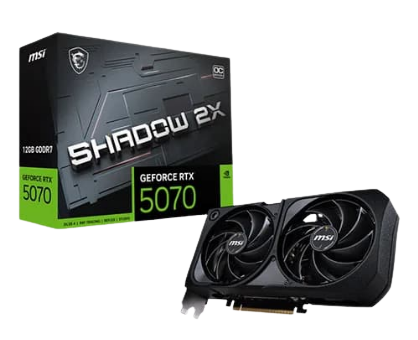
GRAPHICS CARD MSI RTX 5070 Shadow 2X OC...
STORAGE N/A
RAM N/A