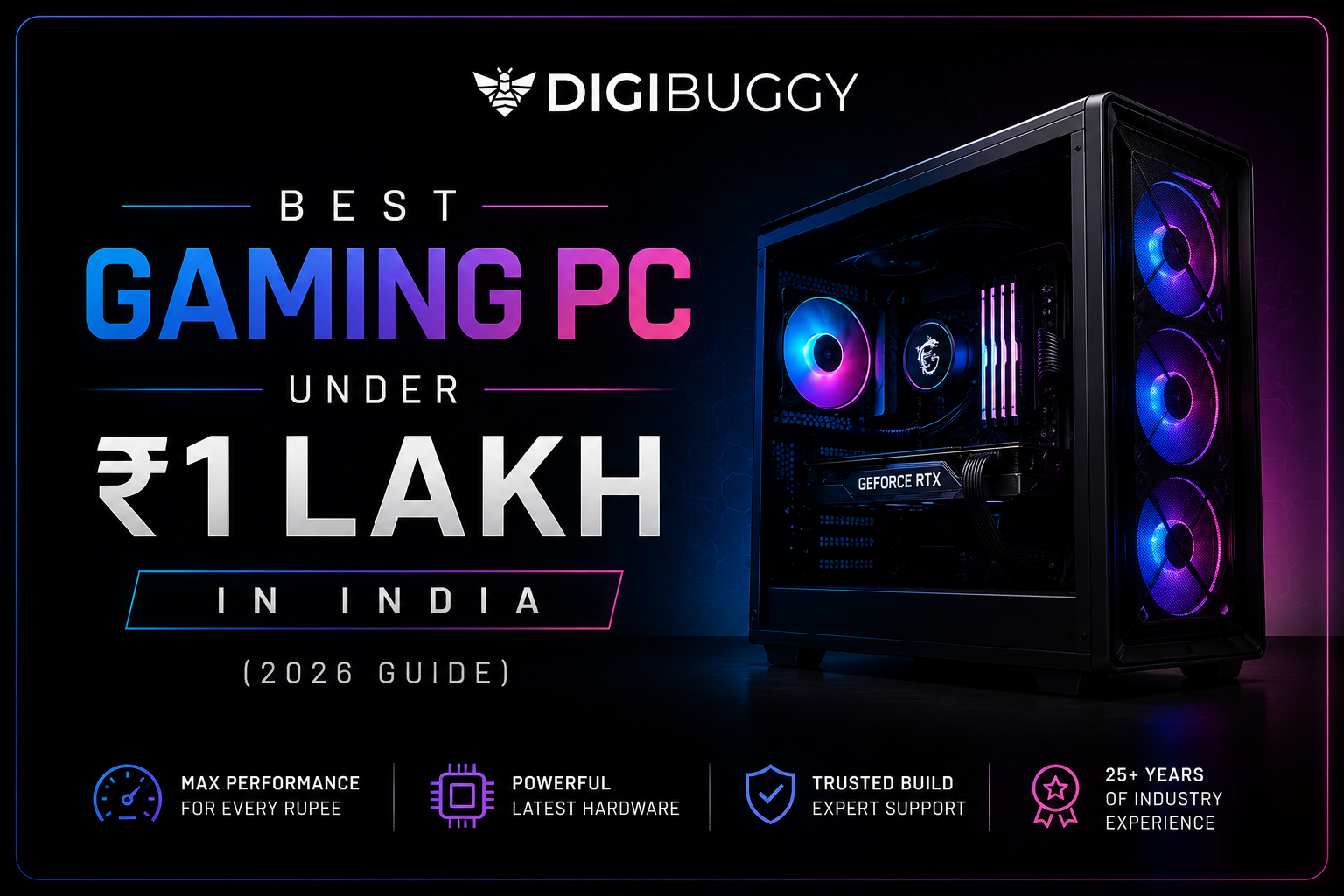
A ₹1 lakh gaming PC is the best value for most Indian gamers in 2026. It handles 1080p Ultra gaming smoothly, runs 1440p at high settings, and manages popular esports titles like Valorant, CS2, and GTA V at 150+ FPS. If you want serious gaming without spending ₹2 lakh or more, this is your sweet spot.
Is ₹1 Lakh Enough for a Good Gaming PC in India?
Yes ₹1 lakh is enough for a powerful gaming PC in India in 2026. At this budget, you can build a rig that runs modern AAA games at 1080p Ultra and esports titles at very high frame rates.
At ₹1 lakh, you can pair a Ryzen 5 7600 or Intel Core i5-13400F with an RTX 4060 or RX 6700 XT. This combination handles games like Cyberpunk 2077 at 1080p High (60-80 FPS), GTA V at 1080p Ultra (120+ FPS), and Valorant at 200+ FPS.
Example: A Digibuggy Buzz Blaster build —> Ryzen 5 7600 + RX 9060 XT + 16GB DDR5 sits right at ₹1 lakh and delivers smooth 1080p Ultra gaming across all major titles.
What Games Can a ₹1 Lakh Gaming PC Run in 2026?
A ₹1 lakh PC can run every popular game in India in 2026 at 1080p Ultra to 1440p High settings.
Here are real FPS expectations:
|
Game
|
1080p Ultra FPS
|
1440p High FPS
|
|
Valorant
|
250–300+
|
180–220+
|
|
CS2
|
200–250+
|
140–170+
|
|
GTA V
|
130–150+
|
90–110+
|
|
Cyberpunk 2077
|
65–80 (DLSS On)
|
50–65 (DLSS On)
|
|
Call of Duty MW3
|
110–130+
|
80–100+
|
|
Forza Horizon 5
|
100–120+
|
75–90+
|
|
BGMI / PUBG PC
|
200+
|
150+
|
Esports games like Valorant and CS2 run at extremely high frame rates great for 144Hz or 165Hz monitor owners.
Example: An Indian gamer streaming Valorant while running Discord, Chrome, and OBS simultaneously will have no issues with a ₹1 lakh rig provided the build has 16GB DDR5 RAM.
What Are the Best Components for a ₹1 Lakh Gaming PC in India?
The best combination for ₹1 lakh in 2026 is a Ryzen 5 7600 + RX 9060 XT or RTX 4060. This delivers the best performance per rupee at this budget.
Here is the ideal component breakdown:
|
Component
|
Recommended Choice
|
Approx. Price (₹)
|
|
CPU
|
AMD Ryzen 5 7600
|
₹16,000–18,000
|
|
GPU
|
RX 9060 XT 16GB / RTX 4060 8GB
|
₹35,000–40,000
|
|
Motherboard
|
B650 (AMD) / B760 (Intel)
|
₹9,000–12,000
|
|
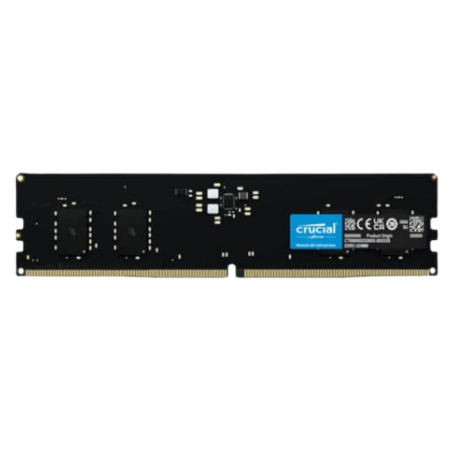
RAM
|
16GB DDR5 5600MHz (Dual Channel)
|
₹5,500–7,000
|
|
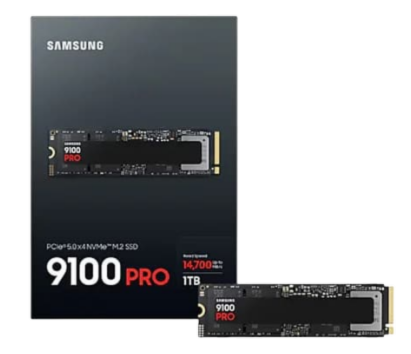
Storage
|
1TB NVMe SSD (PCIe Gen 4)
|
₹6,000–7,500
|
|
PSU
|
650W 80+ Bronze (Corsair / Cooler Master)
|
₹5,000–6,000
|
|
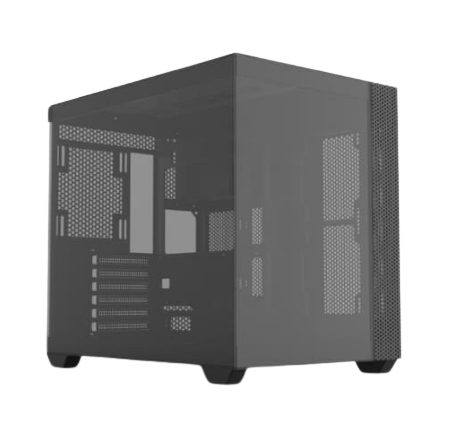
Cabinet
|
Mid-Tower with good airflow
|
₹3,500–5,000
|
|
CPU Cooler
|
Deepcool AK400 or similar
|
₹2,000–2,500
|
|
Total
|
|
~₹90,000–97,000
|
The remaining ₹3,000–10,000 can go toward a 144Hz monitor or extra storage.
Example: Swapping to an Intel i5-13400F saves ~₹2,000 on the CPU but uses DDR4 cheaper upfront but less future-proof than DDR5.
Which Is Better for Gaming at ₹1 Lakh: AMD or Intel?
For pure gaming at ₹1 lakh, AMD Ryzen 5 7600 on DDR5 is the better choice in 2026. It offers faster single-core performance, better RAM support, and a longer upgrade path.
Intel i5-13400F is also a solid choice it has more physical cores (6P+4E) which helps with streaming and multitasking. The difference in gaming FPS between the two is typically less than 5–8%.
| |
Ryzen 5 7600
|
i5-13400F
|
|
Platform
|
AM5 (future upgrades available)
|
LGA1700 (nearing end of life)
|
|
RAM Type
|
DDR5
|
DDR4 / DDR5
|
|
Gaming FPS
|
Slightly higher
|
Close second
|
|
Multitasking
|
Good
|
Slightly better (more cores)
|
|
Best For
|
Gaming-first builds
|
Gaming + heavy multitasking
|
Example: If you plan to upgrade to a Ryzen 7 or Ryzen 9 in 2 years, stick to AM5 (Ryzen 5 7600). If you are gaming and streaming today with no upgrade plans, i5-13400F also works great.
RTX 4060 vs RX 9060 XT: Which GPU Should You Buy Under ₹1 Lakh?
For ₹1 lakh builds in 2026, the RX 9060 XT 16GB is the better GPU choice. It offers more VRAM (16GB vs 8GB), better rasterization at 1440p, and competitive pricing.
RTX 4060 has the advantage in DLSS 3 (AI upscaling) and ray tracing useful in titles like Cyberpunk 2077 and Alan Wake 2.
| |
RX 9060 XT 16GB
|
RTX 4060 8GB
|
|
VRAM
|
16GB GDDR6
|
8GB GDDR6
|
|
1080p Performance
|
Excellent
|
Excellent
|
|
1440p Performance
|
Better
|
Good
|
|
Ray Tracing
|
Good
|
Better
|
|
AI Upscaling
|
FSR 4
|
DLSS 3 (better quality)
|
|
India Price (₹)
|
~₹35,000–38,000
|
~₹33,000–36,000
|
|
Best For
|
1440p gaming, future-proofing
|
DLSS/ray tracing enthusiasts
|
Example: For a gamer buying a 1440p monitor now, the RX 9060 XT 16GB is the smarter pick. For someone who plays on 1080p and wants DLSS, the RTX 4060 is equally valid.
You can configure your GPU preference on Digibuggy's AI PC Builder.
Should I Build a Custom PC or Buy a Prebuilt Under ₹1 Lakh?
For most Indian gamers, a custom PC from a trusted builder like Digibuggy gives better value at ₹1 lakh. You get more performance per rupee, flexible component choices, and a single warranty.
Prebuilt PCs from Digibuggy solve one big problem: you don't have to source components yourself, and the build is tested before shipping.
| |
Custom PC (via Digibuggy)
|
Generic Prebuilt
|
|
Performance
|
Maximum for budget
|
May use weaker components
|
|
Warranty
|
Single-point (2 years)
|
Varies
|
|
Setup
|
Ready to use
|
Ready to use
|
|
Upgrade Path
|
Easy
|
Depends on build
|
|
Customization
|
Full
|
Limited
|
Example: Digibuggy's Swarm Starter and Buzz Blaster are both pre-tested gaming PCs in the ₹80K-1 lakh range no sourcing, no assembly hassle.
Can I Use a ₹1 Lakh Gaming PC for Streaming and Video Editing?
Yes a ₹1 lakh gaming PC can handle game streaming and entry-level video editing in 2026. The Ryzen 5 7600's 6 cores and 12 threads are enough for OBS streaming while gaming.
For video editing, 16GB DDR5 RAM is fine for 1080p editing in DaVinci Resolve or Premiere Pro. Rendering times will be longer than a dedicated workstation, but the work gets done.
If you are a serious content creator editing 4K footage daily, consider upgrading to 32GB RAM it adds around ₹5,000–6,000 to the build cost but makes a significant difference.
Example: An Indian gaming YouTuber recording, editing, and uploading 1080p60 content will run smoothly on this build. 4K editing is possible but slower without the RAM upgrade.
For workstation-focused builds, check out Digibuggy's Content Creation PCs.
What Monitor Should I Pair with a ₹1 Lakh Gaming PC?
For a ₹1 lakh gaming PC, a 1080p 144Hz or 1440p 144Hz monitor is the ideal pairing in 2026. The GPU at this price point is optimized for these resolutions and refresh rates.
|
Monitor Type
|
Resolution
|
Best For
|
India Price (₹)
|
|
1080p 144Hz
|
Full HD
|
Esports (Valorant, CS2, BGMI)
|
₹8,000–12,000
|
|
1080p 165Hz
|
Full HD
|
Competitive gaming on budget
|
₹10,000–14,000
|
|
1440p 144Hz
|
2K
|
AAA games + esports balance
|
₹18,000–25,000
|
|
4K 60Hz
|
Ultra HD
|
Cinematic gaming (not ideal here)
|
₹25,000+
|
Example: An Indian gamer playing Valorant and CS2 will get the most from a 1080p 165Hz monitor (around ₹10,000). A gamer playing GTA V and Cyberpunk should consider a 1440p 144Hz monitor.
Can I Upgrade a ₹1 Lakh PC Later?
Yes a well-built ₹1 lakh PC on the AM5 platform is highly upgradeable. You can swap in a faster CPU (like Ryzen 7 7800X3D) or a better GPU without replacing the motherboard or RAM.
Key upgrades to plan for:
- RAM: Go from 16GB to 32GB DDR5 (~₹5,000–6,000 extra)
- GPU: Upgrade to RTX 5070 or RX 9070 XT in 2–3 years
- Storage: Add a second NVMe SSD for more game space
- CPU: Move to Ryzen 7 7800X3D for a major gaming FPS boost (~₹35,000)
Avoid: Intel LGA1700 builds if you want long-term upgradability Intel has already moved to LGA1851 (Core Ultra 200 series), limiting future CPU options on B760 boards.
Recommended Digibuggy Builds Under ₹1 Lakh
Here are current Digibuggy gaming PCs closest to the ₹1 lakh range:
|
Build Name
|
CPU
|
GPU
|
RAM
|
Best For
|
|
Swarm Starter
|
Ryzen 5 5600GT
|
RTX 3060
|
16GB DDR4
|
Entry 1080p gaming
|
|
Buzz Blaster
|
Ryzen 5 7600
|
RX 9060 XT
|
16GB DDR5
|
Best value 1080p–1440p
|
|
Hive Havoc
|
Ryzen 5 9600X
|
RX 5060 Ti
|
16GB DDR5
|
High-performance 1080p
|
Want a custom configuration? Use Digibuggy's AI PC Builder to get a build tailored to your budget and use case.
FAQs: Gaming PC Under ₹1 Lakh in India (2026)
Is ₹1 lakh enough for gaming in 2026?
Yes. At ₹1 lakh, you get a PC that handles 1080p Ultra and 1440p High in all popular games. It's the best value tier for Indian gamers in 2026.
Which GPU is best for ₹1 lakh gaming PC in India?
The RX 9060 XT 16GB is the best value GPU at this budget in 2026 more VRAM, better 1440p performance, and competitive pricing (~₹35,000–38,000). RTX 4060 is better if DLSS and ray tracing matter more to you.
Should I buy Ryzen or Intel for a ₹1 lakh gaming PC?
Ryzen 5 7600 on AM5 is the better long-term choice DDR5 support and future CPU upgrade options. Intel i5-13400F is cheaper and works well if you want more cores for streaming.
Can I run GTA VI on a ₹1 lakh gaming PC?
GTA VI is expected to require a high-end GPU at launch. A ₹1 lakh PC with an RX 9060 XT should handle it at 1080p Medium-High settings but expect to upgrade your GPU when the game releases.
How much RAM do I need for a ₹1 lakh gaming PC?
16GB DDR5 is enough for gaming. Upgrade to 32GB if you stream, edit videos, or run many applications simultaneously.
Should I upgrade GPU or CPU first on this build?
GPU first. The Ryzen 5 7600 is not a bottleneck for most games. A better GPU (like RTX 5070 or RX 9070 XT) will give the biggest FPS improvement when you're ready to upgrade.
Is it better to buy custom or prebuilt at ₹1 lakh?
A custom build from Digibuggy gives you the best performance per rupee, full component choice, and a proper warranty better than most generic prebuilts at the same price.
Conclusion: Is a ₹1 Lakh Gaming PC Worth It in 2026?
Yes absolutely. A ₹1 lakh gaming PC in India in 2026 hits the sweet spot between performance and price. You get smooth 1080p Ultra gaming, solid 1440p performance, streaming capability, and a platform that's upgradeable for the next 3 - 4 years.
Build smart: prioritize the GPU and CPU, don't overspend on RGB or fancy cases, and choose AM5 for future upgrades.
Ready to build? Use Digibuggy's AI PC Builder or book a free consultation with their experts to get the perfect ₹1 lakh gaming PC configured for your needs.