Get your FIRST consultation for FREE
Build your own PC: DIY at our Experience Zone
+91 9217667394 | sales@digibuggy.com



Gaming has rapidly evolved from a recreational pastime to a full-fledged career path and global phenomenon. Whether you're immersing yourself in high-stakes battle royales or streaming content to a loyal audience, one thing remains constant: your PC is the foundation of your performance. In this exhaustive guide, we break down the Best PC Computers for Gaming by budget, user need, genre specialization, and upgrade flexibility—equipping you with everything needed to make a smart purchase in 2025 and beyond.
Your gaming PC is more than just a machine—it's the core of your digital universe. Whether you're fragging opponents in fast-paced FPS titles, live-streaming on Twitch or YouTube, or crafting immersive open worlds in development environments like Unreal Engine or Unity, the PC you choose directly influences your performance, productivity, and enjoyment.
Let’s dive deeper into the key reasons why making the right choice matters:
A powerful PC maintains high and stable frame rates, reducing screen tearing, stuttering, and input lag. This is especially critical in competitive esports titles like Valorant, Apex Legends, or CS:GO, where every millisecond counts. A smooth frame rate translates to smoother gameplay and faster reaction times, giving you a true competitive edge.
Ultra-realistic lighting, ray tracing, high-resolution textures, and detailed environments are only achievable with a strong GPU and enough system memory. Choosing a gaming PC that supports modern graphics standards ensures your games look stunning and immersive. Whether you’re playing God of War or Red Dead Redemption 2, graphical fidelity transforms the experience from good to breathtaking.
Gone are the days of waiting minutes for a game to load. Thanks to SSDs (especially NVMe drives), boot times and game load screens are drastically reduced. A fast CPU combined with an SSD ensures near-instant game launches, fast scene transitions, and smoother asset loading—critical for open-world or story-driven games like The Witcher 3 or Elden Ring.
Modern gaming PCs allow you to do much more than game. You can stream live gameplay, record high-quality footage, voice chat with teammates, and run background apps like Spotify or Discord—all simultaneously. Multitasking efficiently requires a balance of CPU cores/threads, RAM capacity, and GPU resources. The right configuration ensures nothing crashes or lags mid-session.
When you invest in a gaming PC, you're also investing in its longevity. A well-chosen build with a powerful PSU, future-proof motherboard, and expandable memory ensures you can upgrade your GPU, add storage, or boost RAM without replacing the whole system. This saves money in the long run and keeps you up to date with evolving game requirements.
Choosing the right gaming PC isn’t just about power—it’s about aligning your machine with your gaming habits, creative pursuits, and future goals. A thoughtful investment now pays off in smoother gameplay, creative efficiency, and a system that evolves as you do.
NASA once used PlayStation processors in its satellites. That’s how powerful consumer gaming hardware has become!
Today’s high-end gaming PCs can outperform early supercomputers—boasting 64GB+ RAM, 16-core CPUs, and terabytes of NVMe SSDs. And unlike gaming consoles, your PC can evolve with you.
Let’s categorize gaming computers based on budget to better align with different types of gamers. Whether you’re a college student, a working professional, or a streaming entrepreneur—there’s something here for you.
|
Budget Category |
Ideal For |
Starting Price (INR) |
|
Entry-Level (Under ₹50,000) |
Beginners, Students, Hobbyists |
₹35,000 – ₹50,000 |
|
Mid-Range (₹50,000–₹80,000) |
Regular Gamers, Part-Time Streamers |
₹50,000 – ₹80,000 |
|
High-End (₹80,000–₹1.2L) |
Semi-Pros, Full-Time Gamers |
₹80,000 – ₹1,20,000 |
|
Enthusiast/Pro (₹1.2L+) |
Full-Time Creators, 4K Streamers |
₹1,20,000+ |
Entry-level gaming PCs are ideal for beginners, students, and casual gamers who want to dip their toes into the world of PC gaming without breaking the bank. These setups can easily handle lightweight games and popular esports titles such as Valorant, Fortnite, CS:GO, and Minecraft. They are also a great choice for those who want a basic machine for both gaming and everyday use like studying, browsing, and light content creation.
If you're just starting your gaming journey or buying your first gaming PC, this category offers excellent value for money. It teaches you the ropes of hardware compatibility, settings optimization, and allows you to upgrade individual parts over time.
To ensure smooth performance at this budget, here’s what your system should ideally include:
Even with modest hardware, these PCs can offer decent frame rates for popular titles. Here’s what you can expect:
|
Game Title |
Preset Settings |
Avg. FPS (1080p) |
|
Valorant |
Medium |
100–120 FPS |
|
Fortnite |
Low-Medium |
60–70 FPS |
|
CS:GO |
Medium |
90–100 FPS |
|
League of Legends |
High |
120+ FPS |
|
Minecraft |
Medium-High |
80–100 FPS |
You may need to tweak settings, disable background apps, and use game optimizers like GeForce Experience or AMD Adrenalin to maintain consistent performance.
From our trusted lineup at Digibuggy, here’s a sample configuration that fits under ₹50,000:
BuzzStarter Gaming PC
This build allows smooth gameplay for lightweight and competitive games while leaving room for future upgrades like adding a dedicated GPU or increasing RAM to 16GB.
Entry-level PCs are also great for retro gaming, emulators, and creative learners. If you're a student interested in learning game development or animation, even this configuration supports software like Blender, Unity (light projects), and Photoshop to some extent.
They're also ideal for family or multi-purpose home PCs—doubling as a workstation for parents and a game rig for kids.
Find affordable entry-level PCs like the BuzzStarter Gaming PC on Digibuggy, where you get:
A smart entry-level gaming PC gives you a strong foundation—performance today, upgrade potential tomorrow.
Balanced machines for gamers who play recent AAA games on medium to high settings, and occasionally stream.
|
Game Title |
Entry-Level FPS |
Mid-Range FPS |
|
Cyberpunk 2077 |
Unplayable |
50–60 (Medium) |
|
GTA V |
45–60 |
80–100 |
|
Call of Duty: Warzone |
40 |
75+ |
These high-end machines are crafted for serious gamers, content creators, and streamers who demand consistent frame rates, fast multitasking, and immersive visuals. Whether you're competing in ranked matches, streaming to an online audience, or editing gameplay footage for YouTube, these systems deliver exceptional performance at 1080p ultra or even 1440p with ray tracing enabled.
Ideal users include:
These components ensure future-proof builds and support for the latest AAA games:
|
Game Title |
FPS (RTX 3060 Ti) |
FPS (RX 6750 XT) |
|
Call of Duty: Warzone |
120+ |
135+ |
|
Assassin’s Creed Valhalla |
95+ |
110+ |
|
Red Dead Redemption 2 |
85+ |
100+ |
|
Genre |
Recommended Setup |
|
FPS Shooters |
240Hz Monitor + RTX 3060 Ti + i7 CPU |
|
Racing Simulators |
G-Sync Display + Ryzen 7 + DDR5 RAM |
|
MMORPGs |
32GB RAM + SSD + High Thread-Count CPU |
|
Strategy/Sim Games |
CPU-Centric Setup with Fast SSD + 32GB RAM |
Visit the Buzz Blaster i7 + RTX 4070 model—our bestseller for seamless 1440p gameplay, productivity, and future GPU expansion. It’s tuned for creators and gamers who need fast responsiveness.
High-end systems are more than luxury—they’re cost-effective long-term solutions. You’ll:
If you're serious about performance and want a rig that won't bottleneck anytime soon, this is the tier to aim for.
Explore more high-end gaming PC options on Digibuggy.com and discover pre-configured systems optimized for your gaming genre, workload, and performance expectations.
These machines are crafted for power users—gamers, streamers, video editors, 3D animators, architects, developers, and content creators who need uncompromised performance. If you're running intensive games at 4K resolution while simultaneously streaming or rendering complex 3D scenes in Blender, this is your zone. Think of it as the Ferrari of gaming PCs—built for speed, precision, and raw horsepower.
Whether you're editing 4K footage in Adobe Premiere Pro, building real-time worlds in Unreal Engine 5, or running 12 Chrome tabs alongside a live Twitch stream, you’ll want a setup that keeps up without lag or thermal throttling.
|
Task |
High-End Build (i7/RTX 4070) |
Pro Build (i9/RTX 4090) |
|
4K Video Editing (10 min) |
11–13 minutes |
5–7 minutes |
|
Live Streaming + Overlays |
Smooth + OBS |
Seamless + 4K Broadcast Cap. |
|
Blender 3D Scene Rendering |
Efficient |
Real-Time Preview Possible |
|
Unreal Engine 5 Compilation |
~45 minutes |
~22–25 minutes |
|
Adobe After Effects Preview |
Few Seconds Delay |
Instant, Real-Time Workflow |
A powerful rig is incomplete without peripherals that can match its performance and aesthetics. The right accessories will enhance your gameplay precision, comfort, and immersion.
|
Peripheral |
Must-Have Feature |
|
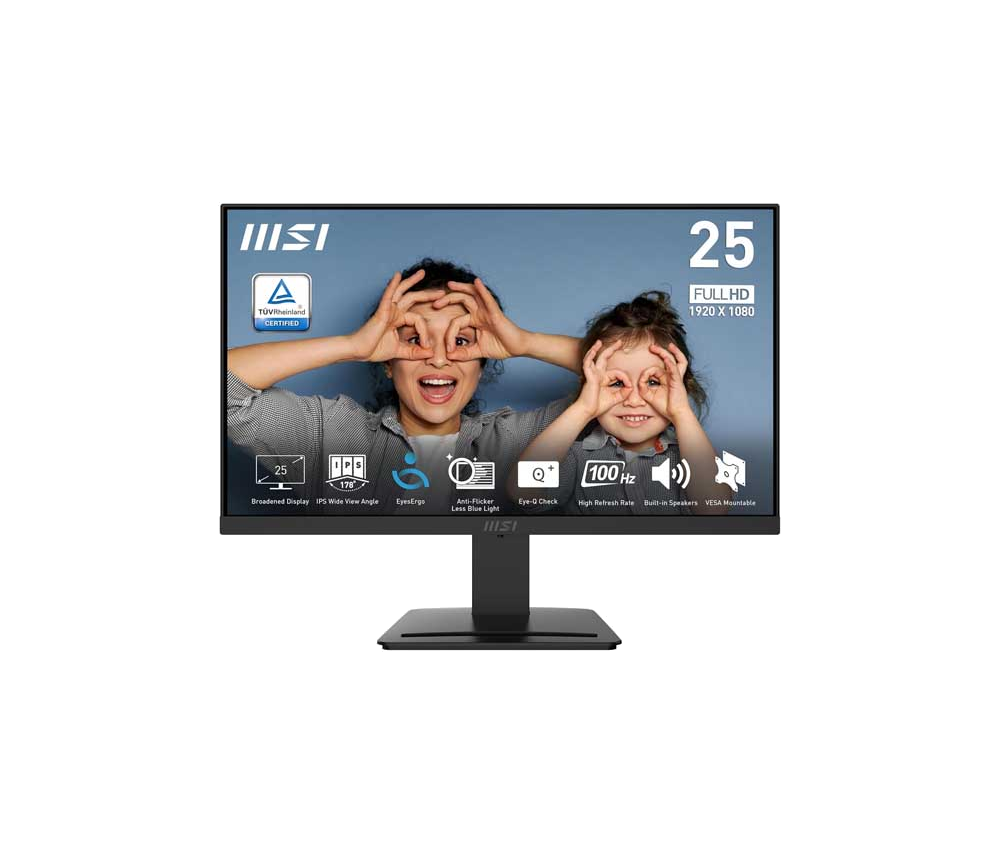
Monitor |
27–32" 4K UHD / 144Hz+ / IPS Panel / G-Sync/FreeSync |
|
Keyboard |
Full-size mechanical with hot-swappable switches & RGB |
|
Gaming Mouse |
12K+ DPI / Adjustable weights / Side macros |
|
Headphones |
7.1 Surround Sound / Detachable Mic / ANC |
|
Controller |
Xbox Elite / DualSense with haptics |
|
Webcam |
1080p or 4K with ring light for streamers |
|
Microphone |
Condenser Mic with Boom Arm & Pop Filter |
🎉 Fun Add-On: LED light strips and ambient sound-reactive lighting are now Alexa or Google Assistant compatible—creating a dynamic mood-based experience!
A top-tier gaming PC isn’t just about high frame rates—it’s about an elite user experience across play, productivity, and presentation. Whether you're creating content or conquering competitive arenas, your Enthusiast/Pro rig is your ultimate weapon.
👉 Explore enthusiast-grade models on Digibuggy to start building your dream machine today.
|
Peripheral |
Must-Have Feature |
|
Monitor |
144Hz refresh + 1ms response |
|
Keyboard |
Tactile Mechanical + RGB |
|
Gaming Mouse |
Custom DPI + Extra Macro Buttons |
|
Headphones |
Noise Cancellation + 7.1 Virtual Sound |
|
Controller |
Xbox/PS Style (For select titles) |
Fun Add-On: LED light strips and headphone stands now come with smart RGB sync for immersive gaming ambiance.
Q1: How do I know my PC is upgradeable?
Check your PSU wattage, available RAM slots, and PCIe lanes.
Q2: Is prebuilt better than custom in 2025?
Yes, if you’re not tech-savvy. Digibuggy offers optimized and warranty-backed builds.
Q3: What’s the most important gaming component?
Your GPU and CPU combo matter the most for FPS.
Q4: How often should I upgrade?
Mid-range builds last 4–5 years. High-end builds push 6–7 years with minor upgrades.
Q5: What’s a good PSU wattage for future-proofing?
650W for mid-range, 850W+ for enthusiast builds.
Finding the best PC computer for gaming is not about splurging—it’s about aligning your needs with smart choices. With this guide, you’re now equipped to:
Whether you’re looking to grind competitive leaderboards, start a YouTube channel, or just escape into epic worlds, the right PC makes all the difference.
👉 Visit Digibuggy.com for high-quality, tested, and future-ready gaming rigs.
Explore. Play. Dominate.
💥 Check out our Buzz Blaster Series or explore more tech insights on our blog section.


CPU N/A
GRAPHICS CARD N/A
STORAGE N/A
RAM N/A
CPU N/A
GRAPHICS CARD N/A
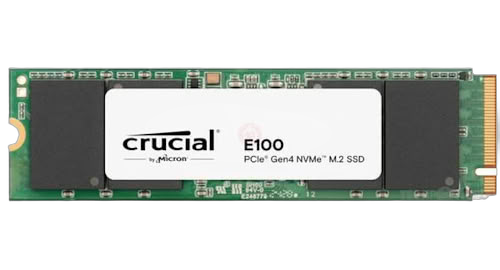
STORAGE Crucial E100 1TB NVMe Gen...
RAM N/A