Get your FIRST consultation for FREE
Build your own PC: DIY at our Experience Zone
+91 9217667394 | sales@digibuggy.com


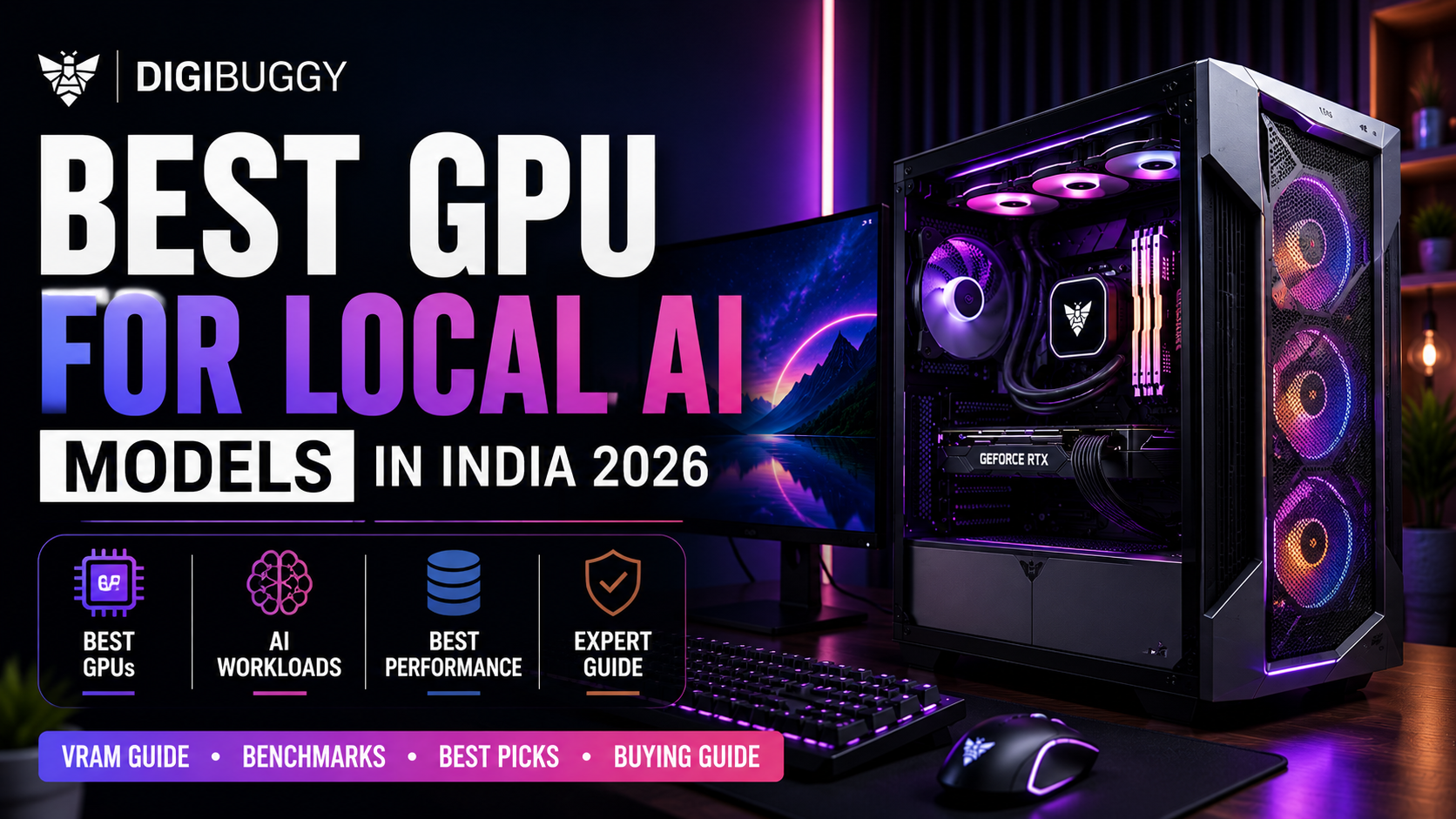
The optimal GPU to use for local AI models in India (in 2026) will vary based on your application/use case, desired VRAM requirements, cooling methods, power efficiency, and specific AI workload. Current RTX 5080 and RTX 5090 GPUs provide the most advantageous combination of performance for individuals wanting to build their own local LLMs, run Stable Diffusion, generate images from AI, use coding assistants, or utilize AI software/services.
A flagship GPU is not always required by the average user. Smaller AI models, coding assistants, and lightweight local inference setups generally perform adequately on median-tier GPUs with adequate VRAM.
The common purchasing error committed by most individuals is selecting their GPU based on raw gaming performance only, without any consideration for VRAM size and thermal stability of the chip.
The primary factor affecting how smoothly local AI models run is VRAM.
Local AI workloads require the following items to be stored in GPU memory:
Having more VRAM will allow for the following benefits:
|
VRAM Capacity |
Typical AI Usage |
|
8GB |
Small local models |
|
12GB |
Basic Stable Diffusion |
|
16GB |
Mid-range AI workflows |
|
24GB+ |
Large LLMs + advanced AI workloads |
|
32GB+ |
Enterprise-level local AI |
As an example, an LLM that requires 24GB of VRAM can run much larger locally on a GPU with 24GB than on one without, although they may provide very similar performance for gaming
Currently, for serious AI users with high-needs devices within India, the experience provided through RTX 5090s is widely accepted as being overall the best.
Reasons for the superior value proposition of this class of GPU’s for AI applications are
|
GPU |
Best For |
VRAM |
|
RTX 5060 Ti |
Entry-level AI |
8GB-16GB |
|
RTX 5070 |
Mid-range AI workloads |
16GB |
|
RTX 5080 |
Serious AI creators |
16GB+ |
|
RTX 5090 |
Heavy local LLMs + AI rendering |
24GB+ |
Example of usage: an AI creator producing high-resolution (HDR) images of Stable Diffusion would receive extremely high value through VRAM capabilities equal to what exists in the RTX 5090-class GPU.
Absolutely, this is the case for advanced users.
Some benefits of this GPU:
|
Advantage |
Why It Matters |
|
Large VRAM capacity |
Bigger models fit locally |
|
Faster inference |
Better productivity |
|
Better cooling designs |
Stable long workloads |
|
AI tensor performance |
Faster generation times |
Nonetheless, these systems can become very costly in India.
A complete AI workstation utilizing an RTX 5090 could range from ₹3 lakh to ₹6 lakh (INR) depending on the RAM, cooling, and storage setup.
https://digibuggy.com/product/MSI-GeForce-RTX-5090-32GB-LIGHTNING-Z
RTX 5080-class GPUs provide exceptional value for many AI applications for users in India.
They also have the ability to perform incredibly well when it comes to:
|
AI Workload |
RTX 5080 Capability |
|
Stable Diffusion |
Excellent |
|
Local coding copilots |
Excellent |
|
AI rendering |
Very strong |
|
Medium LLMs |
Strong |
|
Massive enterprise LLMs |
Limited |
For example, if you are a software developer creating locally run code-copying solutions (also known as 'pilots'), you will almost certainly get a better value from an RTX 5080 than from spending too much on extreme business-class server hardware.
https://digibuggy.com/product/Gigabyte-RTX-5080-WindForce-OC-SFF-16GB-GDDR7-Graphics-Card
VRAM, cooling, CUDA performance, and memory bandwidth are all very important to stable diffusion workloads.
|
GPU Tier |
Stable Diffusion Experience |
|
RTX 4060/5060 |
Basic generation |
|
RTX 5070 |
Good creator workflows |
|
RTX 5080 |
Excellent professional use |
|
RTX 5090 |
Best large-scale generation |
Having more VRAM enables:
For example:
With 24GB+ video cards, it is greatly improved to generate numerous high-resolution AI images in parallel.
Local AI workloads place more emphasis on VRAM than on gaming frame rates.
|
GPU VRAM |
LLM Capability |
|
8GB |
Small quantized models |
|
12GB |
Basic local assistants |
|
16GB |
Mid-sized LLMs |
|
24GB+ |
Large local models |
|
48GB+ |
Enterprise AI workloads |
Many people do not consider how important the amount of memory actually is for running AI through a local LLM.
For example, while a heavily quantized LLM could use about 12GB VRAM, in order to run the model with larger context windows and with smooth inference, you will need at least 24GB+ VRAM.
While AMD GPUs have made considerable advancement, in 2026 NVIDIA dominantly holds the edge for running local artificial intelligence workloads.
Reasons NVIDIA remains stronger:
|
Factor |
NVIDIA |
AMD |
|
CUDA ecosystem |
Excellent |
Limited |
|
AI software support |
Better |
Improving |
|
Stable Diffusion optimization |
Stronger |
Decent |
|
Local LLM ecosystem |
Better |
Growing |
AMD could provide you with significant value for gaming-only workloads. However, when you are running workloads that contain a lot of AI, NVIDIA continues to be the best, most secure choice.
For workers using AI technologies locally, having plenty of RAM is very important, as they typically rely on these methods of work:
|
AI Usage |
Recommended RAM |
|
Basic AI tools |
32GB |
|
Stable Diffusion |
32GB-64GB |
|
Local LLMs |
64GB+ |
|
AI multitasking |
96GB-128GB |
Example: A developer will greatly benefit from having 64GB+ of RAM when running coding copilot applications, vector databases, and/or image generation (simultaneously).
https://digibuggy.com/product/G.Skill-Ripjaws-S5-64GB%2832GBx2%29-6000MHz-CL36-DDR5
https://digibuggy.com/product/G.Skill-Ripjaws-S5-48GB-5200MHz-CL40-DDR5
AI workloads stress GPUs for extended periods that create significant amounts of heat.
Without adequate cooling, the following can occur:
|
Cooling Type |
Best For |
|
Air cooling |
Mid-range AI builds |
|
360mm AIO cooling |
High-end AI systems |
|
Custom loops |
Extreme workstations |
Usually, premium AI workstations will have more aggressive airflow designs than gaming workstations.
Example: A poorly ventilated RTX 5090 workstation would likely throttle back its performance when performing long AI rendering sessions.
https://digibuggy.com/product/MSI-MAG-CORELIQUID-I360-ARGB-CPU-Liquid-Cooler-%28White%29
Because of their extensive size requirements, AI systems need rapid access to data stored on their drives.
|
Storage Type |
Recommended Usage |
|
Gen4 NVMe SSD |
Main AI workloads |
|
Secondary SSD |
Project storage |
|
NAS storage |
Long-term datasets |
|
HDD storage |
Cold archival |
Many current local solutions are implemented as follows:
Example
For example, an individual creating Stable Diffusion content with thousands of images each month could use up several terabytes very quickly!
https://digibuggy.com/product/Samsung-9100-PRO-4TB-NVMe-Gen5-SSD
Your decision will depend on the amount of work being done and the size of your project budget.
The most current version of the RTX 5080 provides the best balance across the following:
|
Budget |
Best GPU Option |
Best For |
|
₹80K-₹1.2L |
RTX 5070 |
Entry AI workflows |
|
₹1.5L-₹2.5L |
RTX 5080 |
Serious AI creators |
|
₹3L+ |
RTX 5090 |
Heavy local AI workloads |
An added complication in selecting components for AI workstations is that all components in an AI workstation must be in near-perfect balance with the following component requirements:
|
Option |
Best For |
|
DIY AI build |
Experienced enthusiasts |
|
Premium AI builder |
Most professionals |
|
Budget local build |
Learning setups |
For example, a locally built AI workstation with an unstable RAM tune would crash when performing long-duration inference.
https://digibuggy.com/products/details/data-drone-threadripper-5975wx-rtx-a5000-x2-workstation-pc
The biggest mistakes include the following:
|
Mistake |
Why It’s Bad |
|
Buying gaming-focused GPUs only for FPS |
Weak AI optimization |
|
Ignoring VRAM |
Limits model size |
|
Weak PSU selection |
Stability problems |
|
Poor airflow |
Thermal throttling |
|
Low RAM capacity |
Bottlenecks workflows |
Most buyers overspend on RGB and aesthetics while actually compromising actual AI performance.
Example:
An AI workstation with insufficient cooling might perform worse than a balanced airflow-focused system.
Digibuggy is currently concentrating on the following products:
The platform supports:
With the increased growth of local AI in India, it has become increasingly important to ensure the optimization of workstations as well as their thermal designs instead of simply following the highest recommended gaming specifications.
Visit https://digibuggy.com/product/configure
What is the best GPU for running an AI model locally in India?
If you're looking for a locally hosted AI workhorse, the best GPUs available right now for AI workload performance and VRAM are the RTX5080 and RTX5090.
What is the VRAM requirement for running AI locally?
For smaller AI models (8GB-12GB VRAM), this usually is fine; however, larger AI models (LLMs) and other advanced workflows typically require VRAM in excess of 24GB.
Will an RTX5080 work with Stable Diffusion?
The RTX 5080 is an excellent option for using Stable Diffusion, performing AI rendering, and other activities such as creator workflows.
Is an RTX5090 worthwhile for AI?
Most definitely. The RTX 5090 will provide excellent performance for running large, locally hosted AI LLMs, performing AI rendering and multitasking with heavy graphics loads.
Are AMD cards good for running AIs?
AMD graphics cards are improving, but NVIDIA still has the best support for AI software and support of ecosystem compatibility for running AI workloads.
What is the recommended RAM amount that should be in an AI workstation?
The absolute minimum RAM for a workstation designed for serious AI workloads is 32GB, while anything greater than 64GB is highly recommended for larger AI models.
Is cooling necessary on AI workstations?
Yes, they help keep your components running optimally. AI workloads require constant use of your PCIe peripherals; therefore, it is very important to have good airflow and thermal optimization in your computer cabinets.
Can gaming computers run local AI workloads?
Yes, but a gaming-specific build will typically have a low VRAM graphics card, which would most likely not run efficiently on larger AI workloads.
Selecting the right GPU in 2026 for use on local AI models in India will largely depend on your budget, the type of work you are performing, and the amount of VRAM that you will need.
For most users:
However, as we move into the future, raw processing power alone will no longer be the only critical factor to consider.
It is equally important that your workstation provides:
Local AI utilization is increasing rapidly among developers/post-production creators/studios/businesses in India, leading to a greater need for a balanced workstation for AI use versus a workstation built specifically for gaming.
CPU N/A
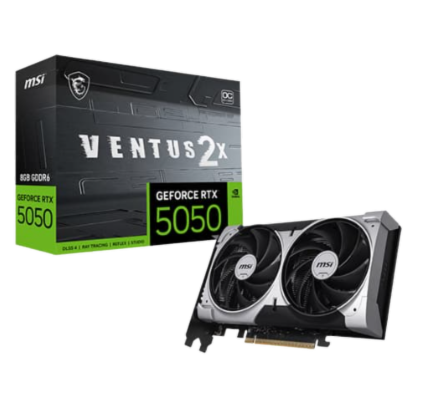
GRAPHICS CARD MSI RTX 5050 Ventus 2X OC...
STORAGE N/A
RAM N/A