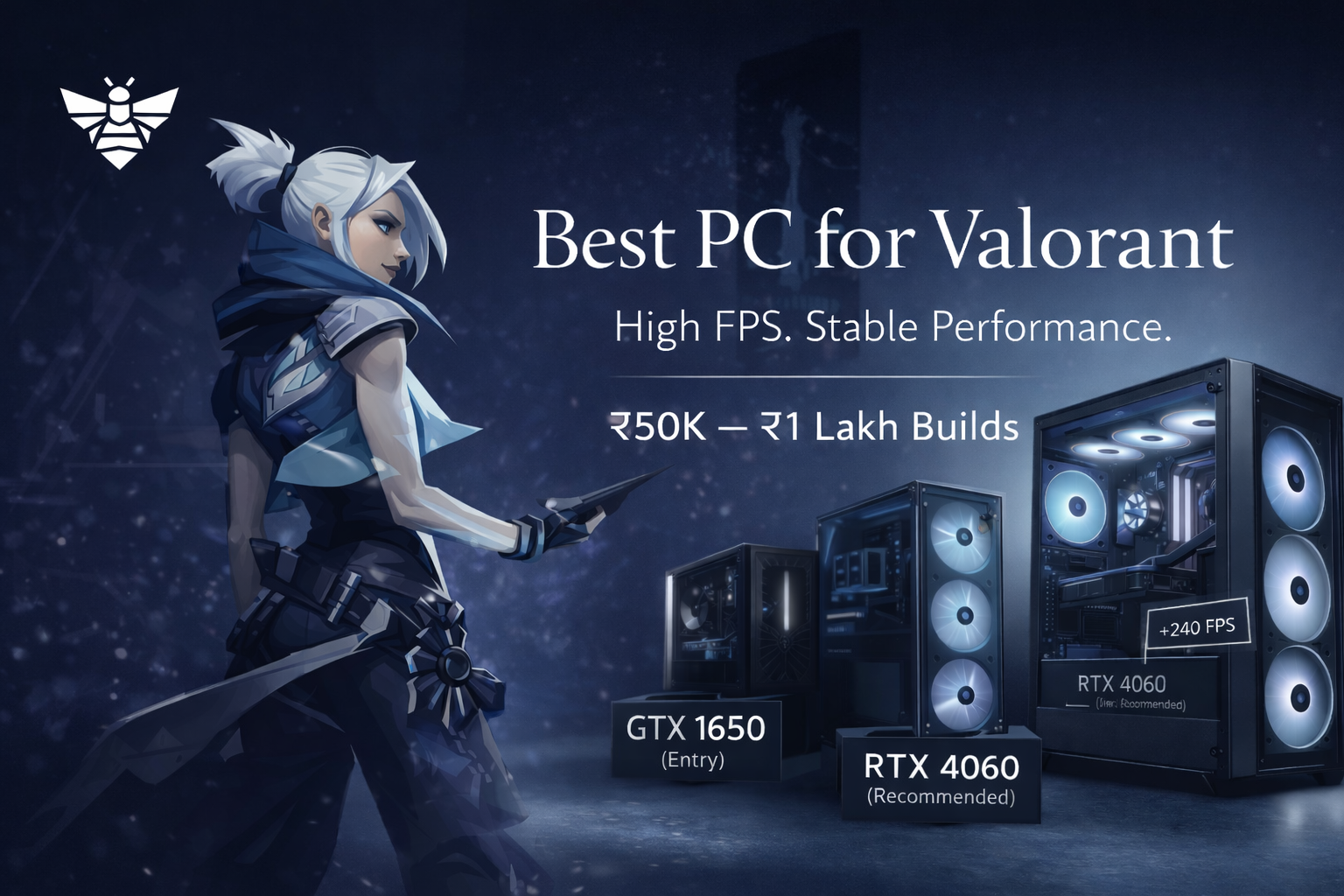
Best PC for Valorant in India (₹50K–₹1L Builds)
If you're building a PC for Valorant, you don’t need a powerful system.
You need a consistent system.
Because Valorant is not GPU-heavy. It’s about stable FPS, low input lag and no frame drops during fights.
So the real question is not:
“Can my PC run Valorant?”
It’s:
“Will my FPS stay stable when it matters?”
What Actually Matters for Valorant
Valorant is mostly CPU-driven.
So your priority should be:
- CPU → biggest impact on FPS stability
- RAM → 16GB minimum
- SSD → smoothness and load times
- GPU → only needs to be decent
This is why many people overspend on GPU and still get bad performance.
₹50K Build — Real Entry-Level Setup
Let’s be realistic here.
At ₹50K in India, you are not getting RTX 4060 or RX 7600 builds.
You are mostly in APU or very entry GPU territory.
Typical Configuration:
- Ryzen 5 5600G (integrated graphics)
- 16GB RAM
- 500GB SSD
What You Can Expect:
- 120–180 FPS on low settings
- Playable and smooth in most cases
- FPS drops in heavy fights or smokes
Best For:
- Casual players
- First-time buyers
- Tight budgets
Reality Check:
- This is entry level only
- Not ideal for competitive ranked grinding
👉 Think: “I can play properly, but not push high FPS consistently.”
₹70K–₹90K Build — Actual Competitive Sweet Spot
This is where real performance starts.
And yes, this is where proper GPUs like RTX 4060 / RX 7600 actually start fitting into builds in India.
Typical Configuration:
- Ryzen 5 5600 / Intel i5 12400F
- RTX 4060 / RX 7600
- 16GB RAM
- 1TB SSD
What You Can Expect:
- 250–350+ FPS on low settings
- Much better frame stability
- Smooth experience on 144Hz and 240Hz
Why This Range Works:
- Strong CPU removes bottlenecks
- GPU is already more than enough for Valorant
👉 This is where your PC stops being the problem.
₹90K–₹1 Lakh Build — High FPS Competitive Setup
Now you’re getting into modern platform builds.
Example builds like Ryzen 5 7600 + RTX 4060 setups are already seen around this range in India.
And higher-end configurations with RTX 5060 Ti go beyond ₹1.3L on Digibuggy.
Typical Configuration:
- Ryzen 5 7600 / Intel i5 13400F
- RTX 4060 / RTX 5060
- 16GB–32GB RAM
- 1TB SSD
What You Can Expect:
- 300–450+ FPS
- Very stable frame times
- Perfect for 240Hz and 360Hz monitors
Why This Is the Best Range:
- New-gen CPU platform (AM5 / latest Intel)
- Better upgrade path
- No real bottlenecks for Valorant
👉 This is: “pure competitive performance, no excuses.”
Should You Upgrade or Build New?
Upgrade if:
- You already have a decent CPU (Ryzen 5 / i5 recent gen)
- You just need RAM or GPU
- You’re close to ₹70–90K level performance
Build New if:
- You’re on older platforms
- You’re using integrated graphics and struggling
- You want long-term stability
Smart Upgrade Path (Don’t Waste Money)
For Valorant specifically:
- Upgrade to 16GB RAM
- Switch to SSD (if missing)
- Upgrade CPU (biggest FPS gain)
- Upgrade GPU (only if needed)
Most people do this in reverse and get worse results.
Final Verdict
Valorant doesn’t need a powerful PC.
It needs a balanced PC.
- Don’t overspend on GPU
- Don’t ignore CPU
- Don’t stay on 8GB RAM
Just ask:
“Do I want stable FPS or just playable FPS?”
That’s your answer.
Frequently Asked Questions (FAQs)
1. What is the best budget PC for Valorant in India?
₹70K–₹90K is the sweet spot where you get stable high FPS with a proper CPU and GPU.
2. Can I get an RTX 4060 PC under ₹60K?
No, that’s not realistic in India. RTX 4060 builds usually start around ₹80K–₹90K.
3. Is GPU important for Valorant?
Not much. CPU matters more for FPS stability and consistency.
4. Is 8GB RAM enough for Valorant?
It works, but 16GB is strongly recommended for smooth gameplay.
5. How much FPS is good for Valorant?
144 FPS is good, but 240 FPS or higher is ideal for competitive play.