Get your FIRST consultation for FREE
Build your own PC: DIY at our Experience Zone
+91 9217667394 | sales@digibuggy.com


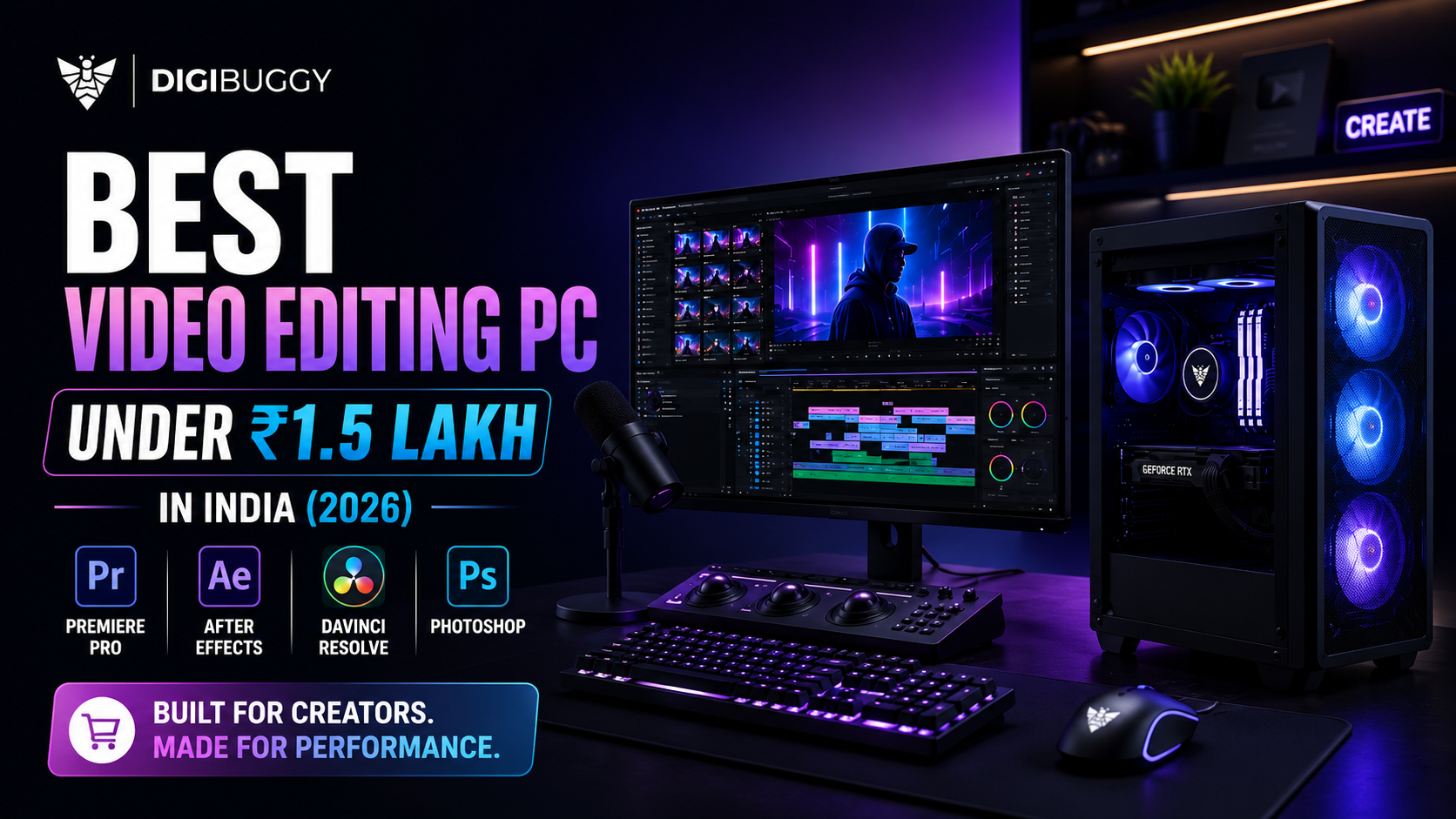
When searching for the best video editing computer that costs up to ₹1.5 lakh in India, this amount is sufficient to buy a computer that can be used for professional 4K video editing, color grading, motion graphics creation, and even some 3D rendering.
Be it Adobe Premiere Pro, DaVinci Resolve, After Effects, Blender, or Photoshop, purchasing a good set of CPU, GPU, RAM, and SSD is more important than having the most expensive graphics card on board.
The right combination allows exporting videos faster, playing timelines smoother, and getting fast renders.
Within the range of ₹1.5 lakhs, this is the most optimized system specification available.
|
Component |
Recommended Specification |
|
Processor |
Intel Core Ultra 7 / Intel Core i7 or AMD Ryzen 7 |
|
Graphics Card |
NVIDIA GeForce RTX 5060 Ti 16GB |
|
RAM |
32GB DDR5 (Upgradeable to 64GB) |
|
Storage |
1TB Gen4 NVMe SSD |
|
Motherboard |
B760 / B850 Series |
|
Power Supply |
750W 80+ Gold |
|
Cooling |
240mm Liquid Cooler or Premium Air Cooler |
|
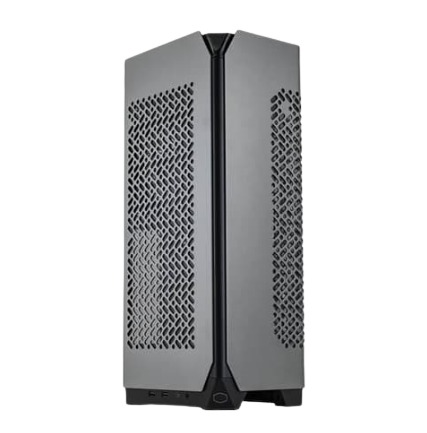
Cabinet |
High Airflow Mid-Tower |
This system will strike a good balance between CPU performance, GPU performance, and hard disk speed.
Processor (CPU)
Rendering, encoding, playing back the timeline, and multi-tasking all depend largely on the performance of your CPU.
A good multi-core performance can be achieved through either an Intel Core Ultra 7, an Intel Core i7, or an AMD Ryzen 7 processor.
https://digibuggy.com/product/Intel-Core-i7-14700-1
Graphics card (GPU)
Current video editing software makes use of GPU acceleration a lot.
The NVIDIA GeForce RTX 5060 Ti with 16 GB VRAM would be very effective at the following:
The bigger VRAM will also prove useful when working with HD footage and AI.
https://digibuggy.com/product/MSI-RTX-5060-Ti-Inspire-2X-OC-8GB-GDDR7-Graphics-Card
RAM
For professional editing, 32GB DDR5 RAM is ideal.
This offers:
If you usually work with 6K or 8K video clips, 64GB RAM would be preferable for future upgrades.
https://digibuggy.com/product/Corsair-Vengeance-RGB-Grey-32GB-6000MHz-CL38-DDR5-RAM
Storage
Good storage makes your editing much faster.
A 1TB PCIe Gen4 NVMe SSD will give you:
Most creatives also use an additional SSD for storing their projects and scratch disks.
https://digibuggy.com/product/Samsung-990-Pro-1TB-M.2-NVMe-Gen4
|
Component |
Recommendation |
|
CPU |
Intel Core Ultra 7 265K / Intel Core i7-14700 / AMD Ryzen 7 9700X |
|
CPU Cooler |
240mm AIO Liquid Cooler |
|
Motherboard |
B760 DDR5 / B850 DDR5 |
|
RAM |
32GB DDR5 6000MHz |
|
GPU |
NVIDIA RTX 5060 Ti 16GB |
|
Storage |
1TB Gen4 NVMe SSD |
|
PSU |
750W 80+ Gold |
|
Cabinet |
Premium Airflow Cabinet |
Budget Estimate: ₹1.40-₹1.50 Lakh
The system is quite a good choice for professionals that regularly edit videos and yet can be used for gaming and AI too.
This computer can easily manage:
This computer is also great at working with software such as Photoshop, Lightroom, Illustrator, and Blender.
Although technology moves fast, this system will stay relevant for years to come.
Advantages:
Regardless of whether you are just starting your YouTube channel or operating a full-fledged production studio, this PC will handle whatever creative workload that you can throw at it.
At Digibuggy, each workstation is custom-tailored around your working process, not just your budget.
Whether you are a YouTuber, videographer, freelancer, or an agency, we help select the correct parts for your best editing performance.
Thanks to our AI-powered PC builder, clear pricing, pro cable management, stress testing, and post-sales service, you will have a perfectly performing workstation right from the start.
Visit https://digibuggy.com/product/configure
The ₹1.5 lakh range is the perfect choice for professionals looking for professional performance without going overboard.
By ensuring that your system has an efficient CPU, ample RAM, speedy NVMe storage, and an NVIDIA RTX 5060 Ti, you will be able to handle anything from 4K edits to even AI-based editing.
It’s not always about going for the most expensive components. Instead, go for balance.
Which processor should I choose for video editing up to ₹1.5 lakh?
There are many good processors for video editing, including Intel Core Ultra 7, Intel Core i7, and AMD Ryzen 7.
Is 32GB RAM sufficient for video editing?
Yes, in most cases, 32GB of DDR5 RAM will be sufficient for 1080p and 4K video editing. If working on 6K or 8K videos, consider increasing RAM size to 64GB.
Which GPU is the best for video editing up to ₹1.5 lakh?
One of the best options would be the NVIDIA RTX 5060 Ti 16GB GPU due to its high GPU acceleration, large VRAM, and artificial intelligence capability.
Is a gaming PC a good choice for video editing?
While a gaming PC may edit video files, a workstation that features a well-balanced CPU, GPU, RAM, and storage will provide better performance.
Should I assemble my PC or purchase a ready-to-use PC?
If you want to have a good video editing experience, it is better to assemble a custom-made computer because it will be optimized for your needs
CPU N/A
GRAPHICS CARD N/A
STORAGE N/A
RAM N/A
CPU N/A
GRAPHICS CARD N/A
STORAGE N/A
RAM N/A
CPU N/A
GRAPHICS CARD N/A
STORAGE N/A
RAM N/A