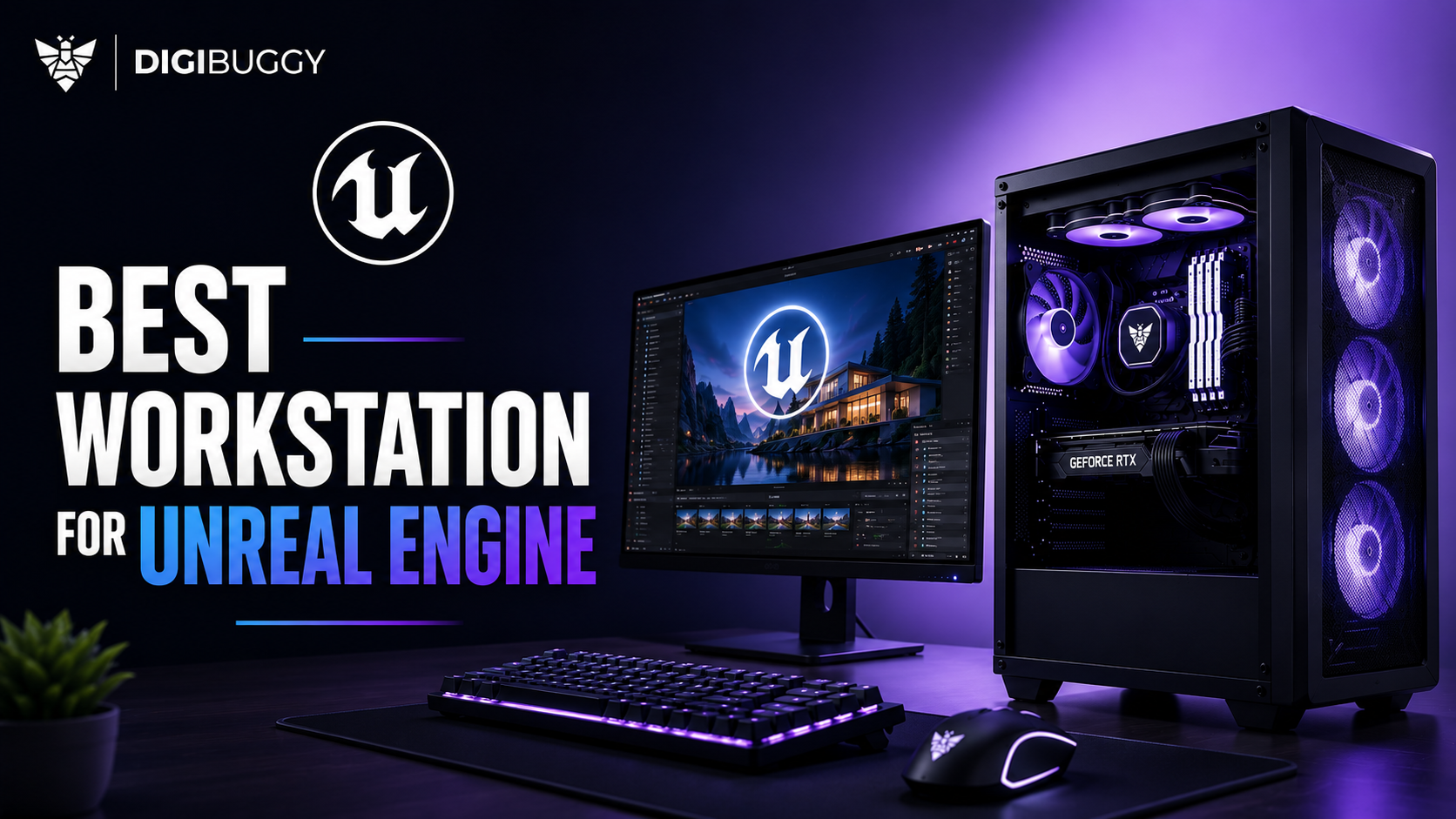
Looking for a reliable and powerful workstation for Unreal Engine in India? An RTX 5080 workstation equipped with either a Ryzen 9 or Ultra 9 processor from Intel, 64GB of DDR5 RAM, and quick NVMe storage will be your most cost-effective solution.
While gaming systems can easily get away with running one thing at a time, an Unreal Engine workstation is expected to manage all these operations: shader compiling, Nanite geometry, Lumen lighting, cinematic rendering, and virtual production, as well as huge-sized project files. Your work will benefit greatly from the reduced amount of time spent on compilation, smooth viewport interaction, and efficient rendering.
Here's everything to keep in mind when purchasing an Unreal Engine workstation in India in 2026.
What Is the Best Unreal Engine Workstation Configuration in India?
The best Unreal Engine workstation combination that Indian professionals can consider at present would include the following:
- GPU - RTX 5080 16GB/RTX 5090
- CPU - Ryzen 9 9950X/Intel Ultra 9 285K
- RAM - 64GB DDR5
- Storage - 2TB Gen4/Gen5 NVMe SSD
- Cooler - 360mm AIO Liquid Cooler
- Power Supply Unit - 1000W Gold Rated
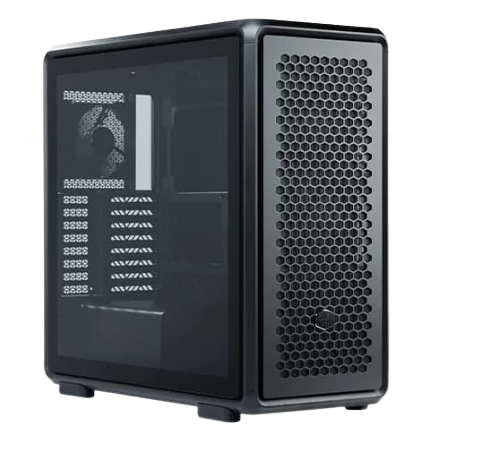
- Case - High Airflow Workstation Case
Such an optimized workstation will be able to cater to all requirements related to:
Unreal Engine 5 Development
- Nanite Environment
- Lumen Lighting
- MetaHuman Projects
- Architectural Visualization
- Virtual Production
- VR Development
- Real-Time Cinematic Rendering
Recommended Unreal Engine Workstation Tier
|
Component
|
Recommended Tier
|
|
GPU
|
RTX 5080 16GB
|
|
CPU
|
Ryzen 9 9950X/Intel Ultra 9
|
|
RAM
|
64GB DDR5
|
|
Storage
|
2TB Geb4 NVMe SSD
|
|
Cooling
|
360mm AIO
|
|
PSU
|
1000W Gold
|
|
Cabinet
|
High-Airflow Case
|
This particular configuration would serve best for the Indian professionals.
Why Is GPU Performance So Important for Unreal Engine?
The GPU plays the most crucial role in real-time rendering within the Unreal Engine environment.
Current Unreal Engine operations depend greatly on GPU processing due to techniques like the following:
- Lumen
- Nanite
- Ray tracing
- Path tracing
- Virtual production
- Real-time rendering
An efficient GPU will enhance the efficiency of rendering and the quality of the visualization process.
GPU Requirements for Unreal Engine
|
GPU Tier
|
Recommended Usage
|
|
RTX 4060
|
Learning UE5
|
|
RTX 4070 Super
|
Small projects
|
|
RTX 5070 Ti
|
Professional development
|
|
RTX 5080
|
Advanced UE5 workflows
|
|
RTX 5090
|
Virtual production and film
|
Example
An independent game developer working on realistic scenes can use the RTX 4070 Super effectively.
Conversely, an architectural firm producing highly realistic city scenes through Nanite and Lumen technologies would achieve better results using the RTX 5080 workstation.
Is the RTX 5080 the Best GPU for Unreal Engine Workstations?
Yes. For most Unreal Engine experts in India, the RTX 5080 gives the best ROI.
It is great to work with the following:
- Real-time rendering
- Nanite scenes
- Lumen
- MetaHumans
- Architecture visualization
- Cinematic
- VR
RTX 5080 Unreal Engine Performance
|
Unreal engine task
|
RTX 5080 performance
|
|
Nanite scenes
|
Excellent
|
|
Lumen rendering
|
Excellent
|
|
Metahumans
|
Excellent
|
|
ArchViz
|
Excellent
|
|
VR development
|
Strong
|
|
Virtual production
|
Strong
|
The RTX 5090 may be more powerful, but that will lead to an increase in total workstation expenses. The RTX 5080 continues to remain the best buy for most professionals.
https://digibuggy.com/product/MSI-RTX-5080-Ventus-3X-OC-White-16GB-GDDR7
Why Does CPU Performance Matter for Unreal Engine?
Most users emphasize GPU performance while neglecting the importance of CPU performance.
But Unreal Engine requires significant amounts of CPU performance because it needs CPU for the following activities:
- Shaders compilation
- C++ compilation
- Blueprint compilation
- Assets importation
- Project packaging
- Light baking
Better CPU means less wait time and improved productivity.
Recommended CPU Tier for Unreal Engine
|
CPU
|
Recommended usage
|
|
Ryzen 7 / Core i7
|
Entry Development
|
|
Ryzen 9 / Ultra 9
|
Professional Development
|
|
Threadripper Pro
|
Enterprise Production
|
An example
An individual who compiles shaders multiple times in a day can save hours in a week when using a Ryzen 9 9950X computer against a medium-performing CPU.
For large-scale projects, CPU performance is sometimes as important as GPU performance.
https://digibuggy.com/product/AMD-Ryzen-7-5700G
How Much RAM Does Unreal Engine Need in 2026?
Highly recommend 64 GB RAM for using Unreal Engine professionally.
Unreal Engine is never used solo most of the time. In almost all cases, a professional uses the following:
- Visual Studio
- Blender
- Photoshop
- Substance Painter
- Twinmotion
- Multiple browser tabs
- Asset libraries
Projects are big, and they tend to utilize more than 32 GB memory.
Recommended RAM for Unreal Engine
|
Workload
|
Recommended RAM
|
|
Beginner projects
|
32GB
|
|
Professional Development
|
64GB
|
|
ArchViz projects
|
64GB
|
|
Virtual Production
|
96GB+
|
|
Film production
|
128GB+
|
Example
An architectural visualization firm using Unreal Engine, AutoCAD, Photoshop, and Twinmotion will see major enhancements after switching from 32 GB to 64 GB RAM.
https://digibuggy.com/product/G.Skill-Ripjaws-S5-64GB%2832GBx2%29-6000MHz-CL36-DDR5
Why Is Cooling So Important for Unreal Engine Workstations?
Unreal Engine loads are frequently applied to hardware continuously for hours.
Problems associated with poor cooling include:
- Thermal throttling
- Poor performance in rendering
- Inconsistency
- Noise
- Shorter hardware lifetime
While video game sessions last only minutes, the renderings and shader compilations performed by Unreal Engine may take much longer and do not pause at all.
Recommended Cooling Setup
|
Workstation type
|
Cooling recommendation
|
|
Mid-range UE5 workstation
|
High-airflow air cooling
|
|
RTX 5080 Workstation
|
360mm AIO
|
|
RTX 5090 Workstation
|
Advanced airflow + 360mm AIO
|
|
Enterprise Workstation
|
Custom Liquid cooling
|
Example
A well-cooled RTX 5080 system will perform better than a less cool RTX 5090 setup in rendering tasks thanks to thermal throttling.
https://digibuggy.com/product/MSI-MPG-CORELIQUID-P13-360-ARGB-White-CPU-Liquid-Cooler
What Storage Setup Is Best for Unreal Engine?
Storage speed influences the performance of project loading processes.
UE projects use a large amount of storage due to the following:
- Nanite assets
- High-quality images
- Cinematic materials
- Rendering results
- Source control systems
The optimal storage setup will include:
- Gen4/Gen5 NVMe SSD main drive
- Second SSD drive for currently used projects
- NAS for storage backups and collaborations
- Archive storage for completed projects
Recommended Storage Setup
|
Storage type
|
Best use
|
|
Gen4 NVMe SSD
|
Unreal engine installation
|
|
Secondary SSD
|
Active projects
|
|
NAS storage
|
Team collaboration
|
|
HDD storage
|
Long-term backup
|
Example
A virtual production company that creates movies will easily produce hundreds of gigabytes of project materials per month. Efficient storage ensures smooth performance while protecting data.
https://digibuggy.com/product/Samsung-990-Pro-2TB-M.2-NVMe-Gen4
Is Unreal Engine better on NVIDIA or AMD GPUs?
Most professionals using Unreal Engine prefer NVIDIA.
This is due to NVIDIA’s:
- Higher ray tracing speed
- Better Lumen capabilities
- Better DLSS support
- Compatibility for virtual production
- Greater software optimization
The AMD GPU has continued to evolve, but NVIDIA still delivers the best professional experience with Unreal Engine.
NVIDIA vs AMD for Unreal Engine
|
Feature
|
NVIDIA
|
AMD
|
|
Ray tracing
|
Excellent
|
Good
|
|
Lumen performance
|
Excellent
|
Good
|
|
DLSS support
|
Yes
|
No
|
|
Studio drivers
|
Excellent
|
Good
|
|
Virtual production
|
Excellent
|
Limited
|
Should Architects Use the Same Unreal Engine Workstation as Game Developers?
Not always.
Architectural visualization professionals usually prefer the following:
- High-resolution rendering
- Using Twinmotion tool
- Large scenes
- Photorealistic Lighting
- Using multiple screens
Game developers usually prefer the following:
- Shader compiling
- Testing performance
- Creating VR game
- Package builds
Recommended Unreal Engine Workstation by Industry
|
Industry
|
Recommended Focus
|
|
Game development
|
CPU + GPU balance
|
|
Architecture
|
GPU + RAM
|
|
Virtual production
|
GPU + Storage
|
|
Film production
|
GPU + CPU + Storage
|
|
VR development
|
GPU priority
|
Should You Build an Unreal Engine PC Yourself or Buy a Professional Workstation?
A professionally constructed workstation will usually be more beneficial for most professionals.
The following are some elements to optimize a workstation used for Unreal Engine development:
- Cooling
- Airflow
- Power supply unit
- Memory management
- Storage management
DIY vs Professional Workstation
|
Option
|
Best for
|
|
DIY build
|
Enthusiasts
|
|
Custom workstation builder
|
Professionals
|
|
Enterprise workstation
|
Studios and businesses
|
Workstations that look impressive in theory usually underperform during the production period since they weren’t properly optimized.
What Mistakes Should Buyers Avoid When Building Unreal Engine Workstations?
There are certain common mistakes made by individuals purchasing a workstation for the first time.
|
Mistake
|
Why it’s bad
|
|
Buying GPU Based Only on Gaming FPS
|
Unreal engine needs more than FPS
|
|
Ignoring CPU Performance
|
Slow shader compilation
|
|
Choosing 32GB RAM for Large Projects
|
Memory bottlenecks
|
|
Poor Airflow
|
Thermal throttling
|
|
Cheap PSU
|
Stability Issues
|
|
Prioritizing RGB Over Cooling
|
Lower Performance
|
A workstation that prioritizes looks will not outperform one that prioritizes performance.
Which Unreal Engine Workstation Budget Gives the Best Value?
Most Indians should purchase a workstation in the range of ₹2.5 lakh to ₹4 lakh.
|
Budget
|
Best use
|
|
₹1L-₹1.5L
|
Learning UE5
|
|
₹1.5L-₹2.5L
|
Indie Development
|
|
₹2.5L-₹4L
|
Professional Workstation
|
|
₹4L+
|
Virtual production and film
|
In this price range, users can have the most bang for their buck with top-tier GPUs, ample RAM, storage speed, and cooling capabilities.
Why Are More Indian Studios Moving to Unreal Engine?
Adoption of Unreal Engine in India is rising.
Companies are now leveraging Unreal Engine for purposes such as:
- Games
- Architectural renderings
- Automotive design
- Film production
- Virtual productions
- Simulations
- VR experiences
The need for optimized Unreal Engine workstations is increasing because regular gaming workstations cannot cater to professional tasks.
Which Digibuggy Workstation Should You Consider for Unreal Engine?
For professionals working with Unreal Engine, Digibuggy advises focusing on:
- RTX 5080-based workstations
- RTX 5090 workstations
- Creator-friendly workstations
- Workstations that focus on airflow
- NAS-based workstations
- Rendering workstations
https://digibuggy.com/products/details/cortex-commander-threadripper-7975wx-nvidia-quadro-rtx-a5000-x2-workstation-pc
Conclusion
A costly GPU does not guarantee the ideal configuration of an Unreal Engine workstation for India.
Requirements for an efficient Unreal Engine workstation include the following components' performance:
- GPU
- CPU
- RAM capacity
- Cooling performance
- Storage performance
- Power delivery
- Reliability over time
For Indian software developers, architects, visualization agencies, and content creators, the optimum Unreal Engine workstation configuration currently is an RTX 5080 workstation with 64GB DDR5 RAM.
Frequently Asked Questions (FAQs)
Is 32GB RAM sufficient to run Unreal Engine?
Yes, if you want to learn Unreal or handle small-sized projects. However, we highly recommend at least 64GB RAM to professionals using Unreal Engine for serious work.
What GPU should I get if I want to use Unreal Engine in India?
The RTX 5080 will provide you with the perfect blend of performance and cost-effectiveness right now in India.
Is the RTX 5090 good for Unreal Engine?
Yes, especially if you plan to do virtual production, film production, or enterprise-grade renderings.
Does Unreal Engine demand a a high-performance CPU?
Of course! Unreal Engine is highly dependent on the performance of the central processing unit.
Which brand CPU is best for Unreal Engine?
Intel and AMD CPUs perform extremely well. We recommend the Ryzen 9 9950X and Intel Ultra 9 processors.
Can gaming PCs run Unreal Engine?
Yes, for starters, it's fine. However, for professionals, we recommend using workstations rather than gaming PCs.
How many GB of SSD storage is required by Unreal Engine?
At least 2TB of NVMe SSD is highly recommended to use for professional Unreal Engine.
Should architects use Unreal Engine workstations?
Yes, absolutely! Architects are increasingly adopting Unreal Engine for various purposes, including visualization, walk-throughs, and real-time rendering.