Get your FIRST consultation for FREE
Build your own PC: DIY at our Experience Zone
+91 9217667394 | sales@digibuggy.com


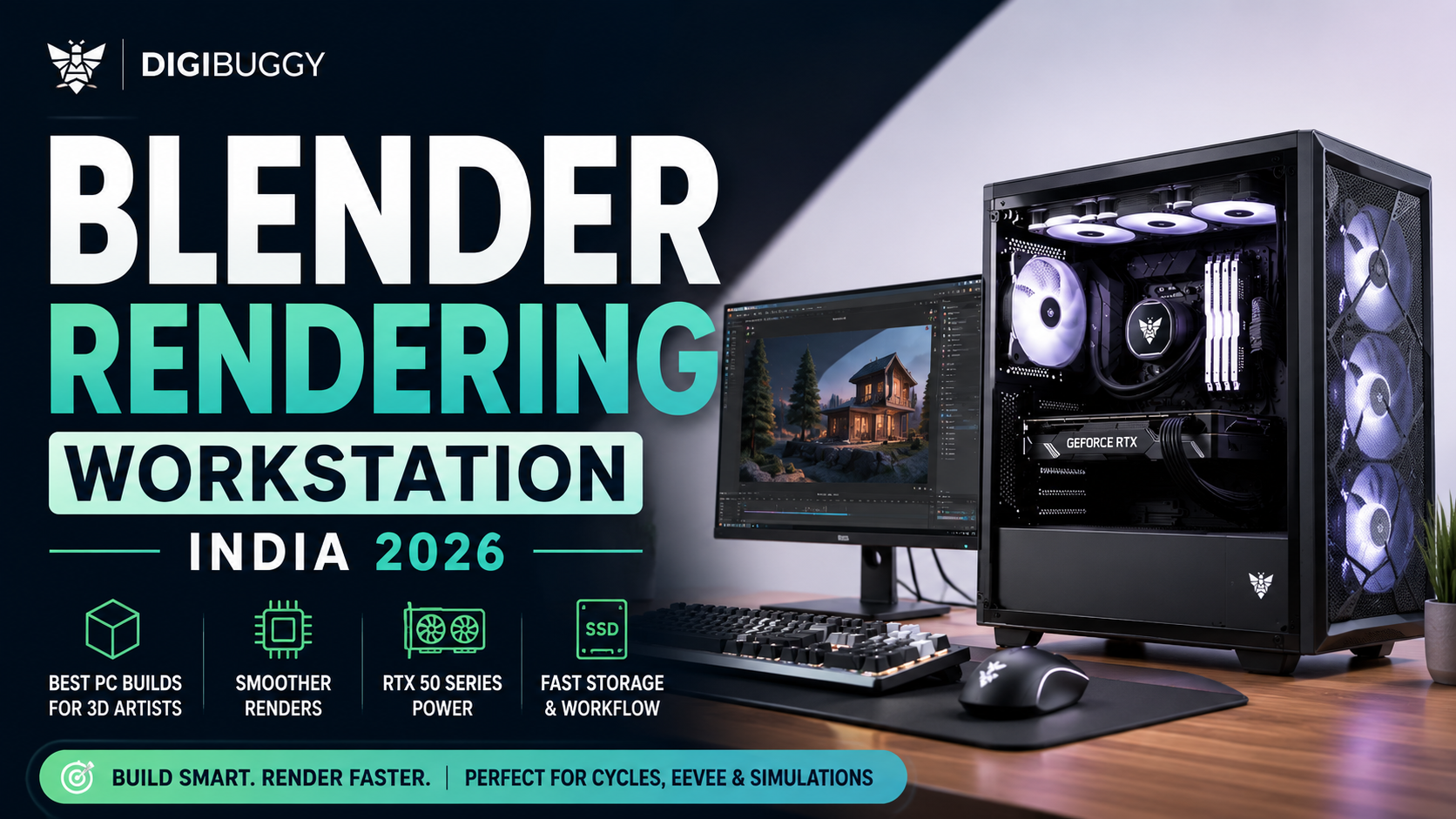
Blender is one of the most demanding creative workloads you can run on a PC in 2026.
Unlike gaming-focused systems, Blender workstations need to balance:
A lot of buyers make the mistake of building “gaming PCs” and expecting them to perform like proper Blender workstations.
But Blender workloads behave very differently once you start working with:
That is why properly balanced Blender workstations in India now realistically start above ₹1 lakh.
Professional Blender workstation recommendations in 2026 continue to heavily favor NVIDIA RTX GPUs because CUDA and OptiX still outperform AMD in most Blender rendering workflows.
In 2026, this is realistically the entry point for a proper Blender workstation.
At this range, the goal should be:
Example: ₹1L-₹1.25L Blender Build
|
Component |
Recommended Hardware |
|
CPU |
Ryzen 5 7600 |
|
GPU |
RTX 5060 8GB |
|
RAM |
16GB DDR5 |
|
Storage |
1TB NVMe SSD |
|
PSU |
650W Bronze |
|
Best For |
Beginner Blender projects, rendering, viewport work |
This setup comfortably handles:
For beginners, this is currently one of the best realistic value points in India.
For Cycles rendering especially, Blender scales heavily with GPU acceleration.
CUDA and OptiX acceleration on RTX GPUs provide significantly better rendering performance than older GPUs or weaker VRAM-limited cards.
That is why forcing:
while compromising GPU quality is usually a bad workstation strategy.
👉 Want a Blender workstation configured around your workflow?
Configure Your Blender PC at Digibuggy
This is currently the actual sweet spot for serious Blender users in India.
At this budget, you can finally balance:
Example: ₹1.5L-₹1.9L Blender Workstation
|
Component |
Recommended Hardware |
|
CPU |
Ryzen 7 7700 |
|
GPU |
RTX 5070 Ti 16GB |
|
RAM |
32GB DDR5 |
|
Storage |
1TB Gen4 NVMe SSD |
|
PSU |
750W Gold |
|
Best For |
Cycles rendering, simulations, 4K workflows |
This is where Blender workloads become very different from gaming.
Larger scenes and higher-resolution textures consume VRAM extremely quickly.
Once Blender exceeds available VRAM:
which becomes dramatically slower.
That is why many serious Blender users now prioritize 16GB-class GPUs.
This tier is ideal for:
This is also where Blender genuinely starts feeling professional instead of “good enough."
A lot of Blender users on Reddit also recommend prioritizing VRAM and NVIDIA GPUs over flashy gaming-focused builds for smoother rendering workflows.
👉 Need a serious Blender rendering workstation?
Build Your Digibuggy Blender Workstation
Once you cross ₹2.5 lakh, you move into professional workstation territory.
These systems are designed for:
Example: ₹2.5L+ Blender Workstation
|
Component |
Recommended Hardware |
|
CPU |
Ryzen 9 9900X |
|
GPU |
RTX 5080 16GB |
|
RAM |
64GB DDR5 |
|
Storage |
2TB Gen4 NVMe SSD |
|
PSU |
850W Gold |
|
Best For |
Professional rendering, simulations and production workflows |
For serious Blender users, yes.
Blender rendering scales heavily with:
especially for:
Modern RTX 50-series GPUs also continue improving ray tracing and VRAM efficiency for rendering-heavy workloads.
👉 Want a professionally balanced Blender workstation?
Configure a High-End Digibuggy Workstation
A lot of buyers overspend on CPU while ignoring VRAM and cooling.
For Blender, overall balance matters much more.
Prioritise:
For most Blender users, yes.
NVIDIA still tends to offer:
especially in Cycles rendering workflows.
That is why most Blender workstation recommendations still heavily favor RTX GPUs.
In 2026:
Simulations and larger scenes consume RAM extremely quickly once projects become more complex.
If you want a properly balanced Blender workstation instead of randomly pairing gaming parts together, you can configure systems here:
Digibuggy AI PC Builder
You can also explore creator-focused systems here:
Digibuggy Content Creation PCs
In 2026:
The biggest mistake buyers make is treating Blender like gaming.
For Blender workflows, VRAM, GPU acceleration, and cooling matter far more than flashy aesthetics or unrealistic spec sheets.
1. Is Blender more GPU-dependent or CPU-dependent?
For rendering, Blender depends heavily on GPU acceleration. Simulations and modeling can still benefit from strong CPUs.
2. How much VRAM does Blender need in 2026?
For serious Blender rendering, 12GB–16GB VRAM is strongly recommended.
3. Is RTX 5060 enough for Blender?
Yes. RTX 5060 works well for beginner Blender workflows and lighter rendering projects.
4. Is 16GB RAM enough for Blender?
For beginner projects, yes. But serious creators should strongly consider 32GB.
5. Why do Blender users prefer NVIDIA GPUs?
CUDA and OptiX still provide better rendering performance and broader compatibility in Blender workflows.
6. Does Blender need fast SSDs?
Absolutely. Fast NVMe SSDs improve project loading, cache handling, and simulation workflows significantly.
7. Is the RTX 5070 Ti good for Blender rendering?
Yes. The RTX 5070 Ti is currently one of the strongest mid-range Blender workstation GPUs because of its rendering performance and 16GB VRAM.
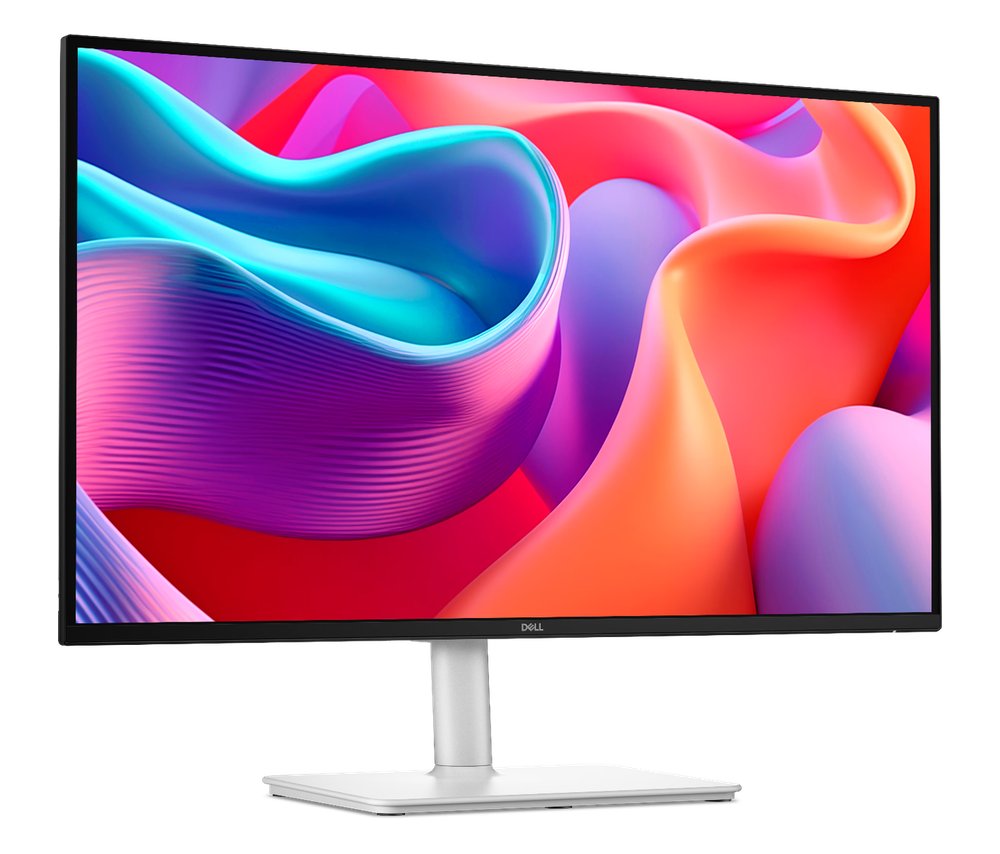
CPU N/A
GRAPHICS CARD N/A
STORAGE N/A
RAM N/A
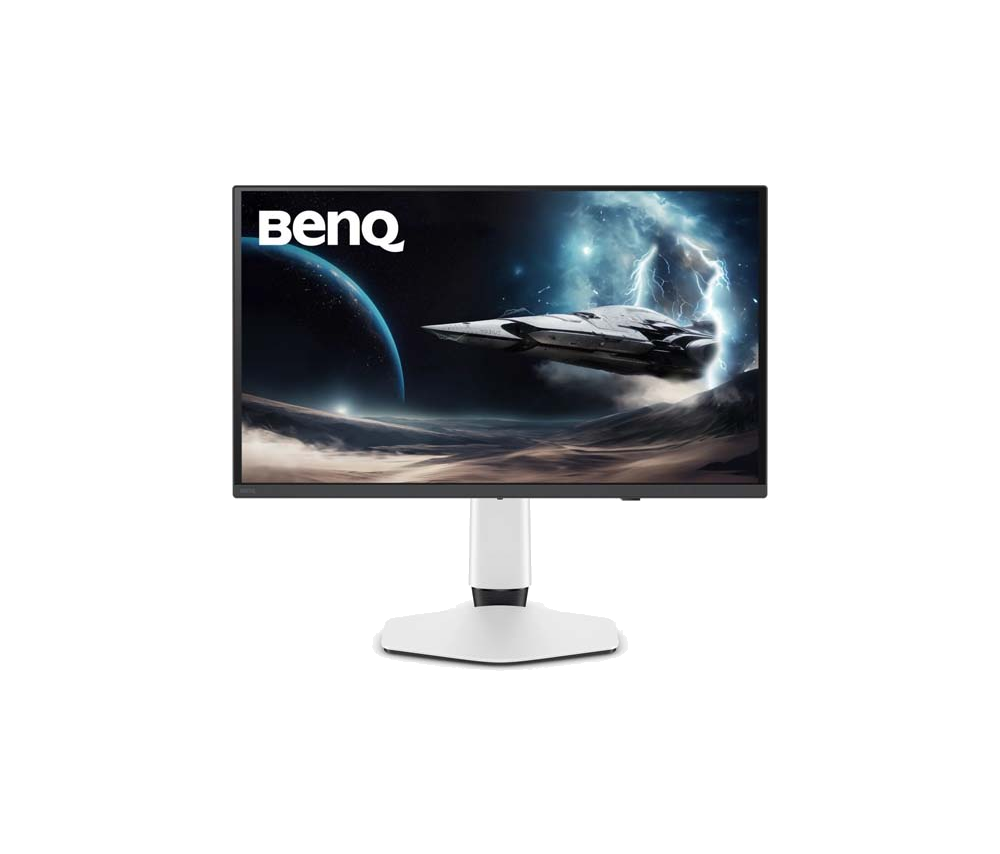
CPU N/A
GRAPHICS CARD N/A
STORAGE N/A
RAM N/A