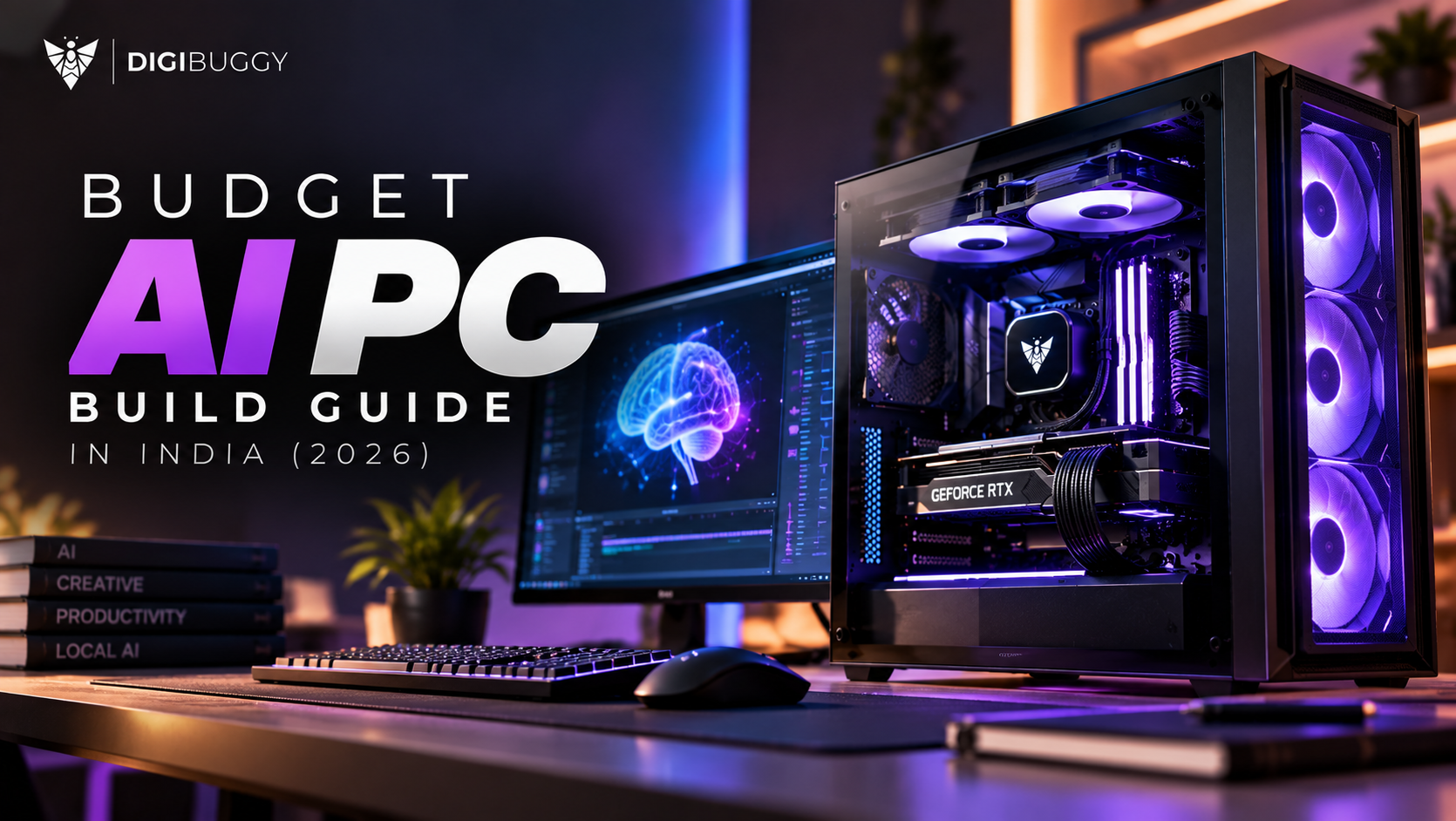
Artificial intelligence (AI) has become more accessible beyond large companies that conduct research using it.
There is a growing trend for individuals to use AI in their houses with ChatGPT, video upscaling, coding assistants, and local AI PCs.
Best of all, you don’t need Rs. 2-3 lakhs to get started.
You can build an impressive AI PC with Rs. 1 lakh.
• Local LLMs (i.e. similar to LLaMA, etc.)
• Stable Diffusion to create images
• Video editing + using AI tools
• Coding + using automation workflows.
Let us look into all these areas a bit more.
Understand that AI workloads depend on three things before diving into any sections:
Here’s a balanced, high-performance build:
💻 Processor
► AMD Ryzen 5 7600
https://digibuggy.com/product/AMD-Ryzen-5-7600
⚙️ Graphics Card
► NVIDIA RTX 5050
https://digibuggy.com/product/MSI-RTX-5050-Shadow-2X-OC-8GB-GDDR6
📍 Memory
► 32GB DDR5 (16x2).
https://digibuggy.com/product/G.Skill-Ripjaws-S5-Matte-Black-16GB-6000MHz-CL36-DDR5
💽 Storage
1TB NVMe SSD (Gen 4)
https://digibuggy.com/product/Adata%20XPG%20Gammix-S70-Blade-1TB-M.2-NVMe-Gen4-Internal-SSD
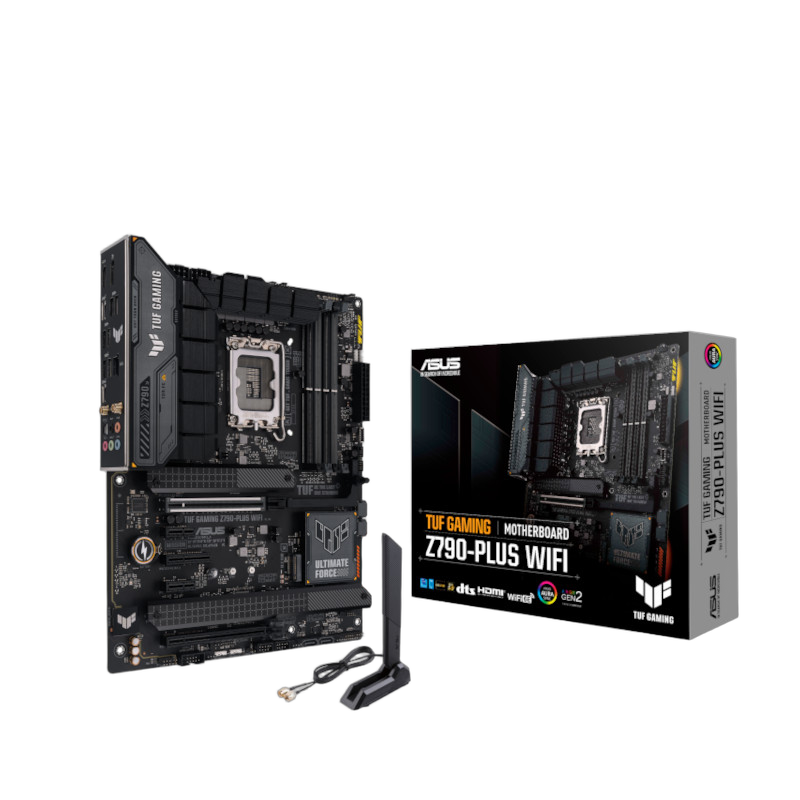
🎛️ Motherboard
B650 (AM5)
https://digibuggy.com/product/MSI-B650M-Gaming-Plus-WIFI-M-Motherboard
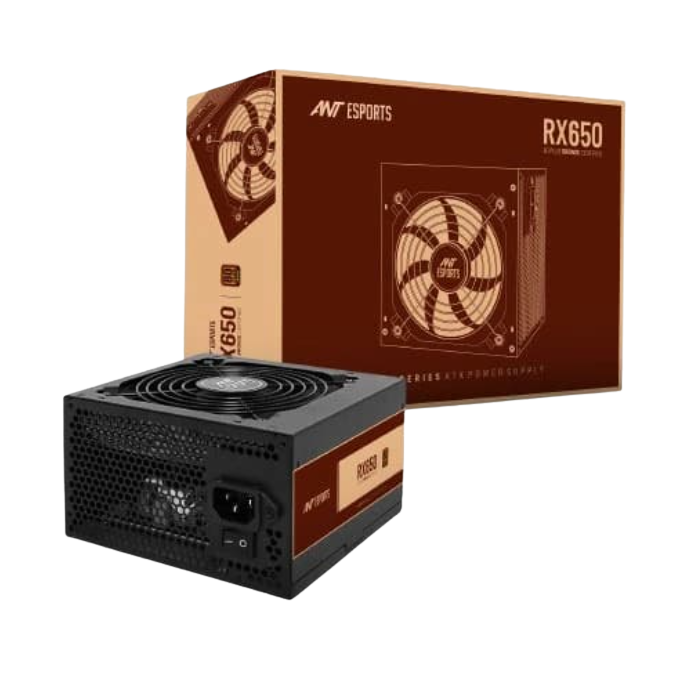
🔌 Power Supply
650W 80+ Bronze
https://digibuggy.com/product/ANT-Esports-RX650-80-Plus-Bronze-Smps
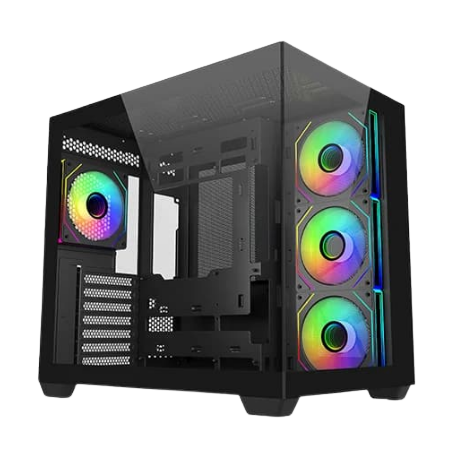
❄️ Case and Cooling
https://digibuggy.com/product/MSI-MAG-COREFROZR-AA13-White-ARGB-120mm-CPU-Air-Cooler
https://digibuggy.com/product/MSI-Mag-Forge-130A-Airflow-Auto-RGB-ATX-Mid-Tower
This configuration has been optimized for practical applications, not just specifications in a brochure.
Here is what you can do with this build:
Where This Build Has Limits
Let’s be straightforward.
90%+ of content creators, students, developers, etc. could use it with satisfaction.
Short answer:
AMD → Better value + future upgrades
Intel → Slight edge in some productivity tasks
For this budget, AMD wins.
Prebuilt:
Custom Build:
If you care about performance → go custom.
AI computers are not “future technologies” anymore; they are currently viable tools.
A computer built for under ₹1 lakh can:
And once you start using an AI on a local machine, there is no possibility of going back.
There are limitations to this system if you want to work with models that are much larger than 30 billion parameters. Additionally, the 8 GB of VRAM can be limiting for high-level AI tasks, but for most people (students, developers, creators), the build will work well for you.
1. Is it possible to perform AI tasks well with the RTX 5050?
The RTX 5050 is adequate to support entry-level and mid-level artificial intelligence workloads.
2. Should I consider having 32 GB of RAM for AI use?
Having 32 GB of RAM is strongly suggested to provide optimal AI performance across the board.
3. Is it possible to operate ChatGPT on my local computer?
You can run small local LLMs; however, you will not have the capability of running full-scale ChatGPT-type models on your PC.
4. Should I upgrade my GPU or add additional RAM first?
If you have exhausted your VRAM, the first component to upgrade will be your GPU.
CPU N/A
GRAPHICS CARD N/A
STORAGE N/A
RAM N/A