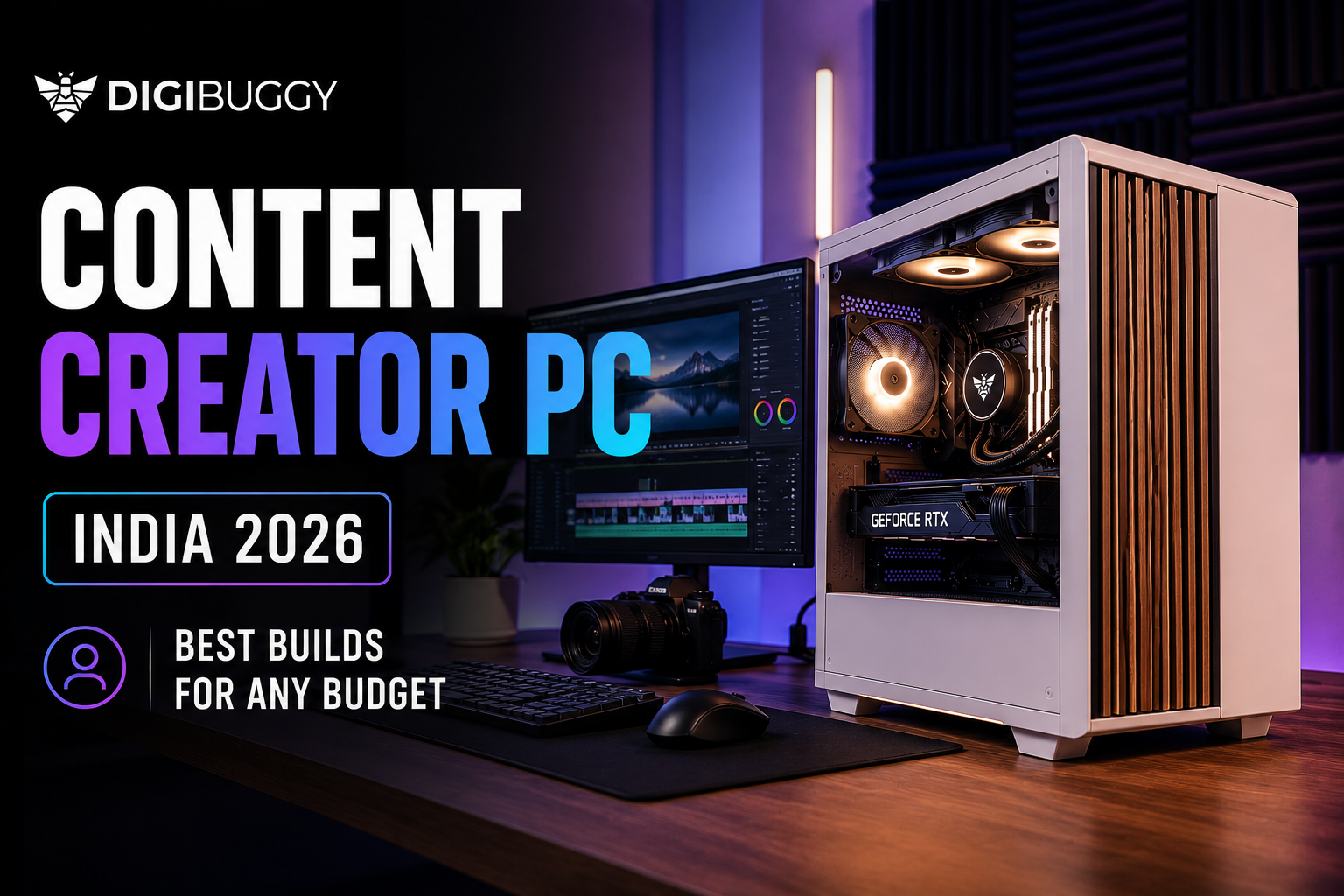
In 2026, creator PCs are no longer just for YouTubers or professional editors.
A modern creator setup now needs to handle:
- video editing
- streaming
- Blender rendering
- Photoshop
- UI/UX work
- music production
- multitasking
- AI-assisted workflows
all without lagging every time you open Premiere Pro and Chrome together.
The problem is that most “creator PC” recommendations online are either unrealistic for Indian pricing or overloaded with unnecessary specs that most people do not actually need.
So let’s break down what a realistic content creator PC actually costs in India in 2026.
If you specifically work with Premiere Pro, After Effects, Blender, DaVinci Resolve or streaming workflows, you can also explore dedicated Digibuggy Content Creation PCs designed around creator workloads.
What Is the Minimum Budget for a Content Creator PC in India? (₹80K–₹1L)
This is now the realistic starting point for a properly balanced creator PC.
At this budget, you should expect:
- Ryzen 5 7600-class CPUs
- RTX 5060 GPUs
- 32GB DDR5 RAM
- fast NVMe SSD storage
This tier works well for:
- 1080p editing
- Photoshop
- streaming
- music production
- beginner Blender work
- UI/UX workflows
- college creator projects
Example: ₹80K–₹1L Creator Build
|
Component
|
Recommended Hardware
|
|
CPU
|
Ryzen 5 7600
|
|
GPU
|
RTX 5060
|
|
RAM
|
32GB DDR5
|
|
Storage
|
1TB NVMe SSD
|
|
PSU
|
650W Bronze
|
|
Best For
|
Editing, streaming, multitasking
|
What Can This Build Actually Handle?
This setup comfortably handles:
- Premiere Pro timelines
- OBS streaming
- Canva and Photoshop workflows
- Lightroom editing
- coding workloads
- beginner Blender rendering
For most students and beginner creators, this is currently the best value tier.
👉 Want an entry-level creator PC built for editing and multitasking?
Configure Your Creator PC at Digibuggy
What Is the Best Mid-Range Creator PC Budget? (₹1.2L–₹1.5L)
This is currently the sweet spot for serious creators in India.
At this range, you move into:
- RTX 5070-class GPUs
- faster rendering
- smoother playback
- heavier multitasking
- better thermal performance
Example: ₹1.2L–₹1.5L Creator Build
|
Component
|
Recommended Hardware
|
|
CPU
|
Ryzen 7 7700
|
|
GPU
|
RTX 5070
|
|
RAM
|
32GB DDR5
|
|
Storage
|
1TB Gen4 NVMe SSD
|
|
PSU
|
750W Gold
|
|
Best For
|
Rendering, streaming, editing
|
Who Should Build at This Budget?
This tier is ideal for:
- YouTubers
- streamers
- editors
- motion designers
- Blender users
- content agencies
- multitasking-heavy users
This is where editing starts feeling genuinely smooth instead of “manageable”.
4K timelines, heavier After Effects projects and larger Photoshop workloads become much easier here.
👉 Need a balanced streaming, editing and rendering setup?
Build Your Digibuggy Creator PC
What Does a High-End Creator PC Cost in India? (₹2L+)
Once you cross ₹2 lakh, you enter professional workstation territory.
This is where systems are built for:
- 4K and 8K editing
- advanced Blender rendering
- AI workloads
- VFX work
- Unreal Engine projects
- large-scale multitasking
- professional streaming setups
Example ₹2L+ Creator Build
|
Component
|
Recommended Hardware
|
|
CPU
|
Ryzen 9 7900
|
|
GPU
|
RTX 5080
|
|
RAM
|
RTX 5080
|
|
Storage
|
2TB Gen4 NVMe SSD
|
|
PSU
|
850W Gold
|
|
Best For
|
4K editing, AI, and rendering
|
Is This Overkill?
For casual creators, yes.
For professionals working daily on rendering and editing workloads, not really.
Modern creator software scales heavily with:
- VRAM
- RAM
- storage speed
- cooling
- multicore CPU performance
A properly balanced high-end workstation can save hours every week.
👉 Want a workstation-class creator PC for rendering and AI workloads?
Configure a High-End Digibuggy PC
Why Are Creator PCs More Expensive Now?
A lot changed over the last few years.
Modern creator workflows now demand:
- more VRAM
- more RAM
- faster SSDs
- stronger cooling
- better CPUs
Even simple editing projects are heavier than they used to be.
AI tools, high-resolution footage and multitasking requirements pushed hardware demands much higher in 2026.
That is why older “₹60K creator PC” recommendations are mostly unrealistic now.
What Matters Most in a Creator PC?
Many buyers focus only on GPU.
But creator workloads are usually affected by the entire system balance.
Prioritize:
- 32GB+ RAM
- fast SSD storage
- cooling
- multicore CPU performance
- reliable PSU
- airflow
not just GPU alone.
A badly balanced creator PC becomes frustrating very quickly during exports and multitasking.
Is a Custom Creator PC Better Than a Prebuilt?
Usually yes.
Many cheap prebuilts cut corners on:
- cooling
- PSU quality
- airflow
- motherboard quality
That creates upgrade and stability problems later.
A properly configured custom creator PC gives:
- cleaner thermals
- quieter operation
- easier upgrades
- better long-term reliability
especially with RTX 50 series GPUs.
Where Can You Configure a Creator PC in India?
If you want a properly balanced creator-focused build instead of randomly selecting parts yourself, you can configure systems directly here:
Digibuggy AI PC Builder
Or browse dedicated creator-focused systems here:
Digibuggy Content Creation PCs
Related guides:
- Gaming PC Price in India 2026 — What Does a Good PC Actually Cost?
- PC Upgrade vs New Build India 2026 — When Is It Worth Starting Fresh?
- Refurbished PC vs New Custom Build in India — Which Is Actually Worth It in 2026?
Final Verdict
In 2026:
- ₹80K–₹1L is the realistic starting point for creator PCs
- ₹1.2L–₹1.5L is the current sweet spot
- ₹2L+ is where professional workstations begin
The biggest mistake buyers make is underestimating how demanding creator workloads have become.
A creator PC today is not just about rendering videos.
It needs to smoothly handle editing, multitasking, AI tools, streaming and future upgrades for years.
Frequently Asked Questions (FAQs)
1. What is the minimum budget for a creator PC in India in 2026?
Realistically, around ₹80K–₹1L for a properly balanced modern creator setup.
2. Is RTX 5060 good for editing and streaming?
Yes. RTX 5060 handles editing, streaming, multitasking and beginner Blender workflows very well.
3. How much RAM do creators need in 2026?
For most editing and multitasking workloads, 32GB is becoming the practical baseline.
4. Is RTX 5070 worth it for creators?
Yes. RTX 5070 offers significantly better rendering and multitasking performance for serious creators.
5. Are creator PCs different from gaming PCs?
Yes. Creator PCs prioritise RAM, storage, CPU performance and multitasking stability more heavily.
6. Is AM5 worth buying for creator builds?
Yes. AM5 currently offers one of the best long-term upgrade paths for creator-focused systems.