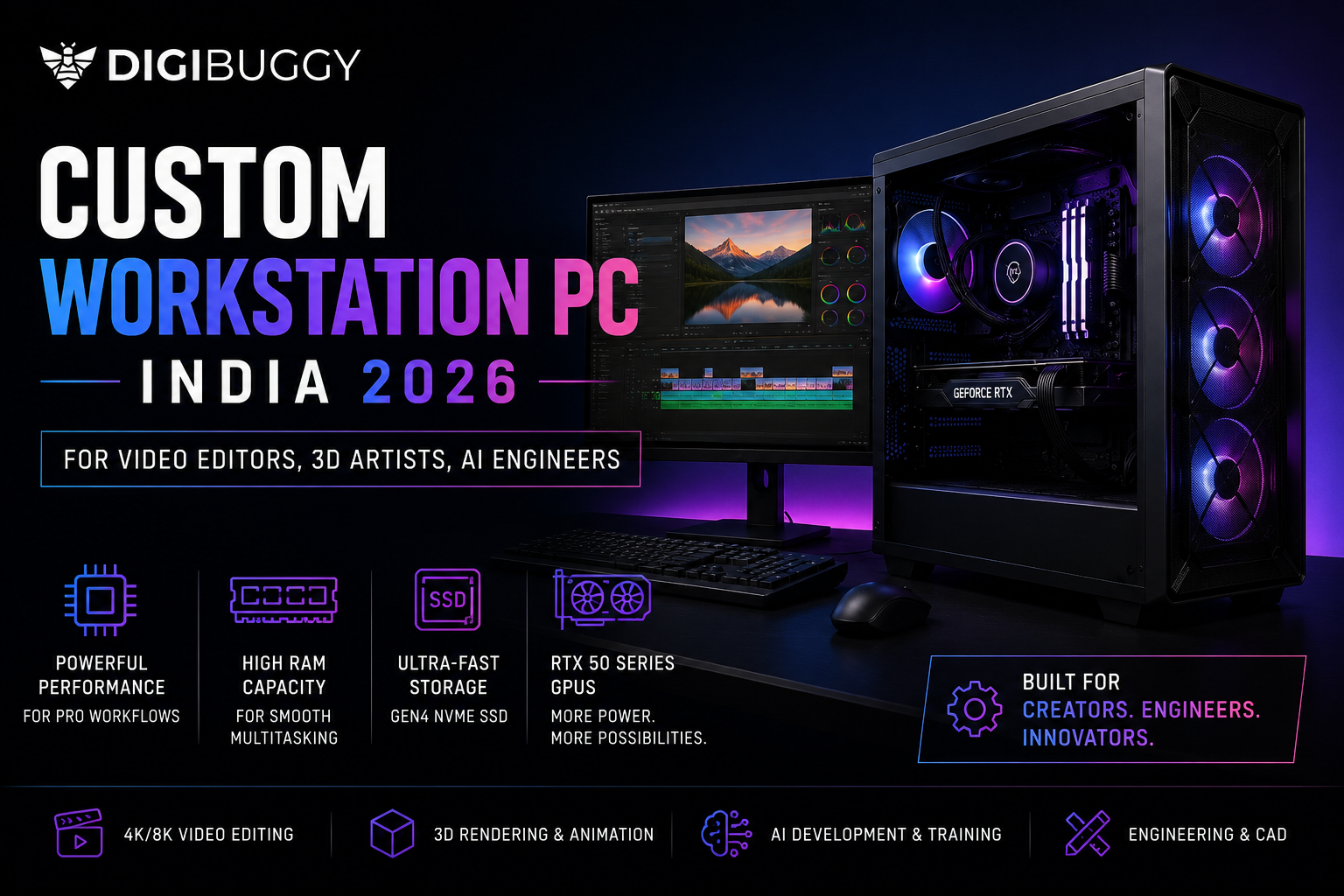
In 2026, a custom-built professional workstation computer is the preferred choice for professionals using video editing/3D rendering/animation/Unreal Engine/AI development/large amounts of multitasking in India. Workstation builds differ from gaming PC builds because they emphasize CPU capacity, VRAM, RAM volume, storage rate of retrieval, and the ability to maintain multiple servers over time without breaking.
If you are consistently editing 4k footage, rendering in Blender, training AI models, or working with very large project files and spend multiple hours in the process of rendering, building a custom workstation would save you countless hours of your time when it comes to rendering things out but also would drastically increase your workflow productivity.
What Is a Workstation PC and Why Do Professionals Need One in India?
A workstation PC is a specialized computer that provides high performance for professional use cases such as video editing, 3D rendering, AI development and engineering, CAD designs and simulations, and other productivity-oriented tasks unlike most gaming computers, which typically offer high FPS but not much more than that.
Most gaming computers are capable of handling creative work, but because of the more demanding nature of professional workloads, they quickly become overwhelmed when trying to perform these types of tasks. A workstation-style PC typically has a more powerful CPU, more RAM, larger amounts of video memory (VRAM) from the video card, and faster storage configurations, thus allowing it to manage longer-duration workloads.
Here is an example of this difference:
- A gaming PC has enough power to edit 1080p videos without trouble, while a workstation PC would allow you to simultaneously edit a 4k RAW timeline, render in Blender and Unreal Engine, and run multiple AI model training workloads.
- A YouTube editor in India who works with 4K footage from a Sony A7S III in the program DaVinci Resolve would have faster exports and smoother playback on a workstation PC (Ryzen 9 + RTX 5080) than on a standard gaming computer.
What Is the Best Workstation PC for Video Editing in India?
The best video editing PC for you will depend on the resolution and complexity of the video editing projects you are completing. For editing at 1080p, a mid-range build will suffice; however, for 4k and 8k video editing projects, you will require a much more powerful system with more CPU cores, RAM, and GPU VRAM.
Here is a helpful breakdown of what PC build you will need to use to create your content in 2026 as an Indian creator:
|
Editing Workload
|
Recommended CPU
|
Recommended GPU
|
RAM
|
Approx budget
|
|
1080p Editing
|
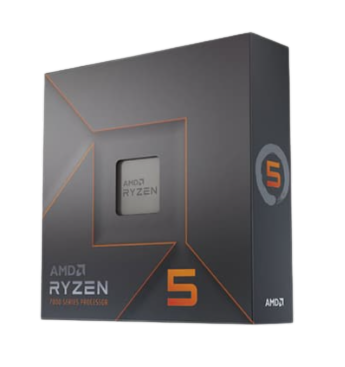
Ryzen 7 9700X
|
RTX 5060 Ti
|
32GB DDR5
|
₹1.2L-1.5L
|
|
4K Editing
|
Ryzen 9 9900X
|
RTX 5070 / 5080
|
64GB DDR5
|
₹2L-3L
|
|
8K RAW Editing
|
Threadripper / Ryzen 9
|
RTX 5090
|
128GB DDR5
|
₹4L+
|
Most of the time when you are working in Adobe Premiere Pro or DaVinci Resolve, the performance of your build will be limited due to the speed of your storage and amount of RAM installed. Timeline lag is not only caused by a lower GPU but also low amounts of RAM or slow SSD drives.
Example: A Delhi-based wedding filmmaker who works with 4k multicam footage daily will experience a tremendous increase in performance when upgrading from 16 GB of RAM + SATA SSD storage to 64 GB of RAM + Gen4 NVMe storage.
How Much RAM Do You Need for a Workstation PC in 2026?
In 2026, it is strongly advised that creative professionals use at least 32 GB of RAM. If you are doing 4k editing, running Blender, using Unreal Engine, or doing any kind of AI work, you should be using 64 GB or more of RAM
|
Workload
|
Recommended RAM
|
|
Basic Photoshop + 1080p editing
|
16GB
|
|
4K Video Editing
|
32GB
|
|
Blender + Unreal Engine
|
64GB
|
|
AI Training + Large Simulations
|
128GB+
|
Here is a basic guide to know how RAM affects things:
- Smooth timeline performance.
- Multi-tasking
- Render stability.
- Working with large projects
Many people do not take RAM seriously and spend their money on RGB cabinets when they could have bought RAM there.
This is the same as the person who put on alloy wheels on a car that has no fuel.
Example: If a motion graphic designer is using After Effects and simultaneously has Chrome, Spotify, and Premiere running, they are going to have a hard time with 16 GB of RAM but will not have any problems with 64 GB of DDR5 RAM.
Which CPU Is Best for Workstations in India: Intel, Ryzen, or Threadripper?
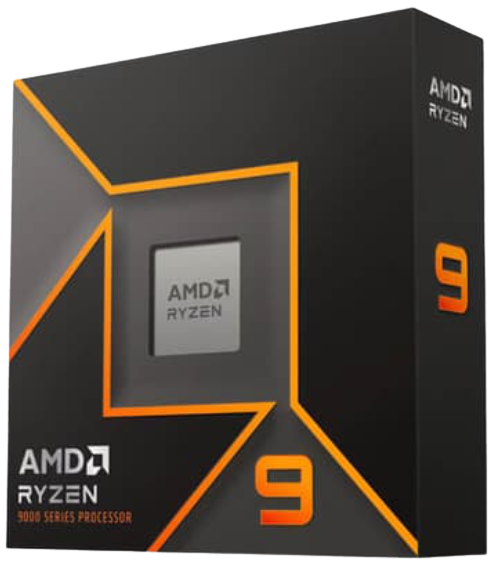
In the Indian landscape of workstation processors as of 2026, Ryzen 9 CPUs offer workstation processors with the best price/performance ratio for most users. In contrast, Threadripper is also designed to offer a superior experience for users with extreme workloads, while Intel processors continue to offer excellent performance for Adobe-focused workflows.
To illustrate the differences between these processors, here's an example of how each performs:
|
CPU Platform
|
Best For
|
Strength
|
|
Ryzen 7 / Ryzen 9
|
Most creators
|
Best value
|
|
Intel Core Ultra
|
Adobe workflows
|
Strong Quick Sync support
|
|
Threadripper
|
Heavy rendering & AI
|
Massive core counts
|
Ryzen CPUs outperform Intel CPUs in:
- Blender
- Unreal Engine
- DaVinci Resolve
- multitasking
Intel CPUs outperform Ryzen CPUs in Adobe Premier Pro due to benefits of Quick Sync acceleration.
Threadripper CPUs excel in the following applications:
- Professionals who are rendering daily
- simulations
- AI workloads
- Multitasking with multiple high-end applications
For example, a freelancer who renders product animations using Blender every day and is located in Mumbai will be better served by using the Ryzen 9 9950X than an i7 Intel gaming CPU.
Which GPU Is Best for 3D Rendering and AI Workloads in India?
The RTX 5070, RTX 5080, & RTX 5090 are the top-of-the-line working graphics processing units in 2026 for Indian content creators and artificial intelligence engineers. In professional workflow design, NVIDIA has the edge with their architecture specifically designed for CUDA acceleration, which is optimized heavily in a large number of creative and AI software applications.
Other examples of where GPU selection will have a huge impact include:
- Blender Rendering;
- AI Model Training;
- Unreal Engine;
- Stable Diffusion
- Video effects / ray tracing workloads.
Here’s a practical GPU comparison:
|
GPU
|
Best For
|
VRAM
|
|
RTX 5070
|
4K editing + Blender
|
16GB
|
|
RTX 5080
|
Heavy rendering
|
20GB
|
|
RTX 5090
|
AI + 8K workflows
|
32GB
|
|
RTX Pro Series
|
Enterprise workstations
|
Higher stability
|
Although AMD Graphics Processing Units (GPUs) continue to improve, NVIDIA will remain dominant in the professional application space, especially with their CUDA architecture and AI ecosystem to support these efforts.
For example, an AI engineer using fully real-time local-based Large Language Models (LLMs) to train and detect large amounts of Stable Diffusion (Image generation) models, will have a significant performance improvement on his/her workload by using the higher VRAM RTX
5090 versus the lower VRAM cards.
What Storage Setup Is Best for a Custom Workstation Build?
An optimal workstation storage design should include several SSDs instead of a single, larger SSD drive. Separating Operating System (OS), temporary file cache, and project files greatly enhances workflow consistency and speed.
Ideal setup:
|
Drive Purpose
|
Recommended Storage
|
|
Windows + Software
|
1TB Gen4 NVMe SSD
|
|
Cache / Scratch Disk
|
1TB NVMe SSD
|
|
Active Projects
|
2TB-4TB NVMe SSD
|
|
Backup / Archive
|
HDD or NAS
|
As video editing software records temporary files, a separate drive for each of these functions avoids encountering bottlenecks during those read/write processes.
The use of NAS storage by content creators with large libraries of filmed material continues to grow in India too.
Example: A production company working with RED RAW files can save themselves several hours of work each week by using separate cache SSDs rather than placing all of their data on one drive.
Check out Digibuggy's solutions for NAS and content creation to enable large-scale content creation workflows with reliable and fast access to your video files.
Can One Workstation PC Handle Video Editing, 3D Rendering, and AI Together?
You can create a custom-built PC configured to handle video editing, Blender rendering, Unreal Engine, and AI workloads together in 2026 if you properly balance the following components:
- CPU Cores
- GPU VRAM
- RAM Capacity
- Cooling
- Power Delivery
Recommended balanced workstation configuration:
|
Build Type
|
Best For
|
|
Creator Workstation
|
Video editing + streaming
|
|
Blender Workstation
|
3D rendering
|
|
AI Workstation
|
Local AI models
|
|
Studio Workstation
|
Agencies & production houses
|
This type of build is suitable for:
- YouTubers
- Architects
- VFX Artists
- AI Developers
- Streamers
- Agencies
For example, a creator can edit their YouTube videos during the day and then train their AI image models at night with just one high-end workstation build.
How Much Does a Professional Workstation PC Cost in India in 2026?
In India, the cost of a professional workstation PC typically ranges from ₹1.5 lakh to ₹5 lakh, depending on the workload you require from the system.
Here’s the realistic pricing breakdown:
|
Budget
|
Best For
|
|
₹1L-1.5L
|
Beginner creators
|
|
₹2L-3L
|
Professional editors & 3D artists
|
|
₹4L-5L
|
AI engineers & studios
|
|
₹5L+
|
Enterprise-grade workloads
|
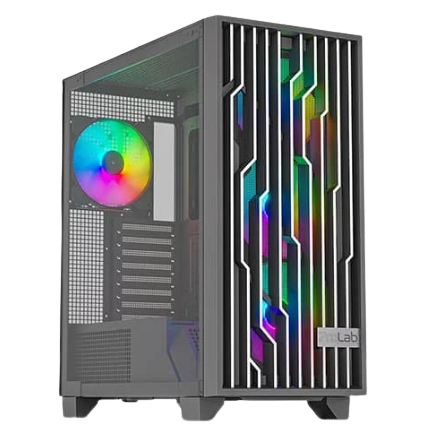
In order to get the most value for your money, many purchasers overestimate the aesthetic look of the workstation and underestimate the core components of the workstation. Therefore, you should focus your budget on the following: CPU, GPU, RAM, and storage before you spend on items such as RGB fans, premium cases, or LCD cooling.
For example, when comparing a ₹2.5 lakh workstation using an RTX 5080 + Ryzen 9, you will be able to see a more realistic value than a gaming system that costs ₹3 lakh and is focused purely on the aesthetic look of the system.
Should You Build a Custom Workstation PC or Buy a Prebuilt in India?
A custom-built workstation is a better choice for many professionals in India because of the high-quality components like motherboards and power supply units, better cooling, the ability to upgrade, and enhanced workload optimizations.
Pre-built workstations often save on costs by using:
- The motherboard
- The power supply unit
- The cooling
- The storage speed.
A custom workstation allows workload-specific optimization.
|
Custom Workstation
|
Generic Prebuilt
|
|
Better component selection
|
Often unbalanced
|
|
Easier upgrades
|
Limited flexibility
|
|
Better thermals
|
Can throttle under load
|
|
Optimized for workflow
|
Generic usage
|
When looking at the GPU, the Blender artist or animator will be able to use a lot of VRAM instead of being able to use RGB. When using a custom-built workstation, the customer can focus on what the customer needs when looking at how the customer will use their workstation in order to take full advantage of the capabilities of the workstation.
Digibuggy's AI PC Builder allows you to configure your custom workstation build based on how you will be using your PC (i.e., editing, creating content, AI processing, etc.).
What Mistakes Should You Avoid While Building a Workstation PC?
Some of the common blunders made when assembling a workstation PC in India include the following:
- Buying computer components based solely on their suitability for gaming
- Opting for too little RAM
- Using inadequate cooling
- Selecting low-quality PSUs
- Selecting cool-looking components lacking adequate airflow or cooling capabilities.
Here are the most common issues:
|
Mistake
|
Why It’s Bad
|
|
16GB RAM for 4K editing
|
Causes lag and crashes
|
|
Weak cooling
|
Thermal throttling
|
|
Cheap PSU
|
Stability risks
|
|
Single SSD setup
|
Workflow bottlenecks
|
|
Overspending on cabinet
|
Wasted budget
|
Unfortunately, workload demands of professionals are significantly higher than the demands that a gaming PC can meet and therefore require a more stable system than simply looking good on benchmarks.
Not having a properly cooling/clean power supply for overnight renders in Unreal Engine could easily cost a creator several hours' worth of work due to an unstable rendering system.
Recommended Digibuggy Workstation Builds for Creators and AI Engineers
Here are great workstation builds:
Digibuggy custom workstation builds are designed specifically for:
- Creators
- Editors
- Animators
- Architects
- AI engineers
with optimized airflow, validated stability, and workload-focused component selection.
If you want to configure your own custom workstation, visit: https://digibuggy.com/product/configure
Frequently Asked Questions (FAQs)
Will 32GB of RAM be suitable for video editing in 2026?
Yes, 32GB of RAM is sufficient for many 4K video editing tasks. If you are working on highly demanding After Effects, Blender, or Unreal Engine projects, you will want to use 64GB of RAM, however.
For rendering in Blender, which GPU is best to use in India?
RTX 5080s & RTX 5090s are currently considered to be the most powerful GPUs for rendering in Blender due to their exceptional CUDA acceleration and massive amounts of VRAM.
Do AI engineers require RTX 5090s?
Not necessarily, although an RTX 5070 or an RTX 5080 would be sufficient for most tasks related to artificial intelligence. However, the RTX 5090 becomes very useful when you are working with extremely large data sets as well as when you are training advanced AI models.
Is Threadripper a 2026 investment?
Yes, if you deal with very high-end rendering, simulation, or multitasking in the AI field on a daily basis, Threadrippers are worth considering as an option. If you are an average creative individual working in a day-to-day capacity, you are probably better off with an AMD Ryzen 9 system.
Can a gaming computer be used for video editing work?
Gaming computers can perform basic video editing tasks, but most creative individuals will need to upgrade their workstations with things like more memory, improved cooling, and more optimized storage solutions, which hurt their overall productivity.
What is the best type of SSD for workstation builds currently?
The best current value for money in terms of workstation builds in India is PCIe Gen 4 NVMe SSDs due to the fact that they provide a great speed-to-cost ratio.
Mac or Windows, which will be ideal for rendering in 2026?
Generally speaking, Windows-based workstations have more GPU flexibility, are easier to upgrade, and provide more performance per Indian rupee for activities in relation to rendering and artificial intelligence.
Conclusion: Is a Custom Workstation PC Worth It in India in 2026?
Yes, 2026 is an excellent time to invest in a custom workstation PC if your career involves 3D rendering, video editing, Unreal Engine development, artificial intelligence development, or heavy multitasking.
By creating a workstation that is well balanced across multiple types of hardware (CPU, RAM, GPU, cooling, and storage), you will be able to minimize rendering time, increase workflow stability, and save you many hours per week.
If you want your workstation to be optimized for your specific workflow Digibuggy can assist you in creating the perfect workstation build for editing, AI, studio production, or rendering workloads as a custom solution.