The Indian PC market in 2026 is exciting — but confusing.
DDR5 is now mainstream. Every new platform from Intel and AMD supports it. Yet prices are volatile, faster kits sell out quickly, and marketing hype is louder than ever.
The real issue isn’t availability.
It’s smart allocation.
If you're planning a ₹1.5 lakh gaming PC build in 2026, overspending on RAM while compromising GPU, PSU, or cooling can ruin performance balance.
Let’s break this down properly.
1️⃣ What Is the DDR5 “Crisis” in 2026?
The so-called DDR5 crisis is not a complete shortage.
It’s about:
-
Price volatility due to AI & server demand
-
Chipset transitions
-
High-frequency kits (6400–7200 MHz) selling at inflated prices
-
RGB-heavy kits costing more without real gaming benefit
Reality check:
Beyond a certain speed, RAM gives very small FPS gains compared to upgrading your GPU or CPU.
For a ₹1.5 lakh build, every rupee must improve real-world performance — not just spec sheet numbers.
2️⃣ The Biggest Mistake in a ₹1.5 Lakh Gaming PC Build
Many buyers make these errors:
-
Spending too much on 6400–7200 MHz RAM
-
Ignoring GPU upgrade headroom
-
Compromising PSU quality
-
Choosing aesthetics over airflow
In gaming:
► GPU drives ~65–70% of performance
► CPU supports stability & frame consistency
► RAM fine-tunes performance
If your GPU is weak but your RAM is premium-tier, your system is unbalanced.
Smart allocation beats flashy specs.
3️⃣ Ideal Component Split for ₹1.5 Lakh Custom PC (2026)
Instead of chasing the fastest DDR5 kit, follow this smarter budget split:
| Component |
Budget Allocation |
| GPU |
40–45% |
| Gaming CPU |
20–25% |
| PSU |
8–10% |
| Cooling + Cabinet |
8–10% |
| RAM + Storage |
8–12% |
This ensures:
-
No bottlenecks
-
Stable thermals
-
Upgrade flexibility
-
Better long-term value
A balanced build today saves you from early upgrades tomorrow.
4️⃣ DDR5 Speed vs Capacity: What Actually Matters?
For most gaming desktops in 2026:
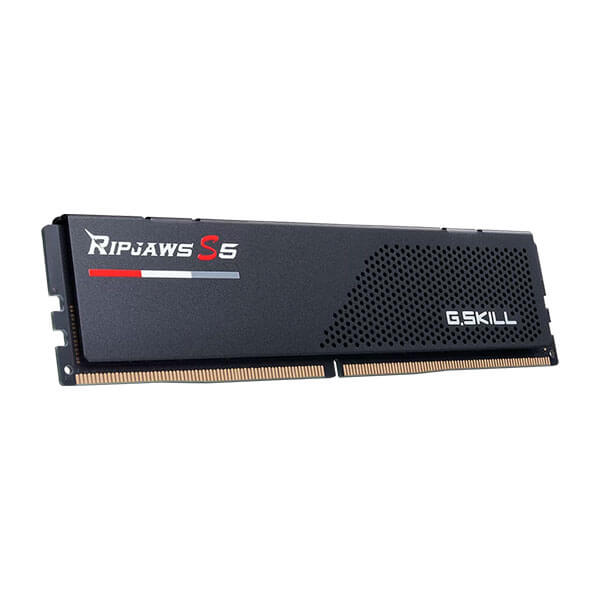
► 32GB DDR5 (5600–6000 MHz) = Sweet Spot
► Dual-channel configuration
► Low latency (CL timing matters)
► 7200 MHz overkill for most gamers
Higher MHz looks impressive, but beyond 6000 MHz the FPS difference is minimal in most real-world gaming scenarios.
Capacity and latency matter more than chasing extreme speeds.
5️⃣ PSU and Cooling: The Most Ignored Factors
In 2026, stability is king.
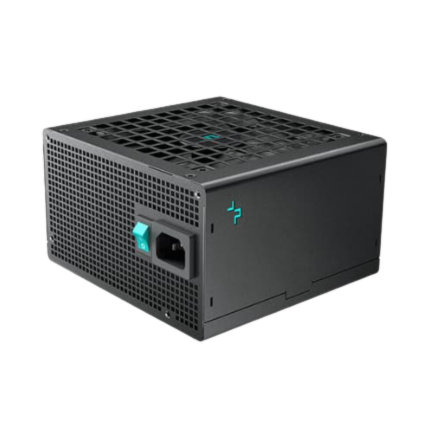
A ₹1.5 lakh gaming PC should include:
Thermal throttling destroys performance more than slightly slower RAM ever will.
Never cut PSU quality to afford cosmetic upgrades.
6️⃣ Pre-built Gaming PC vs Custom PC Build (2026 Reality)
Many pre-built systems reduce cost by:
-
Using entry-level motherboards
-
Locking BIOS features
-
Installing lower-tier PSUs
-
Limiting RAM upgrade paths
A proper custom PC build gives you:
► Transparent component selection
► Upgrade flexibility
► Better long-term reliability
► True performance balance
Planning matters more than brand hype.
Frequently Asked Questions (FAQs)
1. Is DDR5 mandatory for a ₹1.5 lakh gaming PC in 2026?
Yes — most modern gaming platforms now use DDR5. It offers better power efficiency and long-term upgrade support.
2. How much RAM is ideal in 2026?
16GB = Entry-level gaming, 32GB = Ideal for gaming + streaming + multitasking
32GB DDR5 is recommended for future-ready builds.
3. Does higher MHz DDR5 increase FPS significantly?
Not beyond 6000 MHz.
GPU selection impacts FPS far more than ultra-fast RAM.
4. Should I buy a pre-built gaming PC or build online?
Custom builds offer:
Pre-builts are convenient, but often compromise unseen components.
5. What PSU wattage is safe for ₹1.5 lakh build?
A 750W–850W 80+ Gold PSU ensures stability and upgrade headroom.
Avoid cheap power supplies in high-performance builds.
Final Thoughts: Build Smart in the DDR5 Era
The DDR5 shift is real — but panic buying is not the solution.
Remember:
Balance > Specs
Stability > RGB
Upgrade Path > Short-Term Savings
A well-planned ₹1.5 lakh custom PC can outperform poorly balanced premium builds.
If you're planning a professionally crafted gaming PC in India, explore custom configurations at:
https://digibuggy.com
Build smart. Upgrade smarter. Stay ahead. 🚀