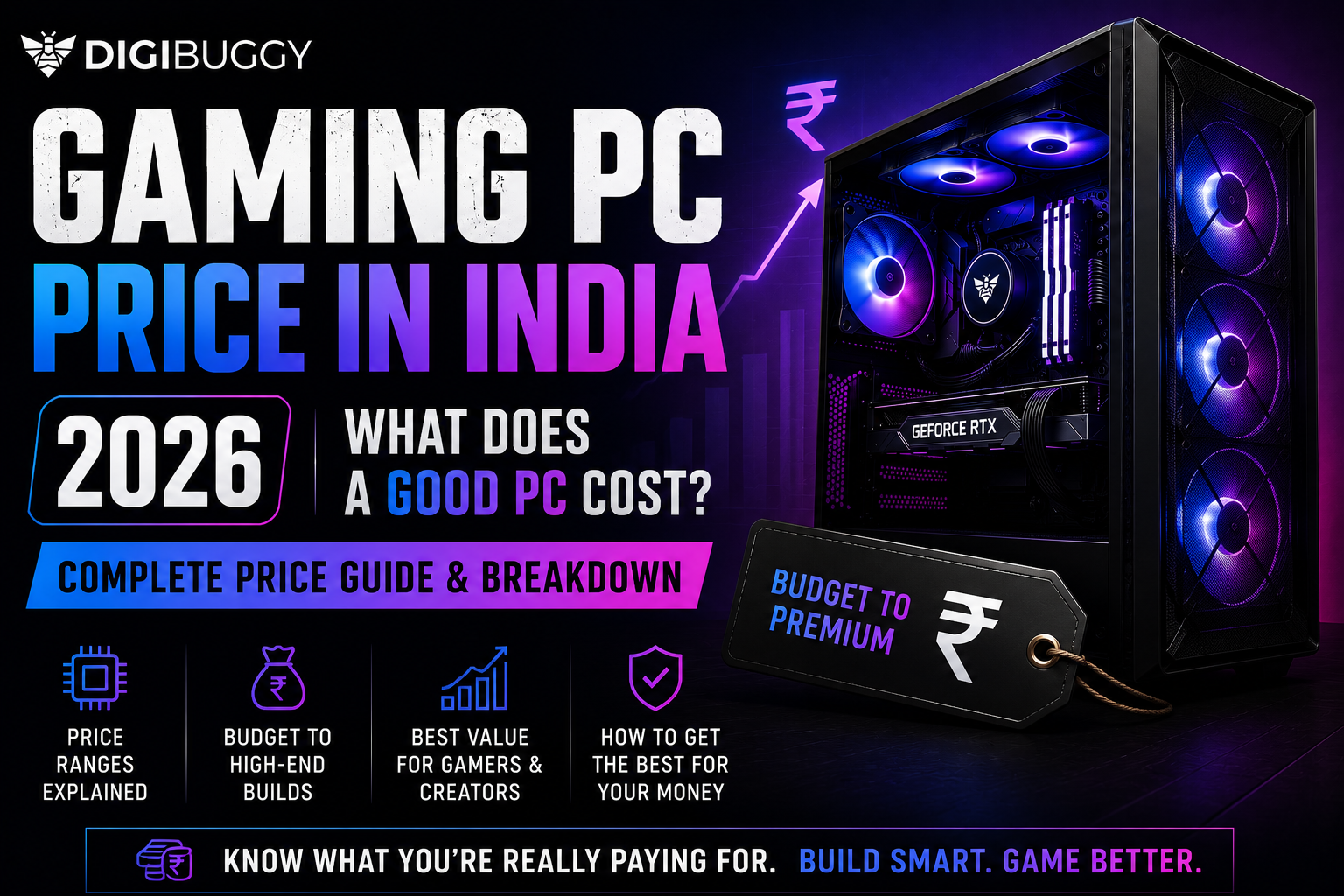
In 2026, a “good PC” in India can mean very different things depending on what you actually do with it.
For some people, it means smooth 1080p gaming.
For others, it means streaming, editing, Blender work, coding, or AI workloads without the system slowing down after six Chrome tabs.
The problem is that most budget guides online are either outdated or unrealistic. You still see people recommending impossible builds with old GPUs or pricing that simply does not exist anymore in India.
So let’s break down what a realistically good PC actually costs in 2026 using current Indian market pricing and modern RTX 50 series hardware.
What Does a Good Entry-Level PC Cost in India? (₹80K–₹1L)
This is now the realistic starting point for a properly balanced modern PC in India.
At this range, you are looking at:
- Ryzen 5 7600 or similar modern CPUs
- 32GB DDR5 RAM
- RTX 5060-class GPUs
- 1TB NVMe SSD
- Reliable PSU and airflow-focused cabinet
This tier works very well for:
- 1080p gaming
- college workloads
- streaming
- editing
- coding
- Photoshop and design work
- multitasking
Example ₹80K–₹1L Build. What Performance Can You Expect?
|
Component
|
Recommended Hardware
|
|
CPU
|
Ryzen 5 7600
|
|
GPU
|
RTX 5060
|
|
RAM
|
32GB DDR5
|
|
Storage
|
1TB NVMe SSD
|
|
PSU
|
650W Bronze
|
|
Use Case
|
Gaming, editing, streaming
|
This type of build comfortably handles:
- Valorant
- GTA V Enhanced
- Marvel Rivals
- Fortnite
- CS2
- Premiere Pro editing
- Blender beginner workflows
It is also one of the best value ranges right now because you get a modern AM5 platform with future upgrade support.
|
Budget
|
Digibuggy Build
|
Best For
|
|
₹80K–₹1L
|
Buzz Blaster
|
1080p gaming, editing and daily creator workloads
|
👉 Want an ₹80K-class PC built and delivered without compatibility headaches?
Configure Your PC at Digibuggy
What Does a Mid-Range High-Performance PC Cost? (₹1.2L–₹1.5L)
This is currently the sweet spot for most serious users in India.
At this budget, you move into:
- stronger RTX 5070-class GPUs
- better cooling
- faster creator workflows
- smoother 1440p gaming
- heavier multitasking
Example: ₹1.2L–₹1.5L Build
|
Component
|
Recommended Hardware
|
|
CPU
|
Ryzen 7 7700
|
|
GPU
|
RTX 5070
|
|
RAM
|
32GB DDR5
|
|
Storage
|
1TB Gen4 NVMe SSD
|
|
PSU
|
750W Gold
|
|
Use Case
|
1440p gaming, rendering, streaming
|
Who Is This Build Actually For?
This tier makes sense for users doing the following:
- serious streaming
- After Effects work
- 3D rendering
- Unreal Engine projects
- heavy multitasking
- competitive gaming at high refresh rates
This is also where you stop worrying about “can my PC handle this?” for most workloads.
|
Budget
|
Digibuggy Build
|
Best For
|
|
₹1.2L–₹1.5L
|
Valkyrie
|
1440p gaming, streaming and rendering
|
👉 Looking for a balanced gaming and creator setup?
Build Your Digibuggy PC Here
What Does a High-End PC Cost in India? (₹2L+)
Once you cross ₹2 lakh, you are entering premium territory.
This is where people build systems for:
- 4K gaming
- advanced Blender workflows
- AI workloads
- professional editing
- multi-monitor creator setups
- high-end streaming rigs
Example ₹2L+ Build
|
Component
|
Recommended Hardware
|
|
CPU
|
Ryzen 9 7900
|
|
GPU
|
RTX 5080
|
|
RAM
|
64GB DDR5
|
|
Storage
|
2TB Gen4 NVMe SSD
|
|
PSU
|
850W Gold
|
|
Use Case
|
4K editing, AI workloads, high-end gaming
|
Is ₹2L Overkill?
For casual gaming, yes.
For professional workloads, not necessarily.
Modern software scales heavily with:
- VRAM
- RAM
- storage speed
- cooling
- multicore performance
A high-end build can save hours every week for editors, designers and creators.
|
Budget
|
Digibuggy Build
|
Best For
|
|
₹2L+
|
Custom RTX 5080 Build
|
AI workloads, 4K editing and premium gaming
|
👉 Want a professionally assembled RTX 50 series setup?
Configure a Premium Digibuggy Build
Why Are Gaming PCs So Expensive in India Now?
A lot of buyers still compare 2026 pricing with older pre-2020 pricing and get shocked.
But several things changed:
- DDR5 became standard
- GPU pricing increased globally
- VRAM demand exploded because of AI
- power requirements increased
- high-speed SSDs became normal
The result is that a “good PC” today costs more than it did a few years ago, but it also does far more.
Modern PCs are now expected to handle:
- gaming
- streaming
- AI tools
- rendering
- editing
- multitasking
- creator workloads
all at the same time.
Is It Better to Build or Buy a Prebuilt PC?
A properly configured custom PC is usually the better option.
The problem with many cheap prebuilts is that they cut costs on:
- PSU quality
- motherboard quality
- airflow
- cooling
- RAM speed
That creates upgrade and stability issues later.
A balanced custom build gives you:
- better thermals
- better reliability
- easier upgrades
- cleaner component selection
especially with modern RTX 50 series GPUs.
What Should You Prioritize in a Modern PC Build?
A lot of people overspend on GPU while ignoring the rest of the build.
In 2026, balance matters more than ever.
Prioritise:
- reliable PSU
- airflow
- DDR5 RAM
- modern platform support
- good cooling
- fast NVMe storage
Not just raw GPU power.
Where Can You Configure a Balanced PC in India?
If you want a properly balanced custom PC instead of random incompatible parts, you can configure builds directly here:
Digibuggy AI PC Builder
Related guides:
- Content Creator PC Build India 2026 — Streaming, Editing, Design on Any Budget
- PC Upgrade vs. New Build India 2026 — When Is It Worth Starting Fresh?
- Used & Secondhand Graphics Cards in India — Should You Buy One?
Final Verdict
In 2026:
- ₹80K–₹1L is the realistic modern starting point
- ₹1.2L–₹1.5L is the current sweet spot
- ₹2L+ is where professional and enthusiast builds begin
The biggest mistake buyers make is focusing only on GPU while ignoring platform quality.
A good PC is not just about FPS anymore.
It is about how well the entire system handles everything you throw at it for the next several years.
Frequently Asked Questions (FAQs)
1. What is the minimum budget for a good gaming PC in India in 2026?
Realistically, around ₹80K–₹1L for a properly balanced modern build with RTX 50 series hardware.
2. Is RTX 5060 good enough for gaming and editing?
Yes. RTX 5060 works very well for 1080p gaming, editing, streaming and multitasking.
3. Is ₹1.5 lakh enough for a high-end PC in India?
Yes. Around ₹1.2L–₹1.5L currently gives one of the best balanced performance tiers for gaming and creator workloads.
4. Is DDR5 necessary in 2026?
For most new builds above ₹80K, yes. DDR5 now makes more long-term sense than DDR4.
5. Are custom PCs better than prebuilts?
Usually yes, especially when component quality and future upgrade support matter.
6. Is AM5 worth buying now?
Yes. AM5 currently offers one of the best long-term upgrade paths for modern PC buyers.