Get your FIRST consultation for FREE
Build your own PC: DIY at our Experience Zone
+91 9217667394 | sales@digibuggy.com


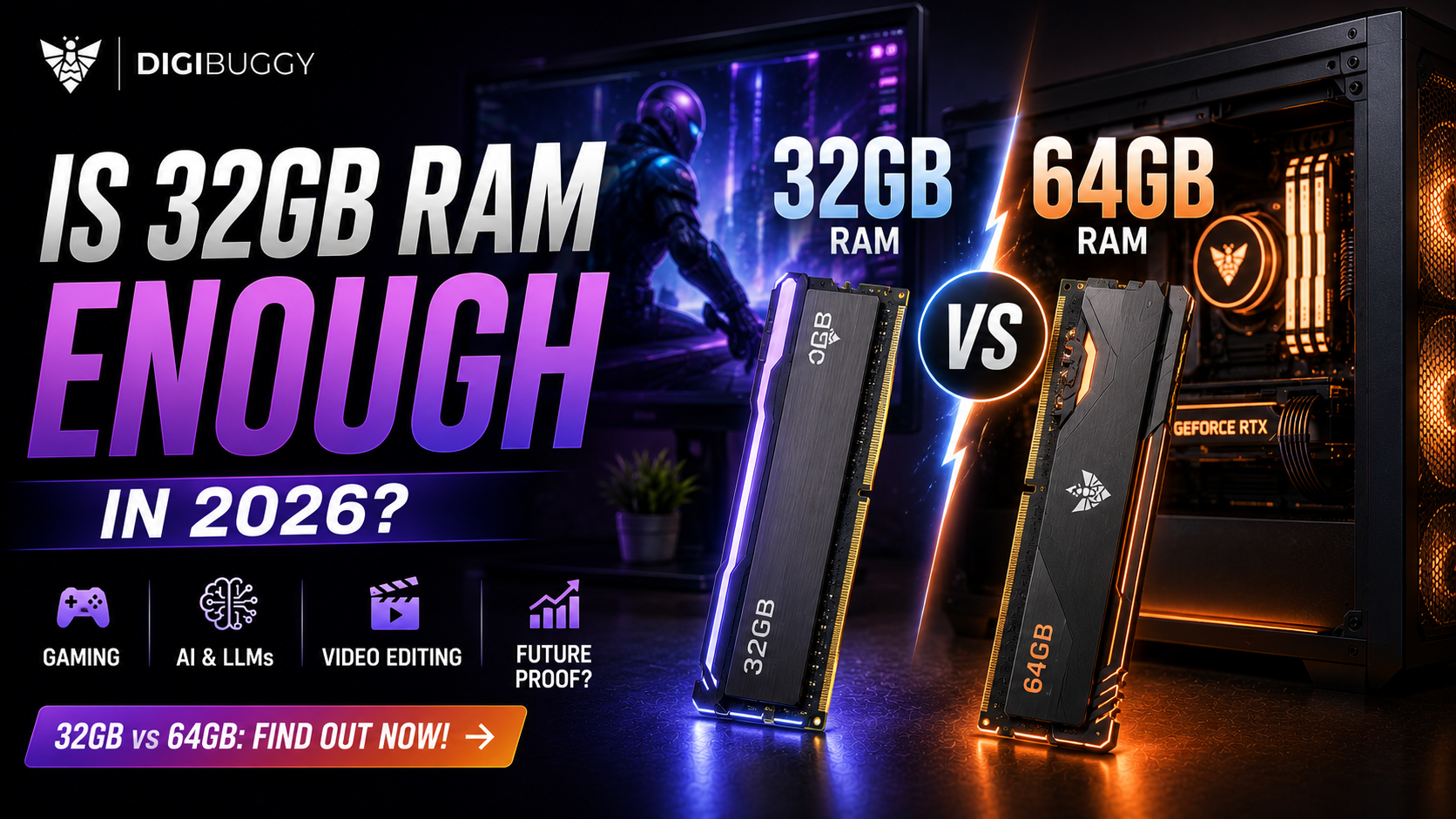
For years, 16GB RAM was the sweet spot for a gaming PC.
In 2026, the discussion has changed.
Modern games take up more memory, Chrome appears to be on an endless quest to consume all available RAM, and AI tools are entering the fray, with many asking themselves is 32GB enough in 2026 or should you just get 64?
The short answer is that
32GB RAM is enough for most in 2026, but if you're building a high-end PC, working with AI, or expect to keep this PC for several years, 64GB becomes much more appealing
Read on to learn more about the sweet spots for RAM in 2026.
As mentioned, the short answer is yes.
32GB is enough for most gamers in 2026 and should be plenty for anyone looking to build a gaming PC.
Modern AAA titles are very taxing on system memory, especially when running at higher settings alongside Discord, browsers, the game launcher, and a few other tools.
With 32GB, you have plenty of room to run:
• AAA gaming
• Competitive gaming
• Discord and streaming
• Browsers in the background
• Game recording
• Mods
• Productivity
You shouldn't feel the need to get 64GB just because you're building a PC in 2026.
If your primary use for the PC is gaming, we'd rather you spent the extra money on a better graphics card or higher performance storage.
https://digibuggy.com/product/G.Skill-Ripjaws-S5-32GB-5200MHz-CL40-DDR5
If you're a streamer, this is where the appeal of 32GB starts to shine.
If you're playing games while also running Discord, chrome, obs, and a few other tools, 32GB gives you much-needed breathing room.
For most streamers, 32GB is the recommended minimum.
However, if you're running other applications alongside your game, 64GB can become quite useful.
Say, for instance, you were streaming while also running photoshop, premiere pro, discord, and a few other tools alongside your game.
https://digibuggy.com/product/G.Skill-Ripjaws-S5-32GB-5200MHz-CL40-DDR5
It depends on what you're using AI for, but for most local AI use cases, 32GB should be enough.
This is one area where 64GB really starts to become appealing, though.
If you're running LLMs, coding assistants, image generation, data science, or development tools that utilize local RAM, you'll find that 32GB disappears rather quickly.
A decent rule of thumb is that if you're running an application that's making heavy use of your system memory, you should get 64GB.
If you're building a PC for local LLMs, we recommend 64GB over 32GB if your budget allows.
https://digibuggy.com/product/Crucial-Pro-32GB-%2816GBx2%29-6000MHz-CL48-DDR5-RAM
It depends on the type of video editing you're doing, but for most content creators, 32GB will be more than enough.
If you're editing:
• 1080p video
• 4k YouTube videos
• Social media content
• Short-form videos
• Simple motion graphics
then 32GB will be more than sufficient.
For professional-level editing, 4k multicam, 8k editing, larger projects or more intensive plugins, 64GB can become more useful.
If you're editing 4K or 8K with Adobe Premiere Pro or DaVinci Resolve for most of your day, you may want to consider 64GB.
https://digibuggy.com/product/Corsair-Vengeanc-RGB-32GB-%2816GBx2%29-7200MHz-CL34-DDR5-RAM
We're rapidly entering territory where 64GB becomes much more appealing.
If you're rendering with:
• Blender
• Unreal Engine
• CAD
• Or other similar professional software
If you regularly find yourself using 28-30 GB of RAM, 32 GB may not be right for you.
https://digibuggy.com/product/Corsair-Vengeance-RGB-Grey-32GB-6000MHz-CL38-DDR5-RAM
If you want a simple rule of thumb, use the following as a guide for what type of PC you're building:
Choose 32GB if:
• You're building a gaming PC
• You want to browse and work
• You're building a mid-range PC
• You want to do photo and/or video editing
• You want the best value
• You don't want to run multiple resource-heavy applications simultaneously
Choose 64GB if:
• You're building a high-end PC
• You run local AI software
• You're doing professional-level 4K/8K editing
• You use after effects often
• You work with large data sets
• You're running VMs
• You use unreal engine or blender in a professional capacity
• You want to future-proof your PC
Not exactly.
Going from 16GB to 32GB is a huge leap and can make a noticeable difference if you're low on RAM.
However, going from 32GB to 64GB will have minimal impact on most PC's performance.
If your PC only uses 18GB of RAM, having 64GB will not magically make your PC twice as fast as it would be with 36.
More RAM doesn't = faster performance, it simply gives you more headroom, which is why your PC's performance needs should dictate your decision when it comes to RAM.
If you're asking this question in the context of a new gaming PC in 2026, the answer is simple: 32GB.
If you're asking this question in the context of a high-end PC for gaming + productivity, this answer gets a little more complicated.
You should use the information mentioned above to dictate your decision based on the type of PC you're building.
For an AI workstation or professional-level PC, 64GB is the safer choice.
And for a workstation for the most demanding of tasks, 128GB+ can become much more appealing.
It absolutely can, which is why this post is so nuanced.
If you're building a PC for the next 4-5 years and can afford to spend a little more on RAM, this can be a good choice.
However, don't just buy 64GB because you want to future-proof your PC.
Hardware, software, and workloads change, and while you want to future-proof your build, a 64GB PC could become a limiting factor in 2-3 years if you have higher performance needs.
A safer bet is to ensure that your motherboard can take future RAM upgrades and avoid filling up your motherboard's memory slots unnecessarily.
If you're on Intel, using 2x16GB sticks of RAM can make a future upgrade much easier than a 4x8GB setup, and the same logic applies to other platforms.
As mentioned, we believe that 32GB RAM is enough for most in 2026, but 64GB is far from being excessive in some use cases.
If you're building a high-end PC for AI work, professional-level editing, or other intensive tasks, we'd rather you go with 64GB.
The important thing to understand is that you shouldn't spend more on RAM than you need based on your performance needs.
And if you're spending 1.5+ lakhs on a custom PC, we'd rather build the PC around your performance needs rather than blindly recommending 32GB or 64GB.
If you're looking to build a new PC but don't know what specs you need, contact us and tell us the games and applications you want to use.
We'll help you figure out how much RAM you need and get you a PC that fits your needs and budget.
👉 Build your PC with Digibuggy
https://digibuggy.com/product/configure
Is 32GB RAM enough for gaming in 2026?
Yes, 32GB is enough for gaming in 2026 for most people and is a great sweet spot for a gaming PC.
Is 64GB RAM better than 32GB?
64GB allows you to do more than 32GB but provides very little performance boost in most cases for the price.
Is 32GB enough for AI?
32GB is enough for most local AI use cases, but if you're doing serious local LLM work, we recommend getting 64GB.
Is 32GB enough for 4k video editing?
32GB is enough for most 4k video editing, but if you're doing more intensive workloads, such as 8k editing or large after effects compositions, you may want to consider 64GB.
Should a gaming PC have 32 or 64GB RAM?
Most gaming PCs should stick with 32GB, but if you're planning on doing other professional workloads with your PC, you may want to consider 64GB.
Will 64GB RAM increase my FPS?
Not really; if you're using 32GB and only using about 18GB, getting 64GB will most likely have little impact on your frame rates; a better graphics card would be a better investment in terms of raw performance.
CPU N/A
GRAPHICS CARD N/A
STORAGE N/A
RAM N/A
CPU N/A
GRAPHICS CARD N/A
STORAGE N/A
RAM N/A