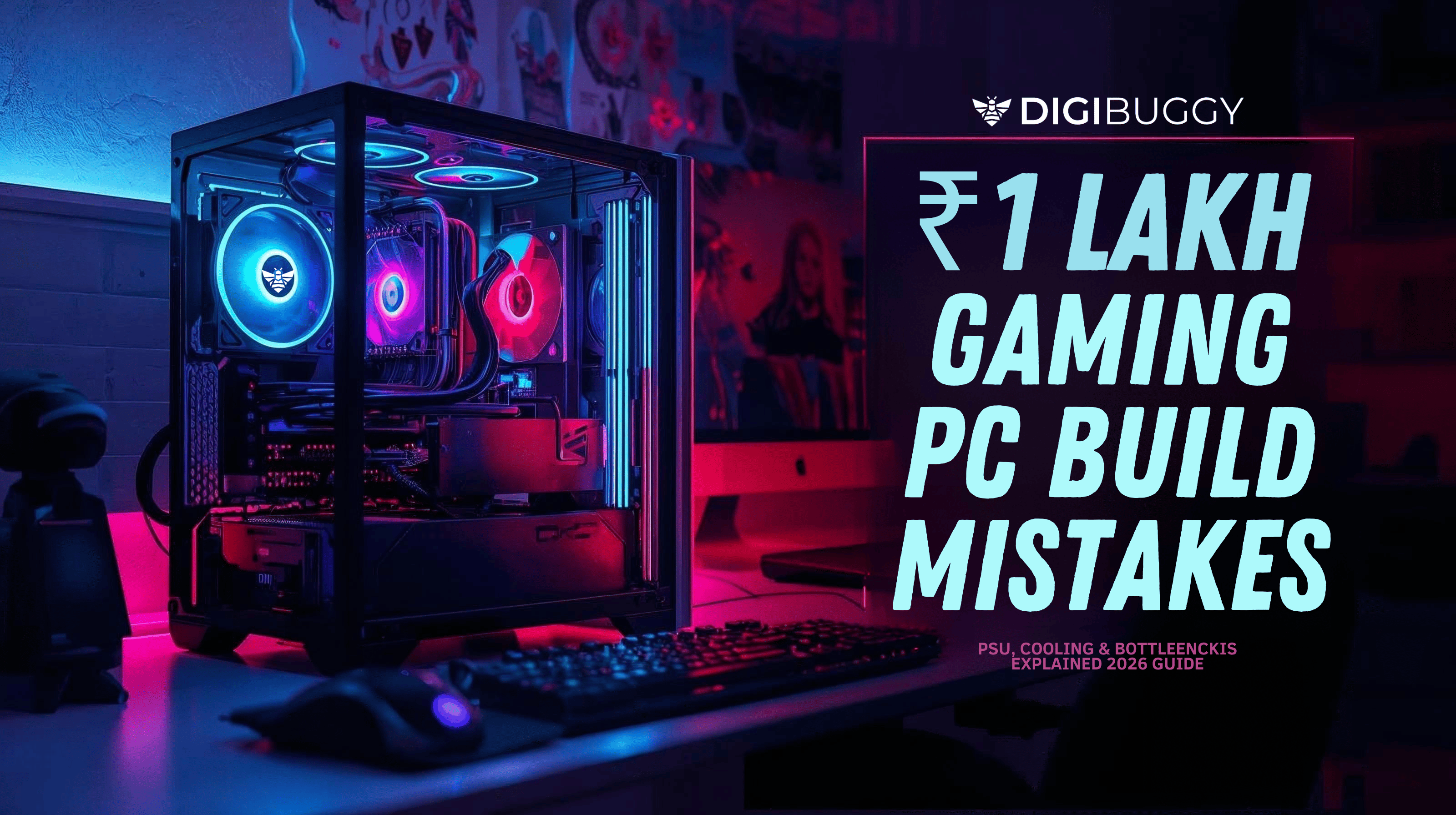
When Indian gamers spend one lakh rupees, that is when most of them start to get really serious about gaming.
The budget is where you expect it to be.
• High FPS at 1080p / smooth 1440p
• Streaming capability
• The ability to make changes and upgrades to the system in the future is essential as you want to be able to upgrade it when you need to. This is what we mean by future upgrade flexibility
• A clean, powerful gaming desktop
Well, the truth is,
A lot of gaming computers that cost one lakh rupees do not work well and it is not usually because of the graphics card. The thing that goes wrong is usually something else in the ₹1 lakh gaming PC builds.
Those mistakes can be bad PSU choices, poor cooling decisions and hidden bottlenecks.
If you are planning to build a PC or looking for a good custom PC build, this guide will help you save money and avoid problems with your computer. It will also make sure you do not have any issues with how your PC performs. Building a custom PC online can be tough so this guide is here to help you with that. You will not have to worry about your PC not working. This guide is for people who want to build a PC or find a reliable custom PC builder.
Let us break down the problem.
1. The Big Mistake with Power Supply Units that can ruin your one lakh rupee gaming computer
The most common mistake?
Spending ₹30-40K on a GPU and pairing it with a ₹3,000 power supply.
A PSU is not just a “power box.” It is the heartbeat of your gaming computer.
► Some common thoughts while making this mistake:
• I want to purchase some units that are not very expensive, specifically the ones that are rated 80 or higher even if they are not the best quality units.
• I do not think about how reliable a brand is when I make a decision and just ignore the brand reliability altogether
• Skip wattage headroom
• I choose non-modular units in airflow-sensitive cabinets
► Why This Is Dangerous:
• Voltage instability
• Random crashes during gaming
• Reduced GPU lifespan
• Upgrade limitations
► What You Should Do:
For a ₹1 lakh gaming pc build (say RTX 4060 / RX 7600 + modern gaming CPU):
• Minimum 650W
• 80+ Gold preferred
• Reputed OEM
• 100-150W headroom for future upgrades
A strong PSU today = zero regret tomorrow.
2. Cooling Neglect: The Silent FPS Killer
► You can get a good computer for ₹1 lakh. These ₹1 lakh builds often include a gaming CPU like:
• Ryzen 5 7600
• Intel i5 13400 / 14400
► Here is the problem:
Some people still use those stock coolers inside cabinets that do not provide good airflow. The stock coolers are still being used by people in these ventilated cabinets.
Result?
• Thermal throttling
• The game starts to have FPS drops after you have been playing for 30 minutes. You notice that the Frames Per Second or FPS will drop after 30 minutes of playing the game.
• Loud fan noise
• Shorter component lifespan
If you are checking the price of assembled CPUs online remember this:
A cheap CPU cabinet with no airflow + stock cooler = performance choke.
► What you need to do is figure out the things that are necessary for you like:
• I think it would be awesome to have a cabinet that lets air flow through it like one with a mesh in front
• Minimum 3 fans (2 intake, 1 exhaust)
• Tower air cooler or 240mm AIO for sustained gaming
• I made sure to put the paste on properly.
Cooling is not cosmetic. This thing has an impact on how things actually work in the real world. It can make a difference in real-world performance.
3. The Bottleneck Trap: Wrong CPU-GPU Pairing
► A bottleneck happens when one part slows down another part. This means that part A has to wait for part B to catch up.
Classic ₹1 lakh mistakes:
• High GPU + outdated processor
• Fast GPU + slow RAM
• PCIe 4 GPU on old motherboard without planning
Example:
Pairing a strong GPU with a weak gaming CPU will cap your FPS in CPU-heavy games like Valorant, CS2, Warzone.
The thing that really makes a difference is how the components are balanced in the system. A good gaming pc build is about harmony and not just expensive parts.
4. Overspending on RGB, Underspending on Performance
We should be honest. People who are building a gaming desktop usually think that some things are more important than others.
► These things include:
• Fancy RGB cabinet
• Extra LED strips
• LCD display coolers
► Instead of:
• Better SSD
• Faster RAM
• Stronger PSU
Your custom PC is about how well it works, not about how pretty the lights are. The performance of your gaming PC is what really matters, not the lighting.
RGB is fine but not at the cost of performance.
5. Ignoring Upgrade Path in PC Build India Market
In India, pricing fluctuates fast.
► A lot of people who want to buy something look for the following keywords online:
• assembled computer price
• pc builders near me
• mini gaming pc
► But few ask:
I am wondering if I will be able to upgrade this system in 2 years. What I really want to know is if this system will be able to handle upgrades after 2 years.
Smart ₹1 lakh build checklist:
• I would really like to have a DDR5 motherboard if my budget can cover the cost of it. A DDR5 motherboard is my top choice if I have enough money.
• 2 RAM slots free
• PSU with headroom
• I am looking for a cabinet that can hold graphics processing units.
• At least 1 free M.2 slot
Future-proofing is not about overspending.
This is about making plans and thinking ahead with smart planning. Smart planning is essential.
Ideal ₹1 Lakh Gaming PC Balance (Example Structure)
► The balance should be something like this:
• 35-40% GPU
• 20-25% CPU
• 10% Motherboard
• 8-10% PSU
• 8-10% Cabinet + Cooling
• 7-10% RAM & Storage
That is how you avoid bottlenecks.
Frequently Asked Questions (FAQs)
1. I am looking for a gaming PC that's really good and will not cost me more than ₹1 lakh.
A one lakh rupees gaming computer should be able to run games well at 1080p and also do a good job at 1440p. The important thing is to make sure all the parts of the gaming computer work together as it is not just about having a really powerful graphics card but also other parts as well
2. So you are trying to decide if you should build your PC online or if you should buy a pre-built gaming PC?
When you build a custom PC you can see what parts are going into it which is really great. This is because a custom PC build setup gives you transparency with the components. You also have a lot of flexibility to upgrade your custom PC whenever you want. On the hand pre-built gaming PCs sometimes do not have the best power supply unit or PSU and the cooling system is not that good either.
3. What power supply unit wattage is recommended for a one lakh rupees gaming computer build?
You should get a power supply that is at least 650W with 80+ Gold certification. Always make sure you have 100 to 150W extra for when you want to upgrade your computer in the future with new parts, like a better graphics card or more memory.
4. Why does my gaming PC lose FPS after some time?
FPS drops usually happen because the computer gets too hot and slows down. This is called throttling. If you have good airflow and a good CPU cooler the FPS drops will go away. The CPU cooler helps keep the computer at a temperature so it does not overheat. FPS drops are really annoying. A good CPU cooler and proper airflow will solve the problem of FPS drops.
Final Thoughts: Build Smart, Not Just Expensive
₹1 lakh is a serious investment.
The biggest mistake people make is thinking that performance is about the graphics processing unit, the GPU. Performance is not about the GPU alone . It is about the system, including the GPU. The GPU is a part of it but it is not the only thing that matters when we talk about performance. We have to think about the GPU and how it works with parts of the computer to get good performance.
It is about finding a balance.
The things that are important are good airflow, power stability and future upgrade capabilities
If you are planning your gaming pc build in India and you want it done properly you want a gaming pc builder that is experienced . This is where Digibuggy.com comes into play. With an experience of 25+ years in the industry we make sure that you get the bang for your buck
Build smart. Play smoother. Upgrade smarter.