Introduction
Buying your first gaming PC in India can feel overwhelming. With countless options for CPUs, GPUs, motherboards, RAM, and more, it’s easy to make choices that look good on paper but don’t translate to real-world performance. Many beginners end up chasing the cheapest quote or focusing on flashy aesthetics, only to face overheating, low FPS, or compatibility issues.
Understanding common pitfalls before making a purchase can save time, money, and frustration. From mismatched components to insufficient cooling or overlooked warranties, the mistakes often stem from a lack of research rather than poor intent.
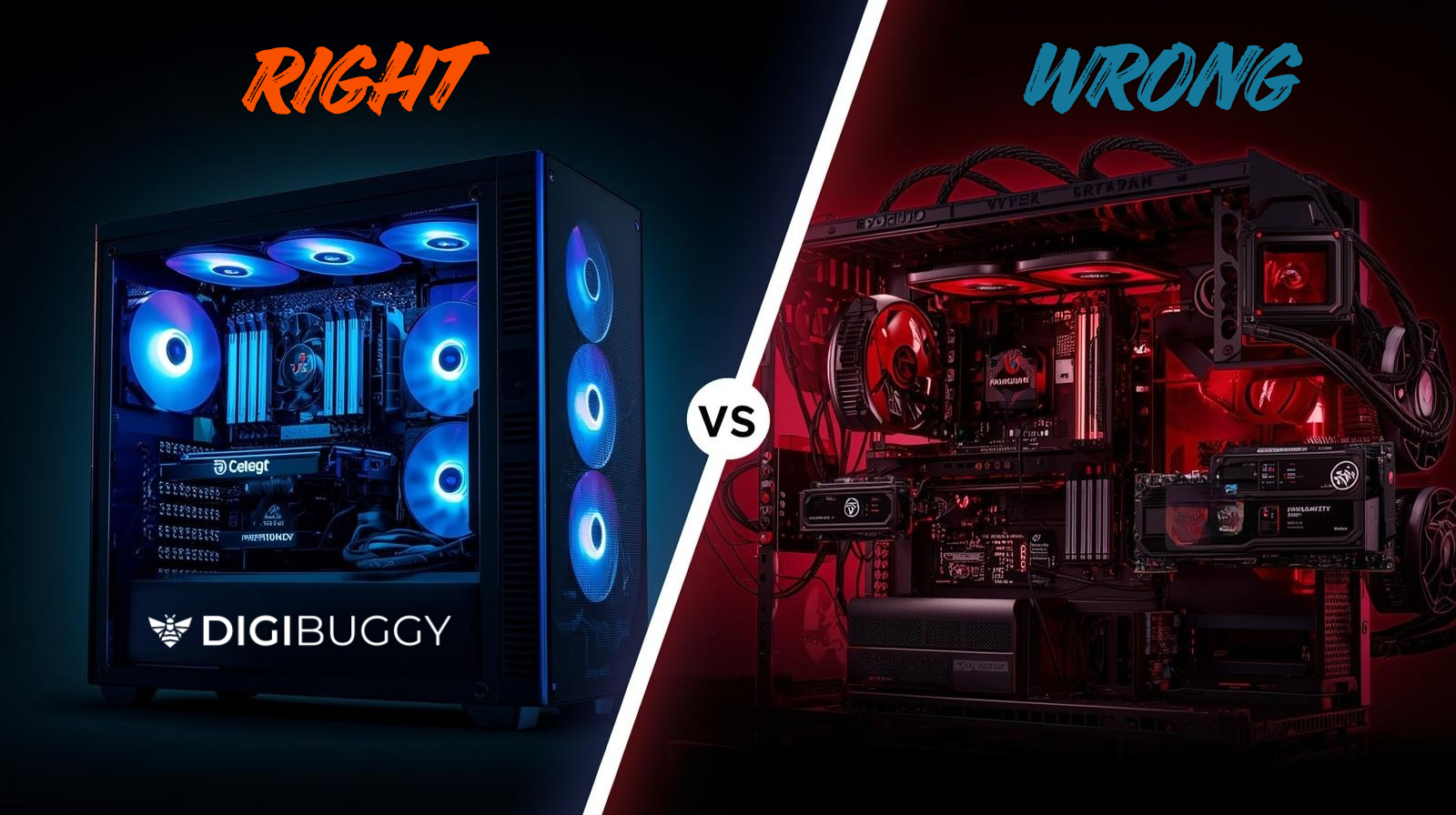
In this guide, we’ll walk you through the top 5 mistakes beginners make when buying a gaming PC in India and share practical tips to avoid them. If you want additional guidance, Digibuggy’s PC consultation provides expert advice on component selection, compatibility, and optimisation, helping you make informed decisions for a build that performs well today and stays future-ready.
Mistake 1: Choosing the Cheapest Quote Without Checking Component Quality
Ignoring warranties and genuine parts
Local PC builders sometimes include old-generation or second-hand components to lower the quote. While this may reduce the initial cost, these parts often lack warranties and may fail prematurely. A GPU or motherboard replacement early on can cost more than investing in genuine parts upfront.
Overlooking compatibility
Even if the total cost seems low, mismatched components can create bottlenecks, reduce FPS in games, and limit future upgrades. For example, pairing a high-end GPU with an entry-level CPU may prevent you from fully utilising your hardware. Digibuggy ensures that every custom PC build is optimised for compatibility and performance, reducing bottlenecks and maximising FPS.
Mistake 2: Ignoring Cooling and Airflow
Skipping proper fans or airflow setup
Many beginner builds overlook cooling essentials. Insufficient airflow can lead to overheating, thermal throttling, and sudden system crashes. Proper fan placement and airflow design are critical, especially in India’s tropical climate, where ambient temperatures are high.
Long-term impact
Excess heat shortens the lifespan of critical components like CPUs, GPUs, and motherboards. Investing in a well-cooled system ensures your PC remains reliable over years of gaming. Digibuggy’s builds are designed with optimised airflow and efficient cooling solutions to maintain consistent performance even during long gaming sessions.
Mistake 3: Overspending on Non-Essential Parts or Underspending on Key Components
Overspending on aesthetics
RGB lighting, fancy cases, and other visual enhancements can be tempting but often do not improve performance. Many beginners end up spending a large portion of their budget on aesthetics instead of focusing on essential components.
Underspending on crucial components
Cutting corners on the CPU, GPU, or RAM can create performance bottlenecks, resulting in laggy gameplay and frustration. Digibuggy’s custom PC consultation helps allocate your budget wisely, ensuring essential components get priority while still offering aesthetic options if desired.
Mistake 4: Relying Solely on Local Builders Without Research
Limited knowledge of the latest components
Some local builders may suggest older-generation parts that aren’t optimized for modern games. This can limit performance and make your PC obsolete faster.
Lack of transparency
Quotes often list parts without explaining why they were chosen, leaving buyers unaware of potential trade-offs. Digibuggy provides complete transparency in component selection and build planning, helping you understand every choice and its impact on gaming performance.
Mistake 5: Not Considering Expert Guidance or Future-Proofing
Skipping professional consultation
Without expert advice, it’s easy to end up with a system that is hard to upgrade or performs below expectations. Professional guidance ensures your PC is designed for both current games and future titles.
Missing out on optimised builds
Digibuggy’s custom PC consultation ensures:
- Proper component pairing for optimal FPS
- Efficient cooling and airflow for thermal stability
- Warranty-backed, genuine parts for long-term reliability
- Scalable builds designed for future upgrades
By consulting experts, you can avoid costly mistakes and enjoy a smoother, high-performance gaming experience.
Conclusion
Buying the cheapest gaming PC may save money initially, but it often leads to poor performance, overheating, and early repairs or upgrades. Avoid these common mistakes by:
- Verifying component quality and warranties
- Planning for proper cooling and airflow
- Prioritising essential components over aesthetics
- Conducting research and understanding compatibility
- Seeking expert guidance for optimised, future-proof builds
With Digibuggy’s expert PC consultation, you can build a custom gaming PC that delivers consistent performance, reliability, and long-term satisfaction.
FAQ
Should I trust local PC builders completely?
Local builders can help, but always verify component authenticity, warranties, and compatibility. A professional consultation can prevent costly mistakes.
Is it okay to buy used or old-generation parts?
While cheaper, old or used components can fail early, limit performance, and reduce upgrade options. Genuine, warranty-backed parts are recommended.
Can consulting Digibuggy help me avoid these mistakes?
Yes. Digibuggy ensures optimised, warranty-backed builds tailored to your gaming needs, budget, and long-term performance.