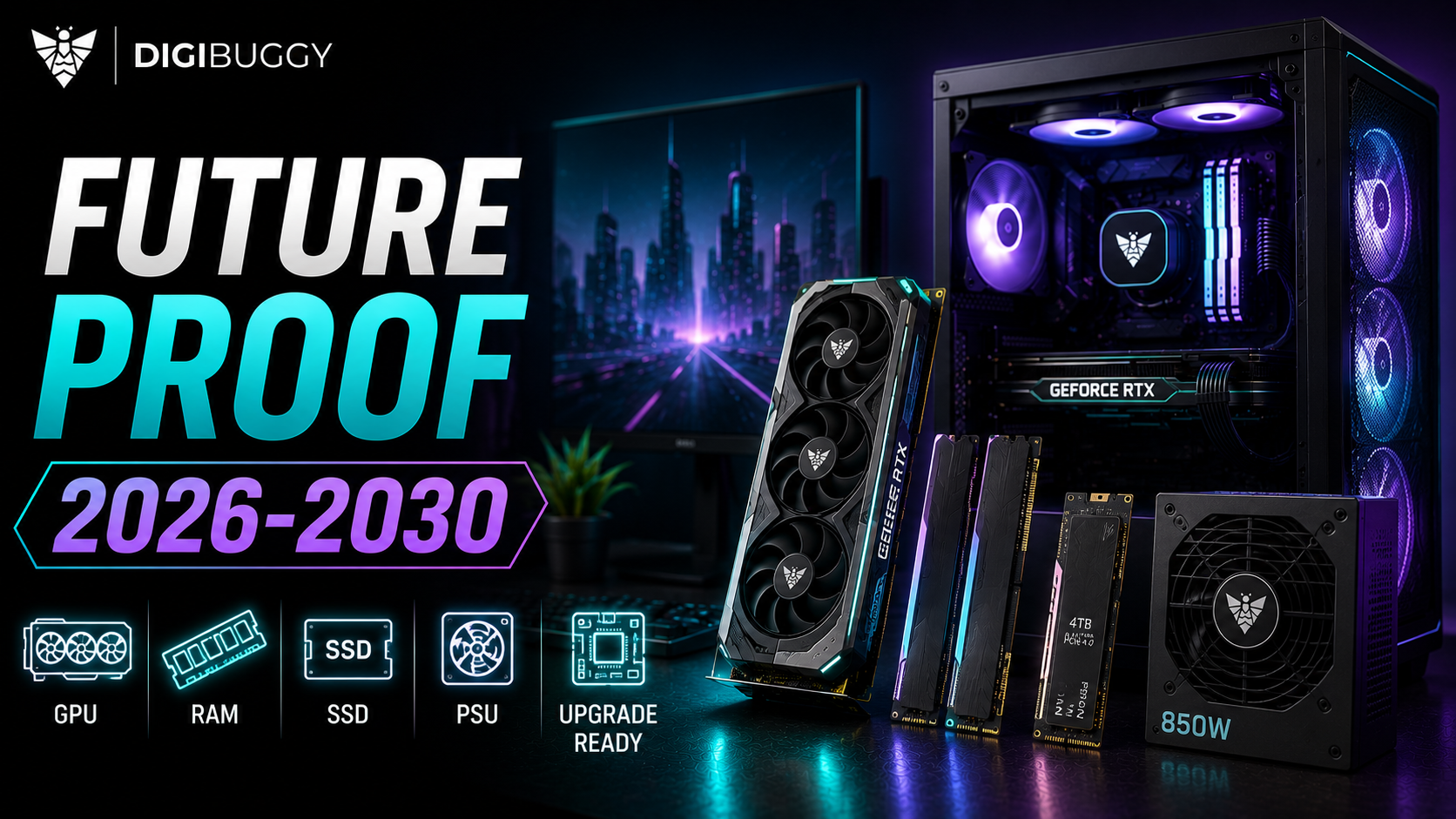
Building a gaming PC in 2026 and wanting it to last until 2030 is a different scenario.
You can't predict what GPUs will be available in 2030, what games will look like, or what graphics technologies will arrive.
However, you can build a PC with performance, memory, VRAM, and upgradeability in mind.
The point is not to build the absolute most expensive PC you can think of.
It's to invest more in components that will see you through until 2030, and not have to be replaced or upgraded.
Here's how to build a future-proof PC in 2026.
Let's get this out of the way first.
There is no such thing as a future-proof PC.
A 3-lakh PC in 2026 will not stay a 3-lakh-level gaming PC in 2030.
That doesn't mean you should build an absolute minimum PC, either.
Future-proof PC building is future-ready PC building.
It means investing in components that will see you through the next few years without being an immediate bottleneck, without maxing out VRAM, without maxing out system RAM, using a modern platform, having upgrade options, a good PSU, and not having to replace the entire PC when one component reaches its end of life.
That last one is crucial.
The GPU is the component that defines a PC's ability to age well in most cases.
If you want to future-proof (or at least future-ready) your PC, don't build it around the cheapest graphics card that can handle today's games.
Go for a graphics card with more headroom, and you'll find it much easier to keep up with future games.
For a new gaming PC in 2026, that would generally mean going for a modern graphics card with at least 12GB of VRAM, preferably 16 or more for higher-end PC building.
The reason has to do with VRAM.
VRAM requirements in games are not going to come down, so you should build your PC around that reality.
For a high-end PC with 1440p or 4K gaming in mind, we would rather have more VRAM than a more powerful CPU.
https://digibuggy.com/product/MSI-RTX-5090-Vanguard-SOC-32GB-GDDR7-Graphics-Card
When building a PC that you want to keep for a few years, 32GB RAM is the new standard.
16GB can still be used in some cases for a more minimal PC, but there's little reason to go below 32 in 2026 for a new PC.
Go for 64 if you plan on streaming, video editing, running AI applications, using heavy mods, virtual machines, or other RAM-heavy tasks.
For a pure gaming PC, 32 is still a good target.
https://digibuggy.com/product/G.Skill-Trident-Z5-RGB-32GB%2816GBx2%29-6000MHz-CL36-DDR5
You don't need to go for the absolute flagship processor, but you also shouldn't pair a high-end graphics card with an entry-level CPU.
A balanced PC will generally have better minimum FPS, provide a better gaming experience, and have more headroom for future upgrades.
For a 2026 PC build, that would generally mean going for a modern Ryzen 5/Core i5 processor for mainstream PC building and Ryzen 7/Core i7 for higher-end builds, leaving the Ryzen 9/Core i9 for when the workload actually requires it.
Remember:
Your goal should not be to build the fastest possible PC, but a balanced PC with good future upgrade options.
https://digibuggy.com/product/AMD-Ryzen-9-9900X
This is one of the most overlooked aspects of future-proof PC building.
Your motherboard dictates what you can and cannot upgrade in the future.
When choosing a platform, go for something that has good future upgrade options.
That generally means going for a modern processor socket, multiple M.2 slots, sufficient RAM capacity for the future, PCIe expansion, good VRM, modern connectivity options, and more.
A slightly more expensive motherboard can save you from having to replace an entire platform down the road.
https://digibuggy.com/product/MSI-Mag-Z890-Tomahawk-WiFi
The power supply is one of those components that you should never, ever cheap out on.
A good PSU will generally outlive multiple graphics cards.
On the other hand, a cheap PSU can turn a PC upgrade into a nightmare when it fails.
For a future-proof PC build, you want to get a good PSU with enough headroom for future graphics card upgrades.
For higher-end PC building, you also want to get a modern PSU with the appropriate power delivery and connectivity for future graphics cards.
Remember:
Don't get a PSU based on today's graphics cards; get one based on what you want to upgrade to in a few years.
https://digibuggy.com/product/Corsair-AX1600i-Titanium-1600-Watt-Fully-Modular-SMPS
Modern games are getting absurdly big.
A few AAA titles can already take hundreds of gigabytes of storage before you've even installed your productivity software.
For a new PC build in 2026, that means 1TB is the new standard, 2TB is the new minimum, and 4TB is the new recommended storage capacity for a PC with serious gaming ambitions.
A motherboard with multiple M.2 slots is even better, as it gives you an option to add another NVMe SSD instead of upgrading your primary storage drive when needed.
https://digibuggy.com/product/Samsung-990-Pro-4TB-M.2-Gen4-SSD
This one is easy to overlook.
Modern NVMe SSDs have insane sequential read and write speeds, but they're not always utilized to their maximum potential in games due to PCIe bandwidth limitations.
For most PC building scenarios, a good, modern NVMe SSD is plenty of speed for a gaming PC.
Instead of getting the fastest possible storage solution available, you can get more value out of additional storage capacity, a better graphics card, more RAM, or better cooling solutions.
Don't future-proof your PC by maxing out sequential speeds when your games can't utilize them.
A future-proof PC also means good airflow and good cooling solutions.
That's because higher-end PC components tend to generate more heat, and poor airflow can lead to higher temperatures, louder fans, and reduced performance.
When choosing a case, go for good airflow solutions, multiple fan mounts, good GPU clearance, space for larger CPU coolers, easy-to-clean dust filters, and future upgrade options.
You don't need to spend 20,000 on a case, but you should prioritize cases with good airflow solutions.
https://digibuggy.com/product/MSI-MAG-CORELIQUID-I360-ARGB-CPU-Liquid-Cooler-%28Black%29
This is one of those things that we see all the time.
People invest 20,000 in a PC and then pair it with a 1080p 60Hz monitor.
A monitor defines the maximum resolution and refresh rate that your PC can utilize, so it's actually one of the most important components in a PC gaming setup.
For a PC gaming setup in 2026, that means:
1080p = entry-level PC building
1440p = the sweet spot
4K = high-end PC building
If you're going to invest in a high-end graphics card, you should also invest in a good high-refresh-rate monitor.
https://digibuggy.com/product/LG-UltraGear-27GS60QC-B-27-Inch-Curved-Gaming-Monitor
Not everything that is expensive is future-proof.
Avoid 16GB RAM for a premium PC build
Go for 32GB DDR5 as a standard.
Avoid low-VRAM GPUs
A future-proof PC should have enough VRAM for the resolution it runs at.
Avoid cheap PSUs
This is one of the worst places to save money on a PC.
Avoid locked upgrade paths
Go for a motherboard and platform that has future upgrade options.
Avoid overspending on the CPU
A balanced PC with a good GPU is better than a high-end CPU paired with an entry-level graphics card.
Avoid buying future-proof components for the sake of it
If you're spending a lot of money on something you will not use, it is not future-proof.
It is just expensive.
For a mainstream to high-end PC build in 2026, we would go for something like a modern 6-core CPU, a 16+ GB VRAM GPU for premium PC building, 32GB system memory, 2TB storage, a good 750W-850W PSU, good airflow solutions, and a motherboard with future upgrade options in mind.
This PC would be good for the next few years without being absurdly expensive, and it would also have clear upgrade paths.
If your PC is still good in 2028 or 2029, you should not necessarily replace all the PC components at once.
You should instead identify the PC bottleneck and upgrade that first.
For most PC gaming setups, that will generally be the GPU, followed by storage, RAM, and then the CPU/platform.
However, it all depends on the PC workload.
If you're struggling to get good performance at 4K, it will not help to upgrade your CPU.
If your PC is always low on RAM, a faster GPU will do little to help the situation.
Trying to predict the future of PC hardware is a bit like astrology.
That's why future-proof PC building should focus on things that are relatively easy to predict.
Games will get more demanding, textures will get bigger, ray tracing and AI graphics will continue to evolve, storage needs will grow, and new PC hardware will arrive, so you should build a PC around those realities.
A good GPU with enough VRAM, sufficient system memory, good storage, and future upgrade options should be enough to future-proof most PC builds.
If you're building a PC in 2026 that you want to keep until 2030, avoid the temptation to spend all your money on the absolute flagship PC components.
Instead, build a PC around a good GPU, at least 32GB of RAM, sufficient VRAM, good storage solutions, a good PSU, and future upgrade options.
Then, when the time comes, you can simply upgrade the PC bottleneck instead of rebuilding your entire PC every couple of years.
If you're building a custom PC, the configuration should be based on what you want to play, what resolution you want to play at, your budget, and your expected upgrade cycle.
At Digibuggy, we can help you build a gaming PC around your requirements while also keeping future upgrades in mind.
Whether you're looking to play 1440p high-refresh games or 4K games, stream, do content creation, or run local AI, we'll help you prioritize the budget to make your PC future-proof.
Don't just build a PC for 2026. Build a PC for the future.
👉 Get your custom PC configuration from Digibuggy.
https://digibuggy.com/product/configure
Can a gaming PC really last until 2030?
Yes, but you should also be prepared to upgrade some components along the way.
Is 32GB RAM enough for a gaming PC until 2030?
32GB is a good target for a gaming PC, but you can always add more if you need it.
How much VRAM should a future-proof gaming PC have?
For a future-proof gaming PC, we would avoid low-VRAM GPUs.
For higher-end PC building, we would rather have more VRAM than a more powerful CPU.
Is 4K gaming worth it in 2026?
If you're building a high-end PC, yes.
However, 1440p is a much better balance between resolution and performance.
Should I buy a high-end CPU for future-proofing?
Not necessarily.
A balanced PC with a good GPU is a much better investment than a high-end CPU with an entry-level graphics card.
How much storage should a gaming PC have in 2026?
1TB is the new standard, 2TB is the new minimum, and 4TB is the new recommended storage capacity for a PC with serious gaming ambitions.
What's the most important part of a future-proof gaming PC?
For a gaming PC, the GPU is generally the most important component, but the amount of VRAM, RAM, PSU, and future upgrade options also matter.

CPU N/A
GRAPHICS CARD N/A
STORAGE N/A
RAM N/A